3.1.9 Account Search - Interest Configuration
This topic explains the systematic instructions to view the interest configuration details of an account.
User can search for the required account and open the 360 view of the account. To find and view the account, see Account Search.
The Interest Configuration tile displays the
interest details configured on the account. The account class defines the interest
product and related interest details. The Interest Details are added to the account from
the account class during the account enrichment stage of account creation. For more
information on setting the interest details, see Step 15 in Account Creation and Step 10 in Create Account Class.
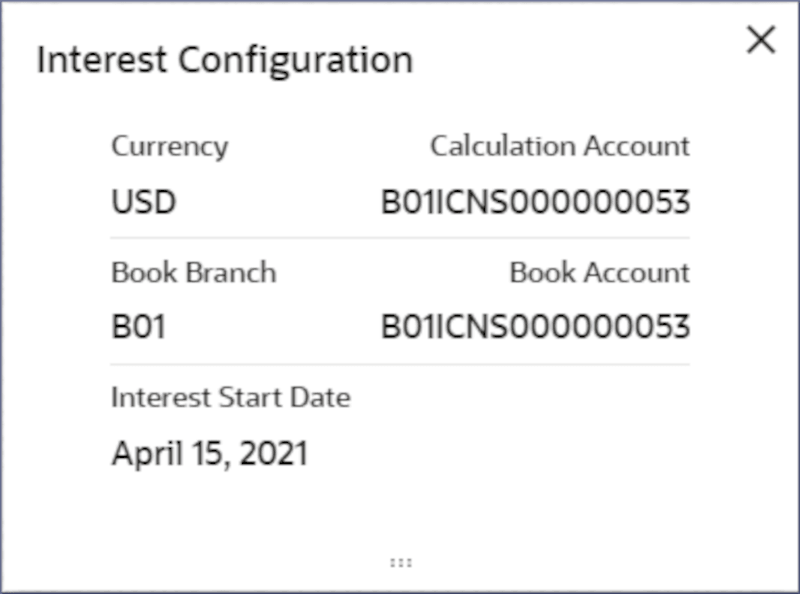
- Click the Interest Configuration tile, to view the Interest Configuration details.The Interest Configuration dialog displays the interest details configured on the account.
Figure 3-26 Interest Configuration Details
Note:
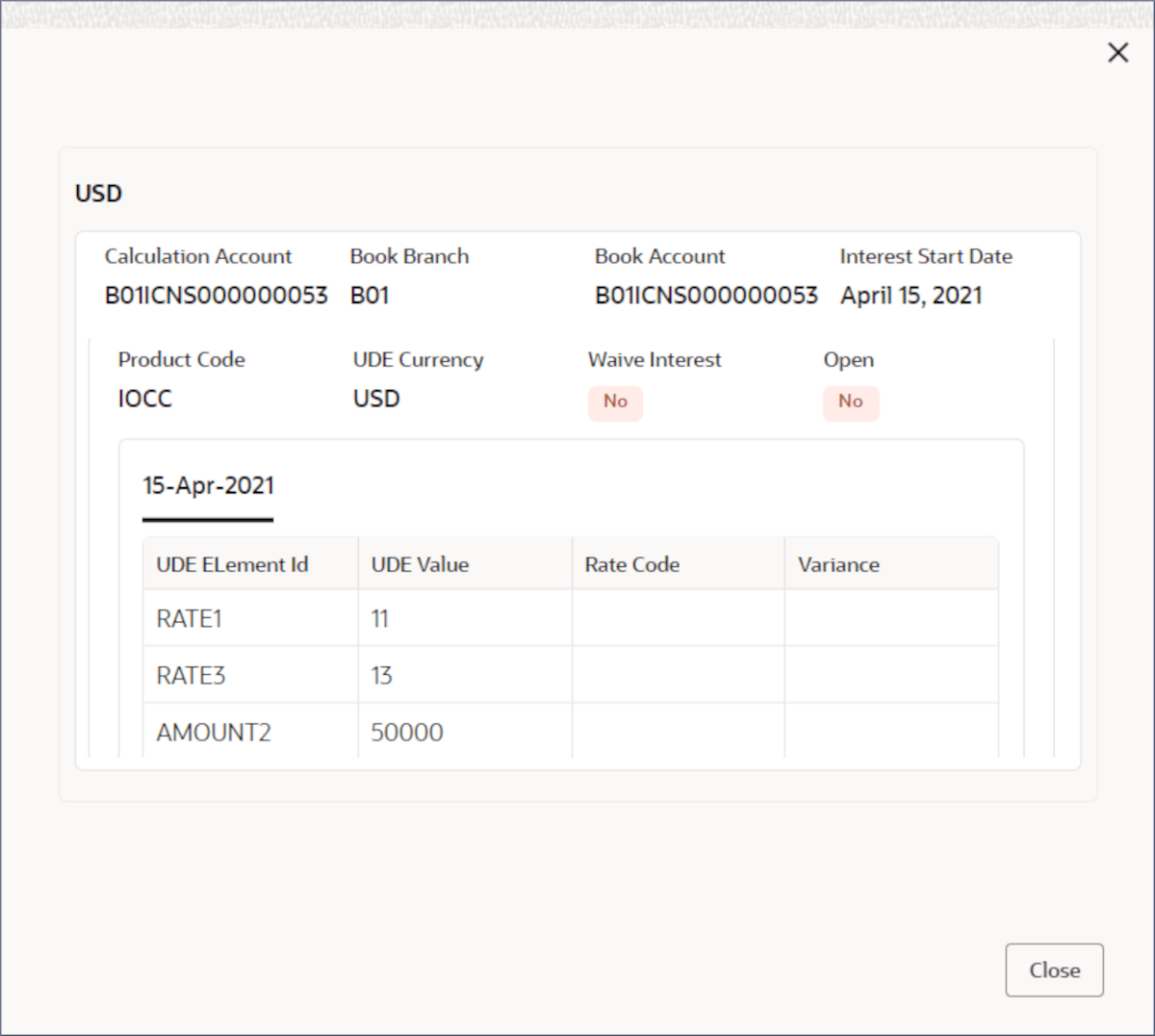
For more information on the fields in the Interest Configuration dialog, see Step 15 in Account Creation and Step 10 in Create Account Class.
Parent topic: Account Search