4.8 Account Statement Request
This topic describes the systematic instructions to request and generate account statements based on a given date range or a selected period as requested by the account holder.
A statement records the account transactions and balances over a specific period. It displays the debits and credits of the account in this period. A detailed statement provides more details about each transactions, including the order of the transaction, ultimate beneficiary, payment methods, and more.
A summary statement displays all the transactions with limited details about individual transactions, such as the reference number, date, and amount with a debit or credit indicator.
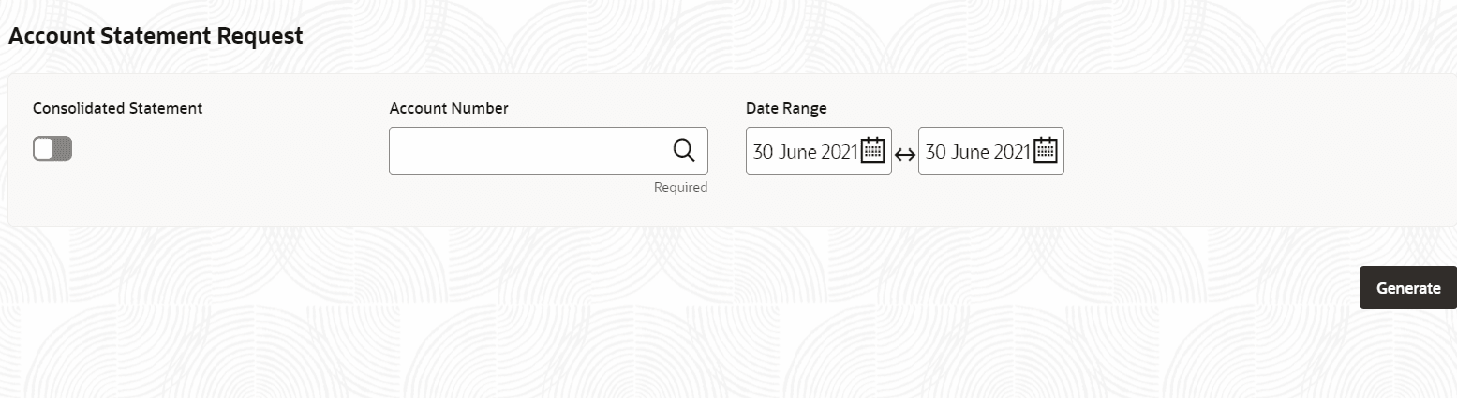
- On Home screen, click Corporate Account Services. Under Corporate Account Services click Account Statement Request.The Account Statement Request screen displays.
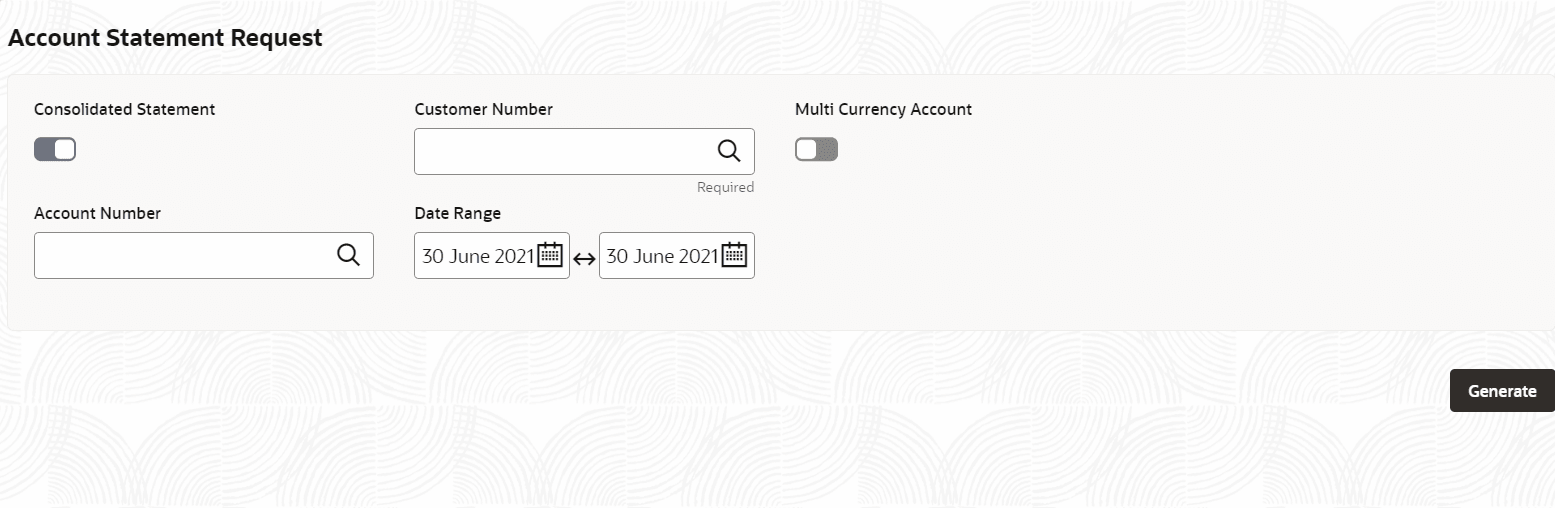
- From the Consolidated Statement field, toggle the switch to ON.
Figure 4-53 Account Statement Request - View
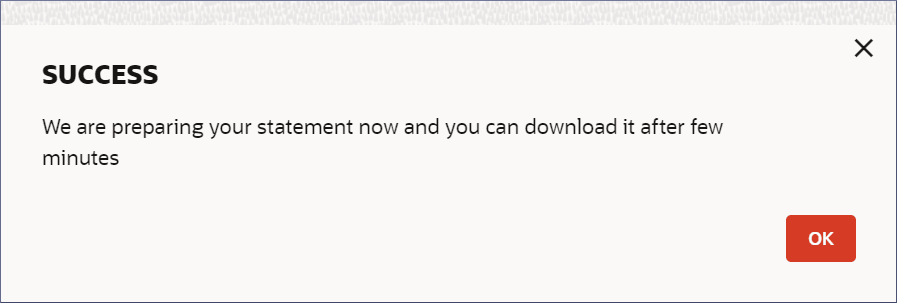
- Click Generate.The SUCCESS dialog displays.
Figure 4-54 Success Dialog
Note:
The generated statements are available for download from the Account's 360 View. For more information on viewing the account details and downloading the statement see, Account Search - Statements Details.
Parent topic: Corporate Account Services