5.4 Credit Analysis - Industry Performance Details
Detailed information about the Industry Performance Details tile in Credit Analysis Data segment.
This tile allows you to add industry performance details of your customer prospect.
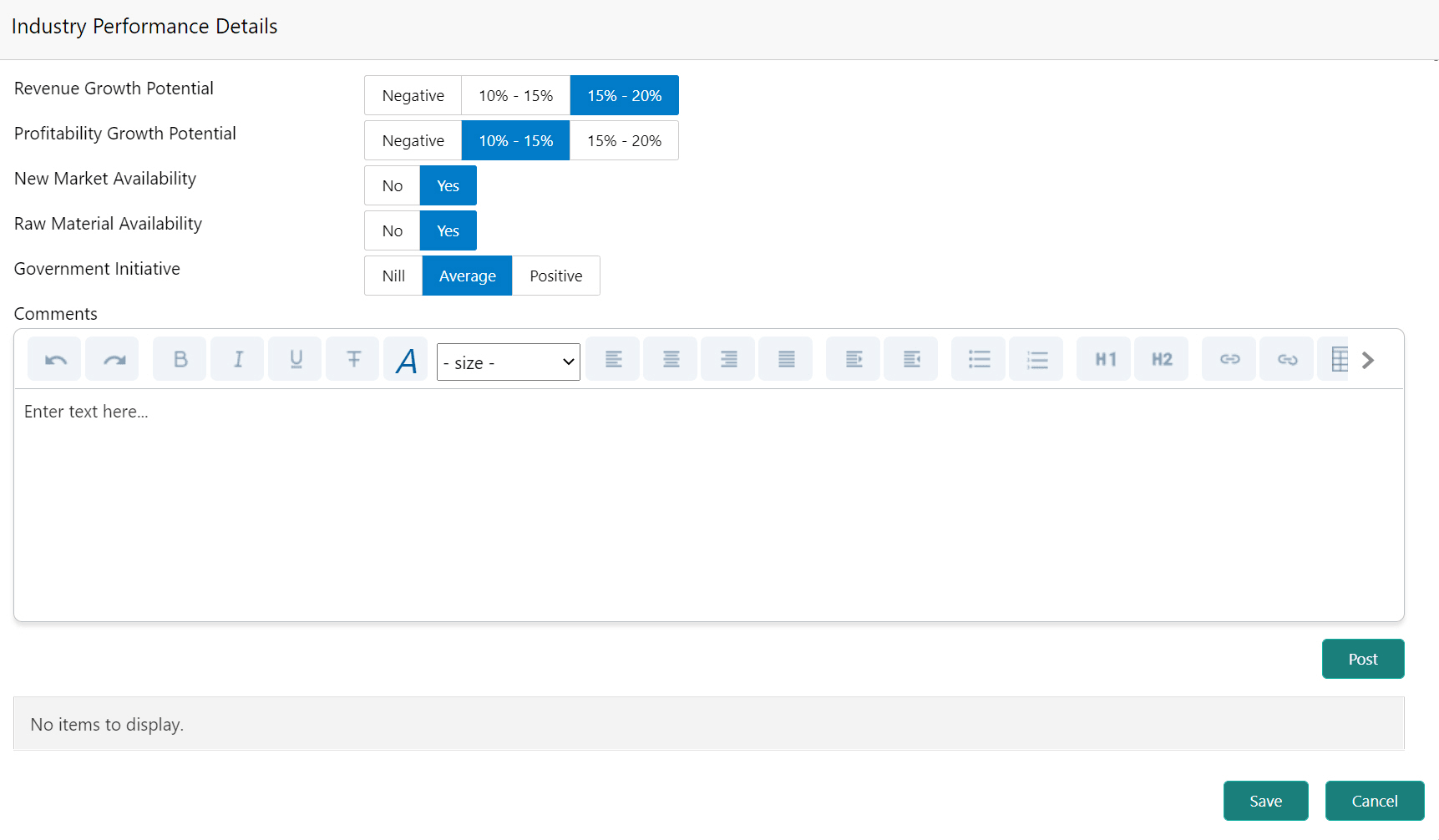
- Click Enrich in the Industry Performance Details
tile.The Industry Performance Details window is displayed.
Figure 5-13 Industry Performance Details
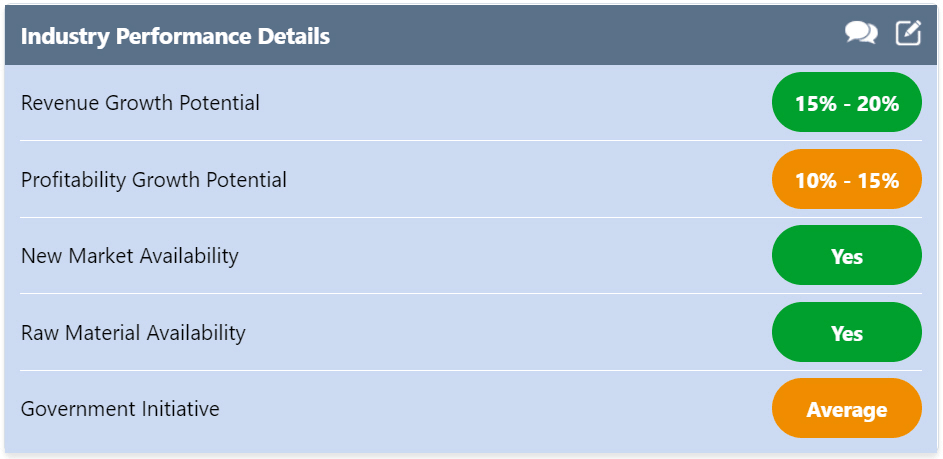
- Click Save. The details are updated and displayed in the
Industry Performance Details tile as shown below.
Figure 5-14 Industry Performance Details
- To update the captured comments alone, click
 the comments icon and type the comments.