5.7 Credit Analysis - Marketshare
Detailed information about the Marketshare tile in Credit Analysis Data segment.
This tile allows you to add details about your customer prospect’s market-share in
their industry.
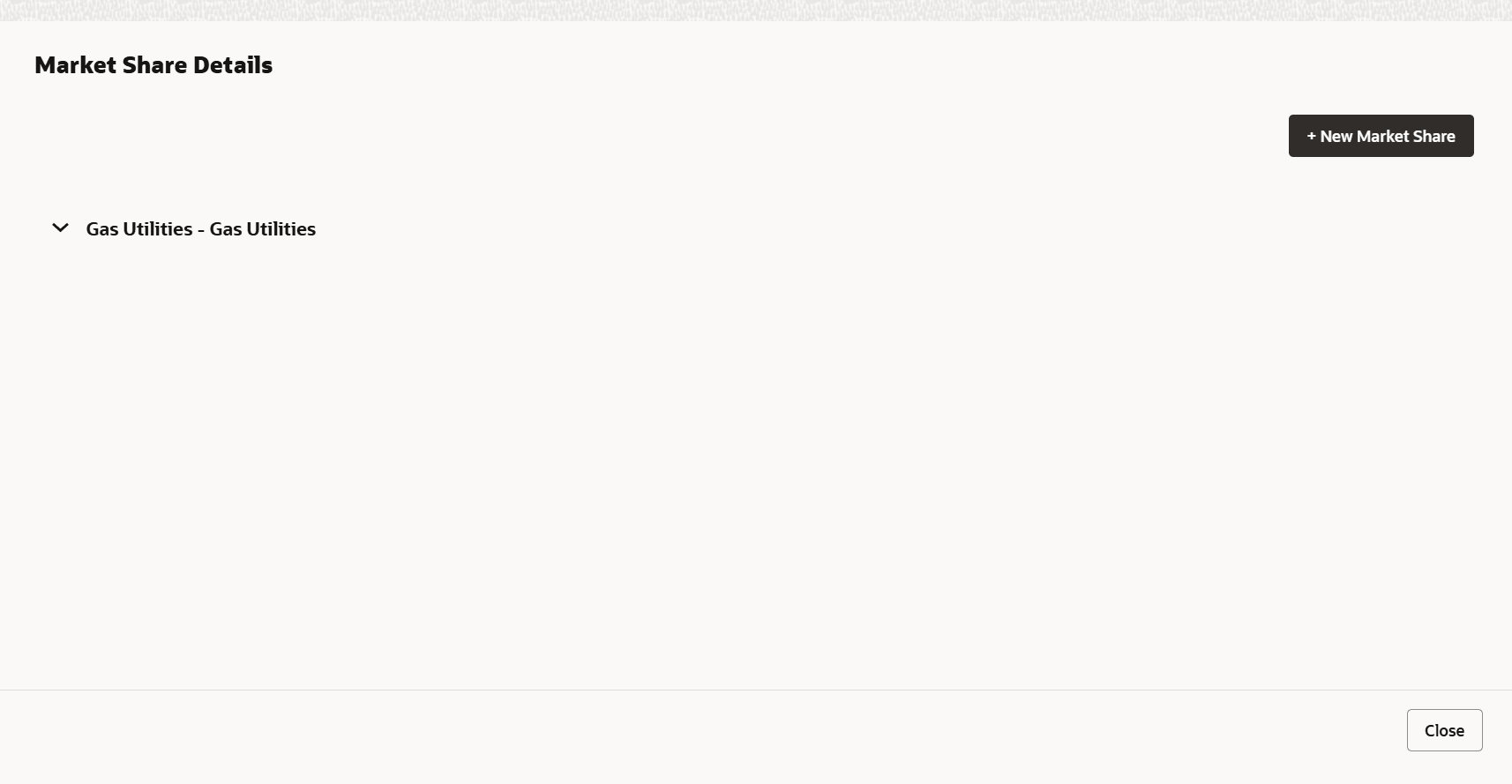
- Click Enrich in the Marketshare tile.The Market Share Details window is displayed.
- Click +New Market Share.The New Market Share window is displayed. For information on fields in the +New Market Share screen, refer the below table.
Table 5-11 +New Market Share
Field Description Year Specify the Year for which the market share details are to be added. Sub Industry Select the Sub Industry from the drop down list. Sector, Industry Group, and Industry details get defaulted based on selected Sub Industry. Market Percent, Growth Percent, and Total Contribution Specify the customer prospect’s Market Percent, Growth Percent, and Total Contribution in the market. - Click Save. Details are added and displayed as shown
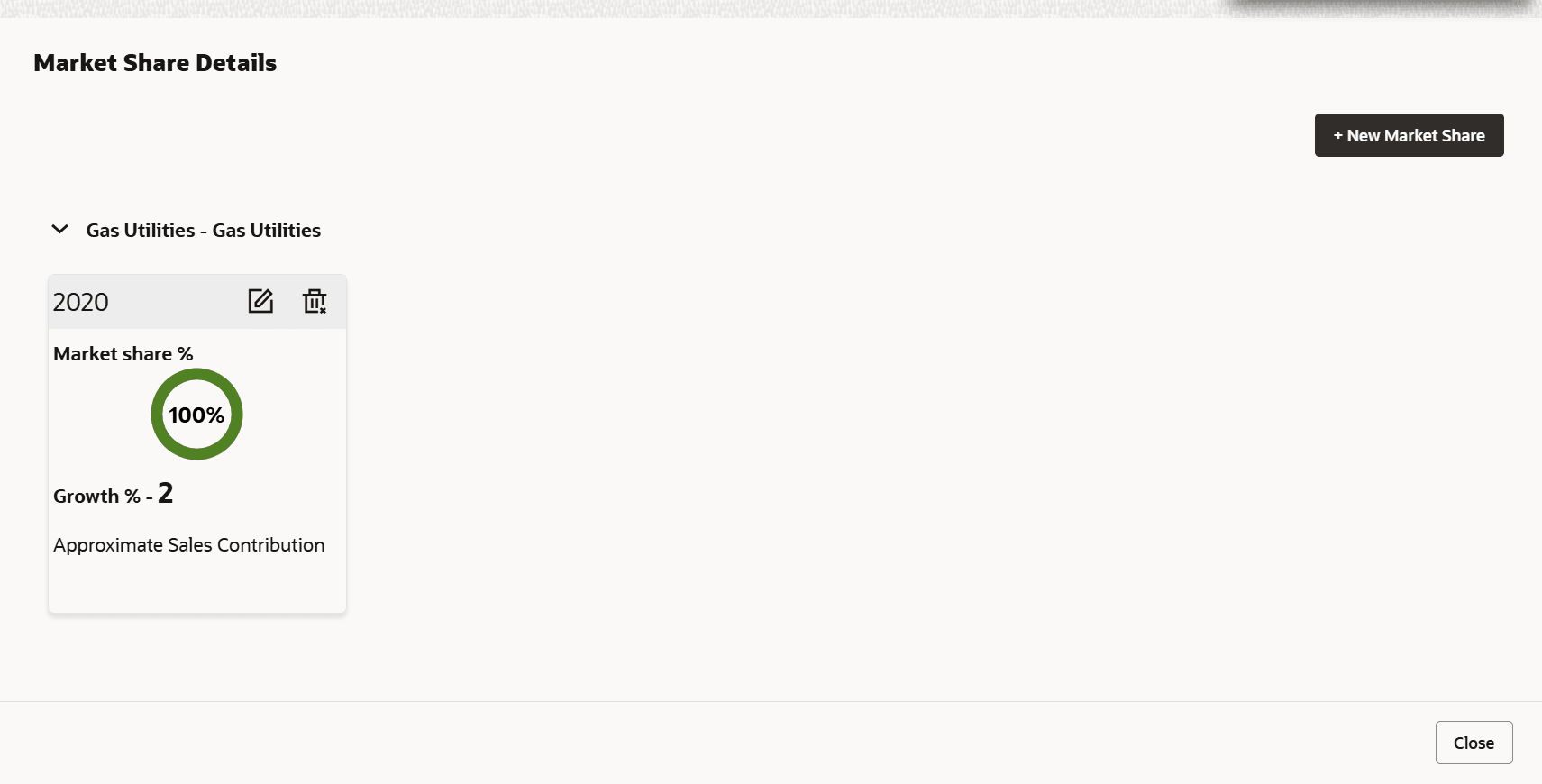
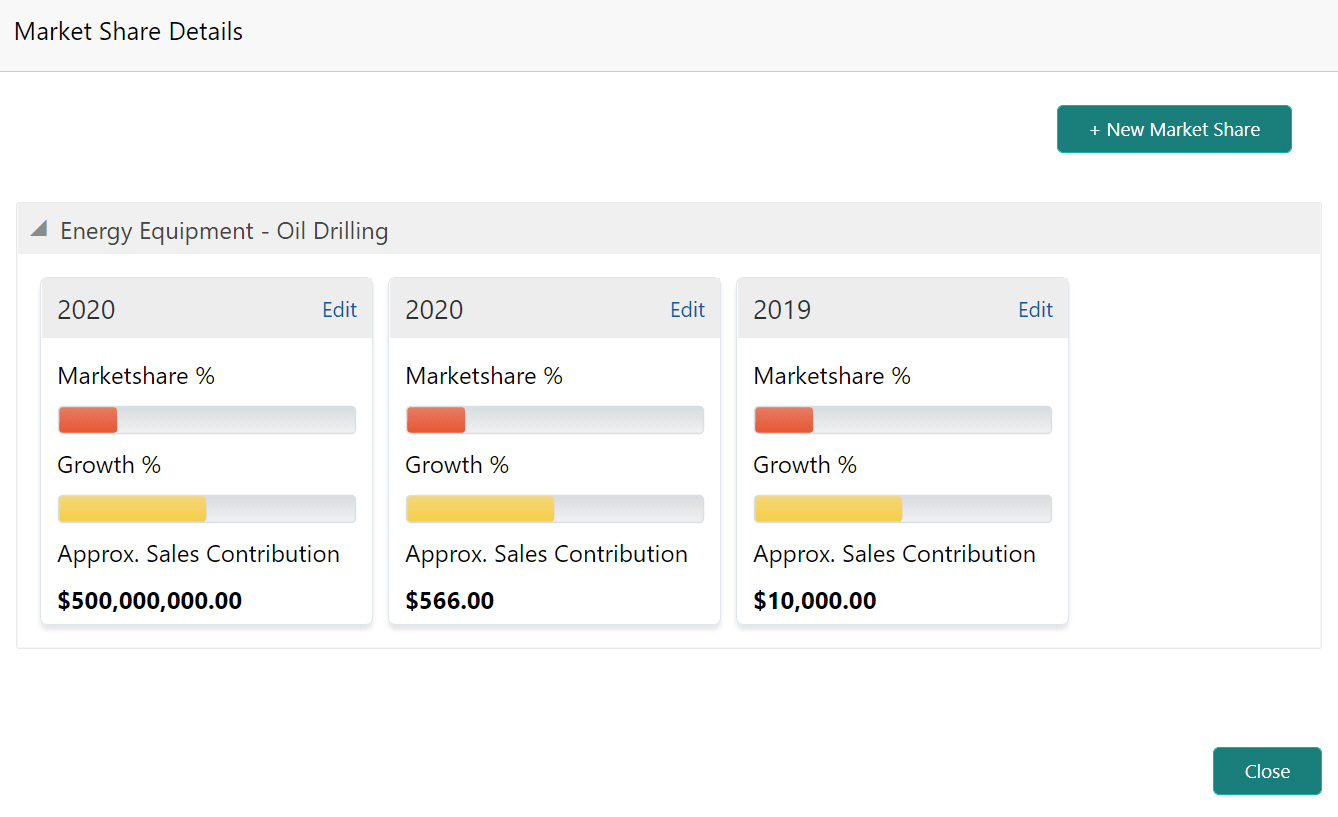
below:
Figure 5-32 Market Share Details
- To exit the Market Share Details window, click
Close.
Figure 5-33 Market Share
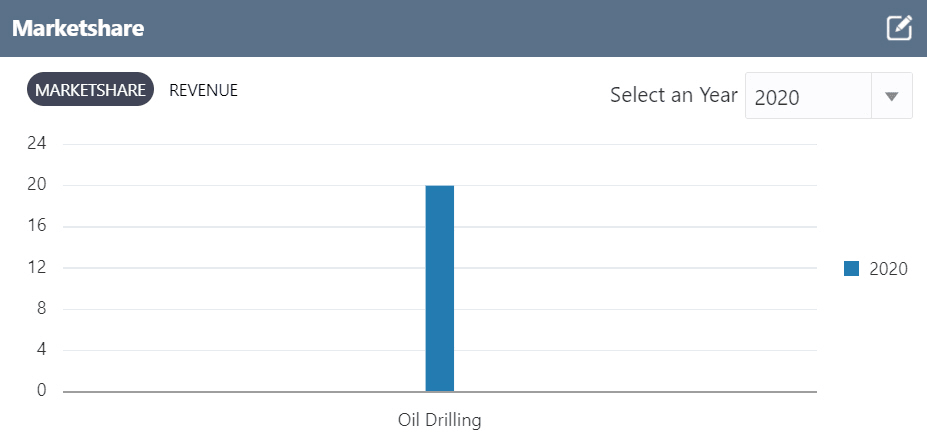
In the Marketshare tile, you can view the marketshare details for a particular year by selecting the year from the Select an Year drop down list.