7 Amendment Structuring
This topic provides systematic instructions about the Amendment Structuring of the Credit Amendment.
In this stage, the Credit manager structures the proposal in terms of change of funding, type of products/funding to be extended, and pricing, T&C, covenants, collateral/margin etc. to be applied based on the scoring generated in the risk, legal and credit evaluation stages, collateral value and information captured in the previous stages. In addition, the user can also structure the availability of funds between the parent and the child customers.
The following table provides a high level overview about the Amendment Structuring stage.
| Information Available for User | Activities that can be performed by user |
|---|---|
|
|
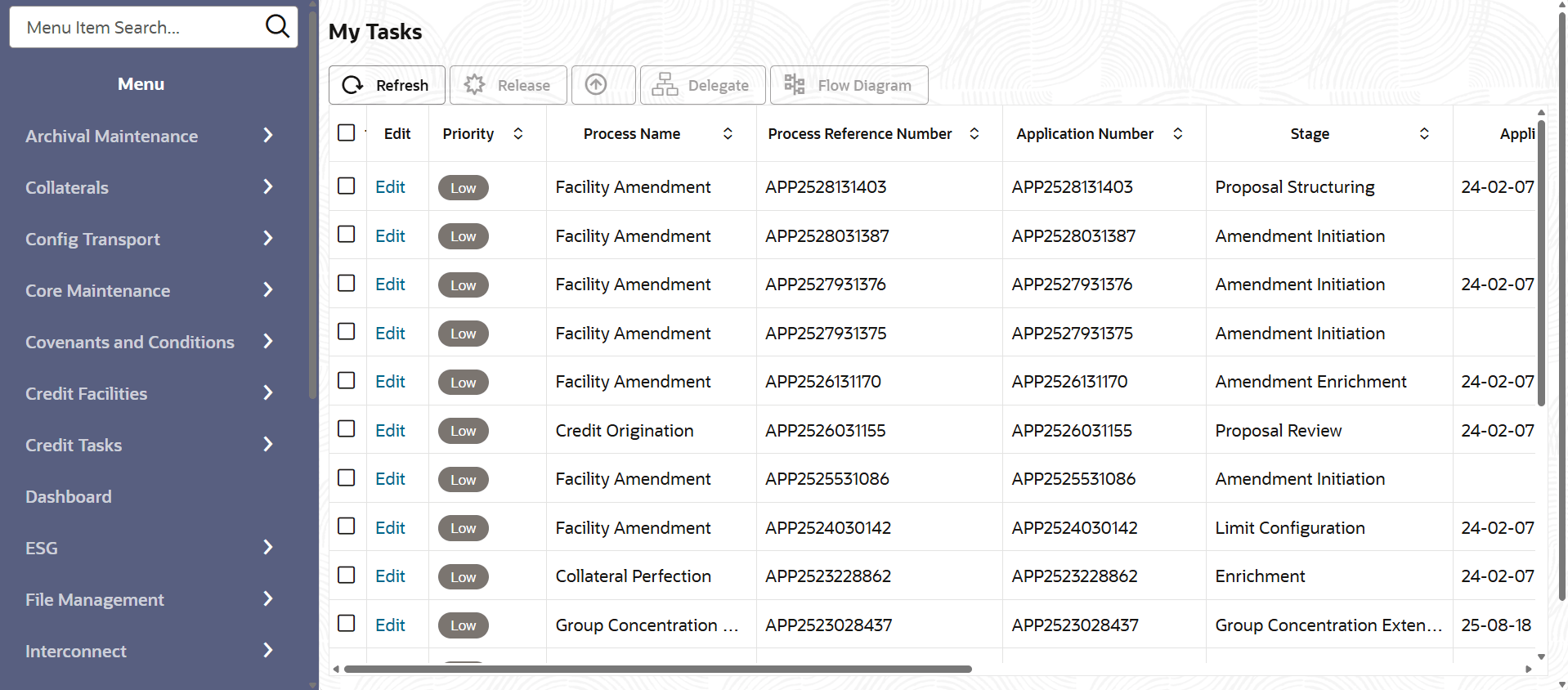
To structure the credit amendment proposal, perform the following steps:
- On Home screen, select Tasks.
Under Tasks, select Free
Tasks.The Free Task page is displayed.
- Amendment Structuring - Customer Summary
This topic describes information about the Customer Summary of the Amendment Structuring. - Amendment Structuring - Amendment Summary
This topic procides systematic instructions about Amendment Summary of the Amendment Structuring. - Amendment Structuring- Proposal Structuring
This topic describes informtaion about Proposal Structuring of the Amendment Structuring. - Amendment Structuring -Write Up
This topic describe about the Write Up of the Amendment Structuring. - Amendment Structuring - Comments
This topic describes information about Comments of the Amendment Structuring.