3.4.7 Commercial Papers
This topic provides systematic instructions about the Commercial Papers data segment in Evaluation Enrichment stage.
The commercial papers data segment appears in case
Commercial Papers is selected as the Collateral
Type in Quick Initiation screen.
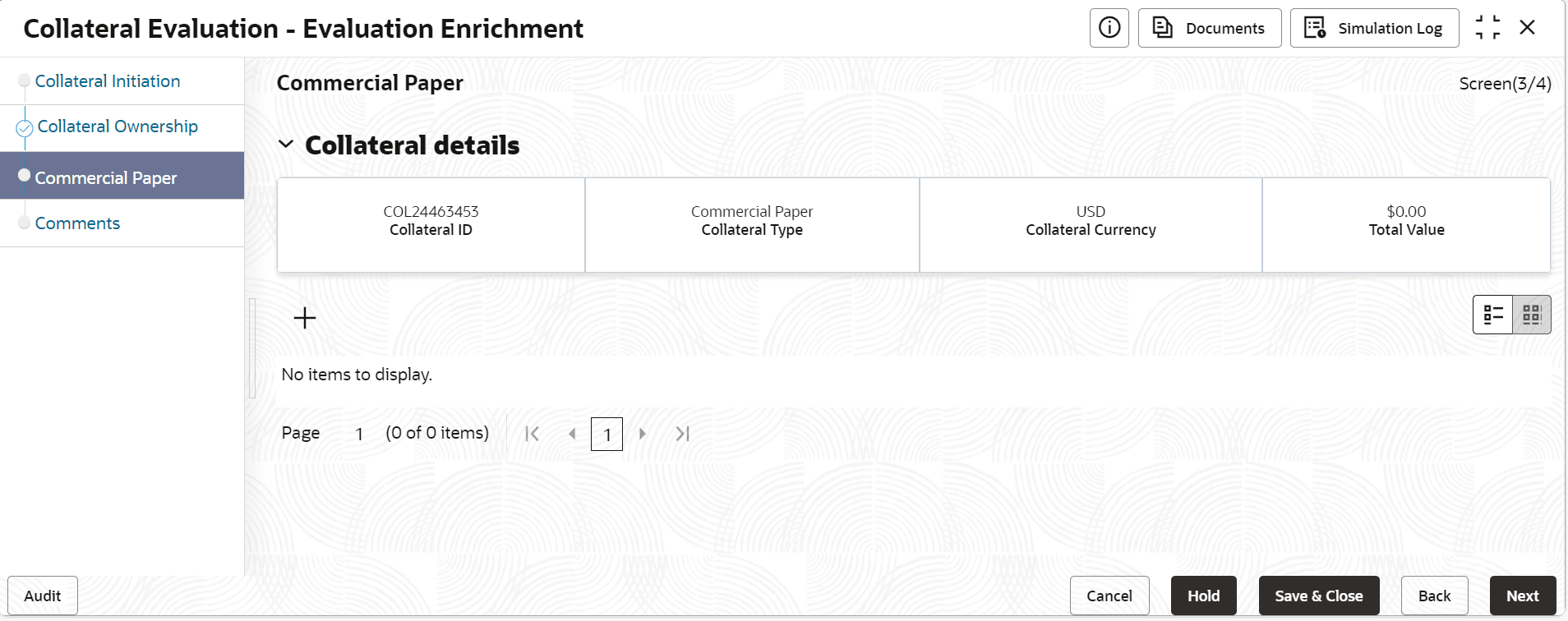
- Click the add icon.The Commercial Paper Details screen is displayed.
Table 3-23 External pricing details - Field Description
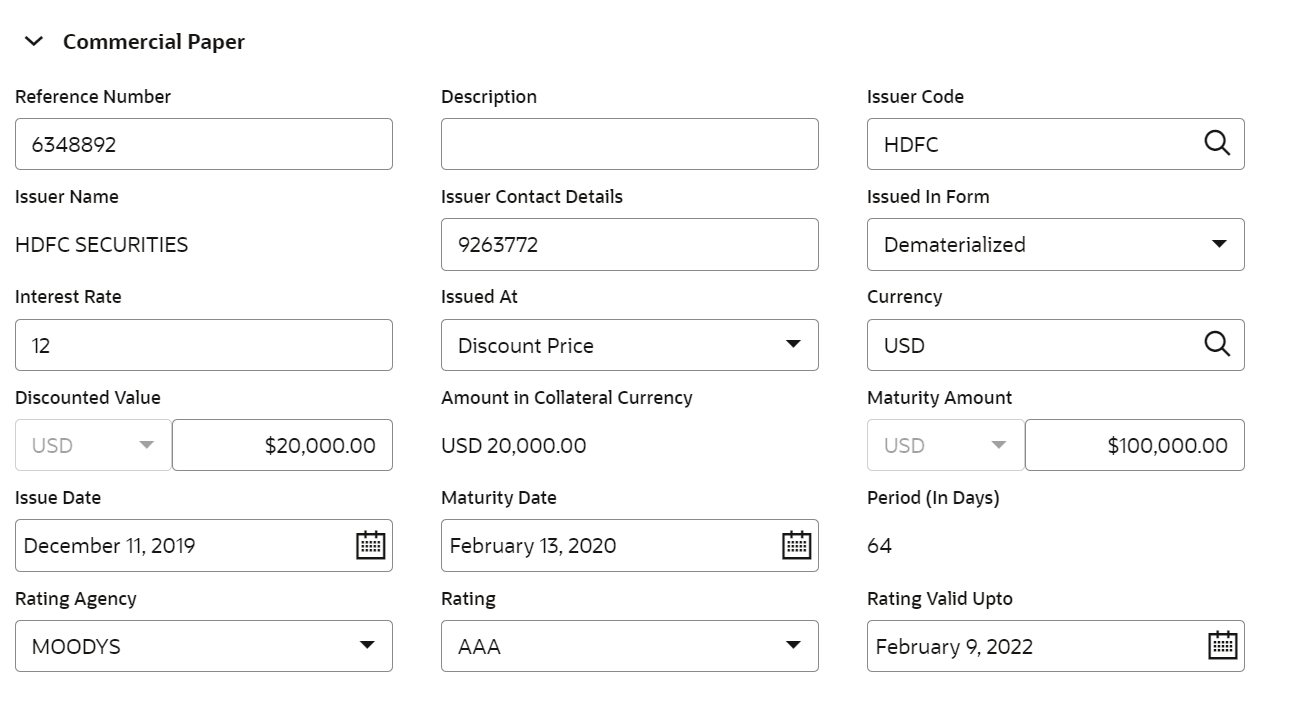
Field Description Reference Number Specify the reference number Description Displays the description of the security code selected. Issuer code Click the  icon and select the one or more codes
Issuer Name Unit value is defaulted for the price code selected. Issuer Contact Details Specify the number of units of security being considered for collateral creation. Issued In Form Based on unit value and number of units, current value is calculated and displayed. Following sub-screens are not relevant to commercial papers type of collateral. Appropriate message is displayed when the same are invoked for entering data at the time of collateral maintenance.- Dematerialized
- Physical
Interest Rate Specify the interest rate. Issued At Select the option from the drop-down list. The available options are: - Discount Price
- Interest Bearing
Currency Search the currency code from the list. Amount in Collateral Category Displays the amount in collateral category. Maturity Amount Specify the maturity amount. Issue Date Select the issue date. Maturity Date Select the maturity date. Period (In Days) Displays the specific period in days. Rating Agency Select the rating agency from the drop-down list. Rating Slect the rating from the drop-down list. Rating Valid Upto Select the valid rating date. For more information on fields, refer to the field description table below.
Table 3-24 Configure - Storage Details
Field Description Storage Location Specify the storage location. Storage Charges Specify the storage charges. Insurance Coverage Specify the insurance coverage.