3.4.8 Corporate Deposits
This topic provides systematic instructions about the Deposits data segment in Evaluation Enrichment stage.
The Deposits data segment appears in case Corporate
Deposits is selected as the Collateral Type in
Quick Initiation screen.
Figure 3-30 Enrichment - Corporate Deposits
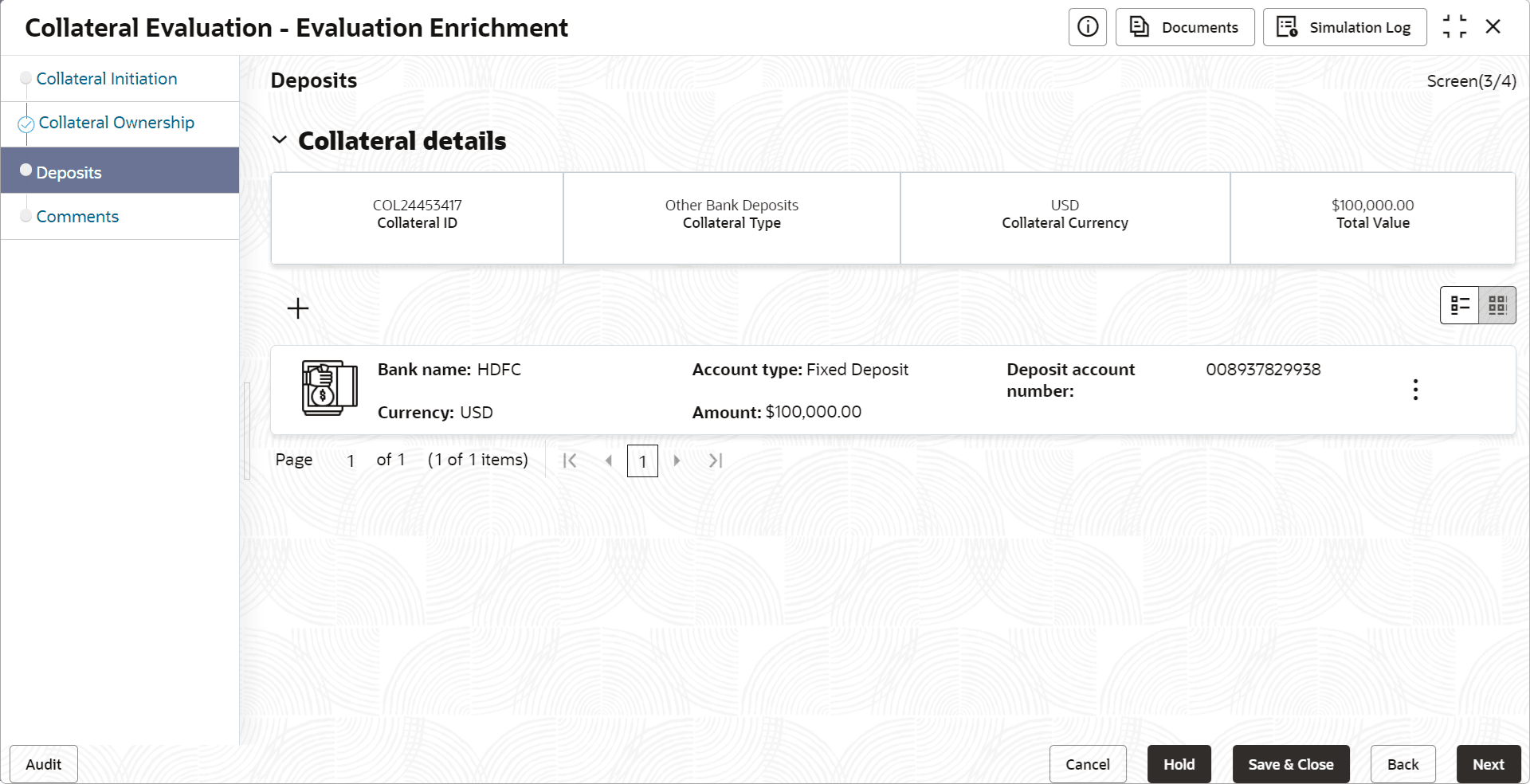
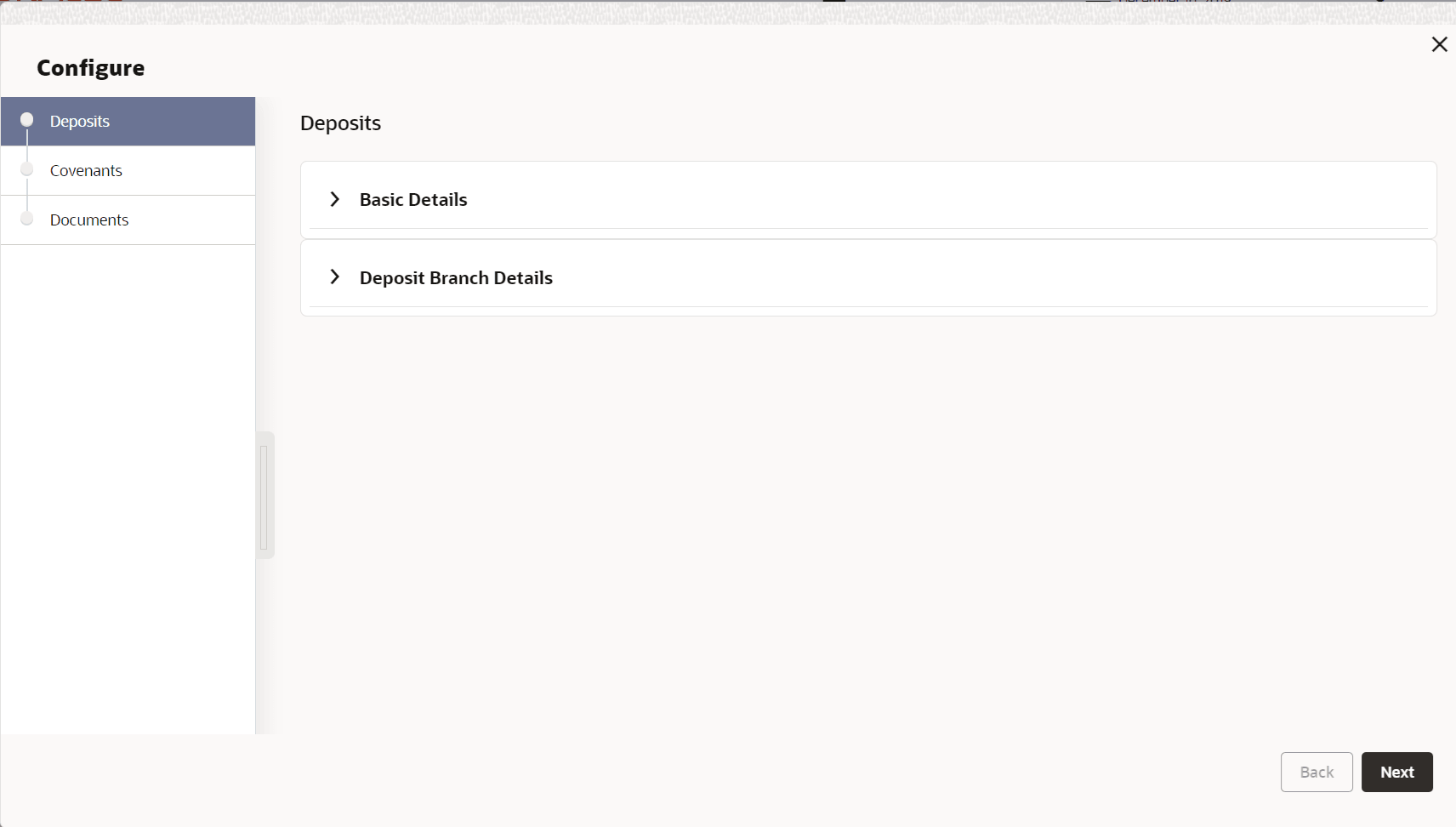
- Click the add icon.The Configure - Deposits screen is displayed.
- Provide the deposit details in the Configure - Deposits screen.For more information on fields, refer to the field description table below.
Table 3-25 Basic Details - Field Description
Field Description Deposit Account Number Specify the Deposit Account Number. Account Type Select the deposit Account Type from the drop-down list. The available options are: - Fixed Deposit
- Recurring Deposit
- Reinvestment Deposit
Deposit Category Select the Deposit Category from the drop- down list. The available options are: - Banks
- Corporates
- Sovereigns
Interest Payment Select the Interest Payment option from the drop-down list. The available optiosn are: - Cumulative
- Non cumulative
Deposit Currency Select the currency in which the amount is deposited. Deposit Amount Specify the Deposit Amount. Amount in Collateral Currency If the deposit currency is different from the collateral currency, the deposit amount is converted to the Collateral Currency and displayed in this field. Deposit Balance Specify the balance available in the deposit account. Collateral Contribution Specify the deposit amount contribution to the collateral amount. Interest Type Select the Interest Type from the drop-down list. The available options are: - Anually
- Halfyearly
- Monthly
- Weekly
- Quarterly
- Semi-Annual
Rate of Interest Specify the Rate of Interest for the deposit amount. Maturity Amount Specify the deposit Maturity Amount. Date of Deposit Specify the Date of Deposit. Maturity Date Specify the deposit Maturity Date. Deposit Status Select the Deposit Status from the drop-down list. The available options are: - Deposit Active
- Deposit Proposed
- Deposit Partially Redeemed
Is Auto Renewal Enable this flag, if auto renewal is applicable for the deposit. Figure 3-32 Configure - Deposits - Branch Details
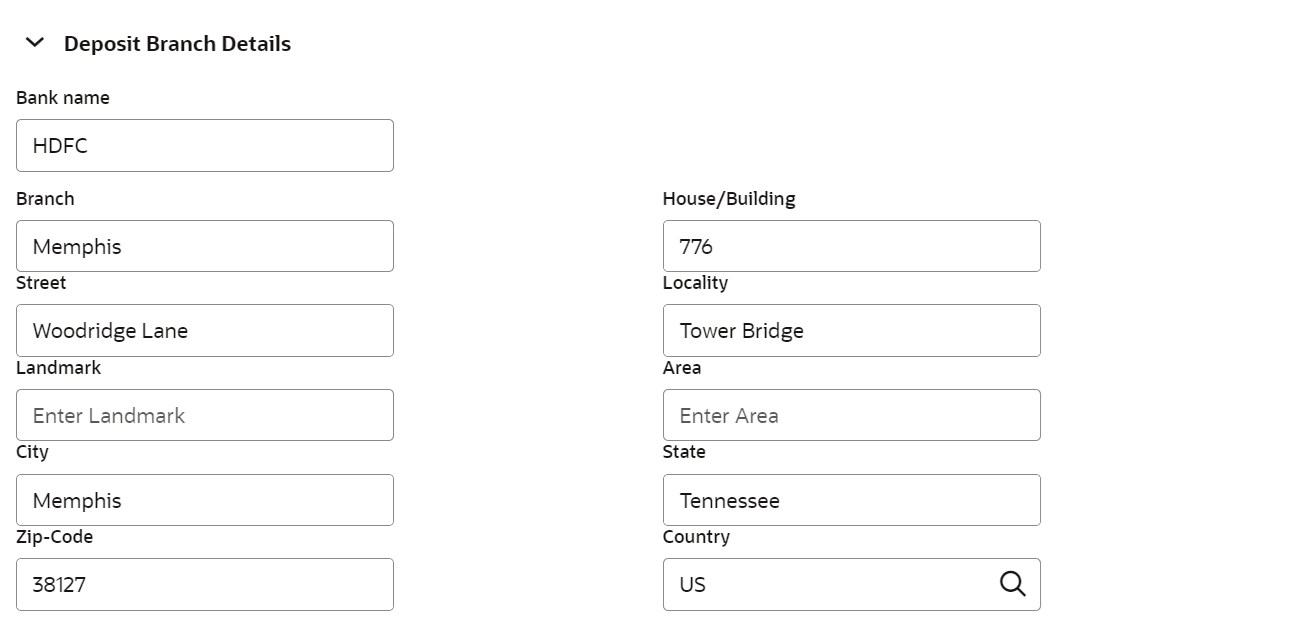
Table 3-26 Deposit Branch Details - Field Description
Field Description Bank Name Specify the name of deposit bank. Deposit Branch Name Specify the name of deposit branch. House/Building Specify the House/Building in which the bank branch is located. Street Specify the Street in which the bank branch is located. Locality Specify the Locality of the deposit bank branch. Landmark Specify the Landmark for the deposit bank branch. Area Specify the Area in which the bank branch is located. City Specify the City in which the bank branch is located. State Specify the State in which the bank branch is located. Zip-Code Specify the Zip-Code of the bank branch location. Country Specify the Country in which the bank branch is located. Figure 3-33 Configure - Deposits - Lien Details
Table 3-27 Deposit Lien Details - Field Description
Field Description Lien Reference Number Specify the Lien Reference Number. Lien Status Select the Lien Status from the drop down list. Lien Amount Specify the Lien Amount marked on the deposit. Lien Date Specify the date on which lien is marked on the deposit.