3.4.18 Post-Dated Cheque
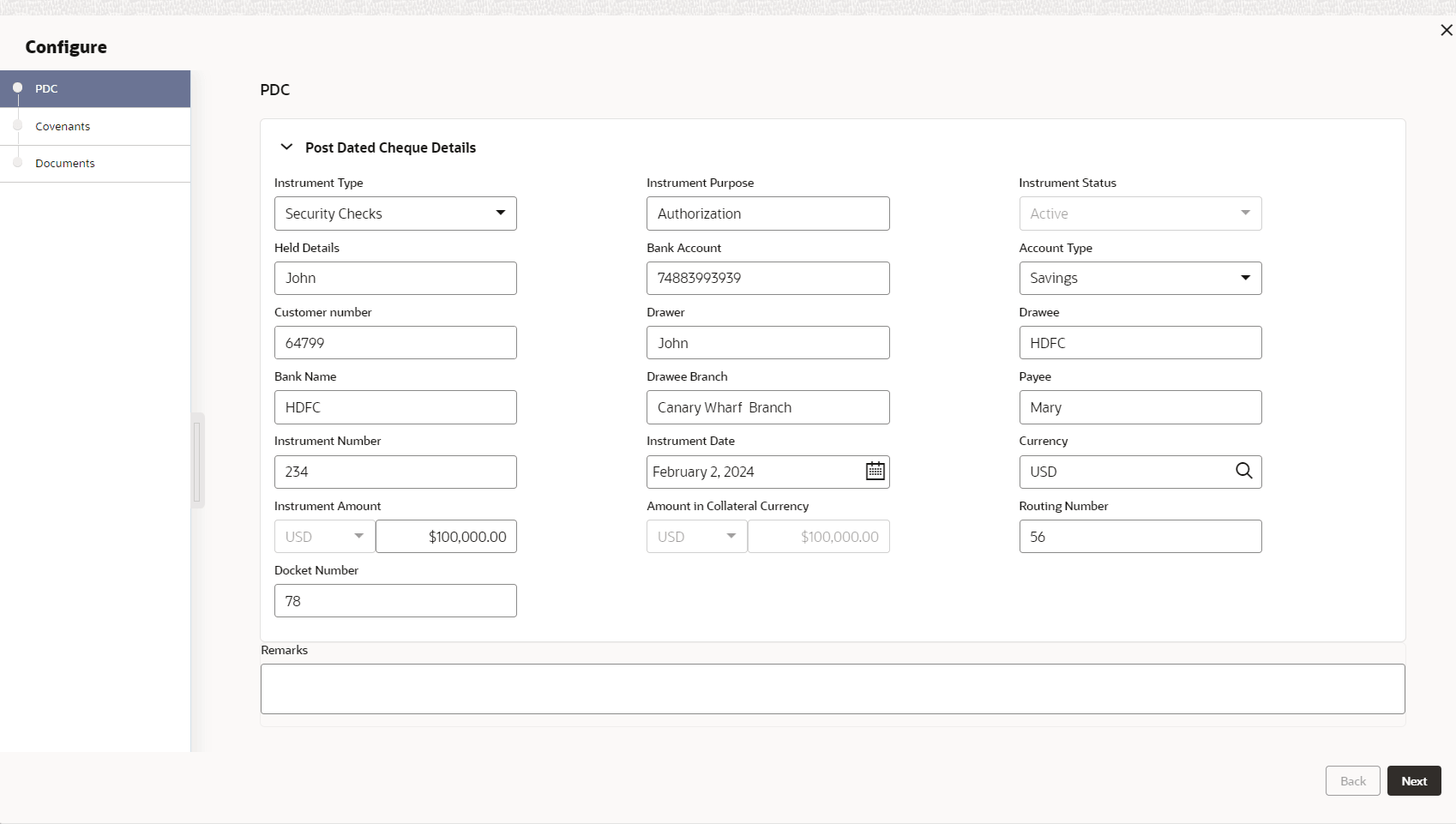
This topic provides systematic instructions about the Post-Dated Cheque data segment in Evaluation Enrichment stage.
The Post Dated Cheque data segment appears in case
Post-Dated Cheque is selected as the Collateral
Type in Quick Initiation screen.
Figure 3-67 Enrichment - Post-Dated Cheque
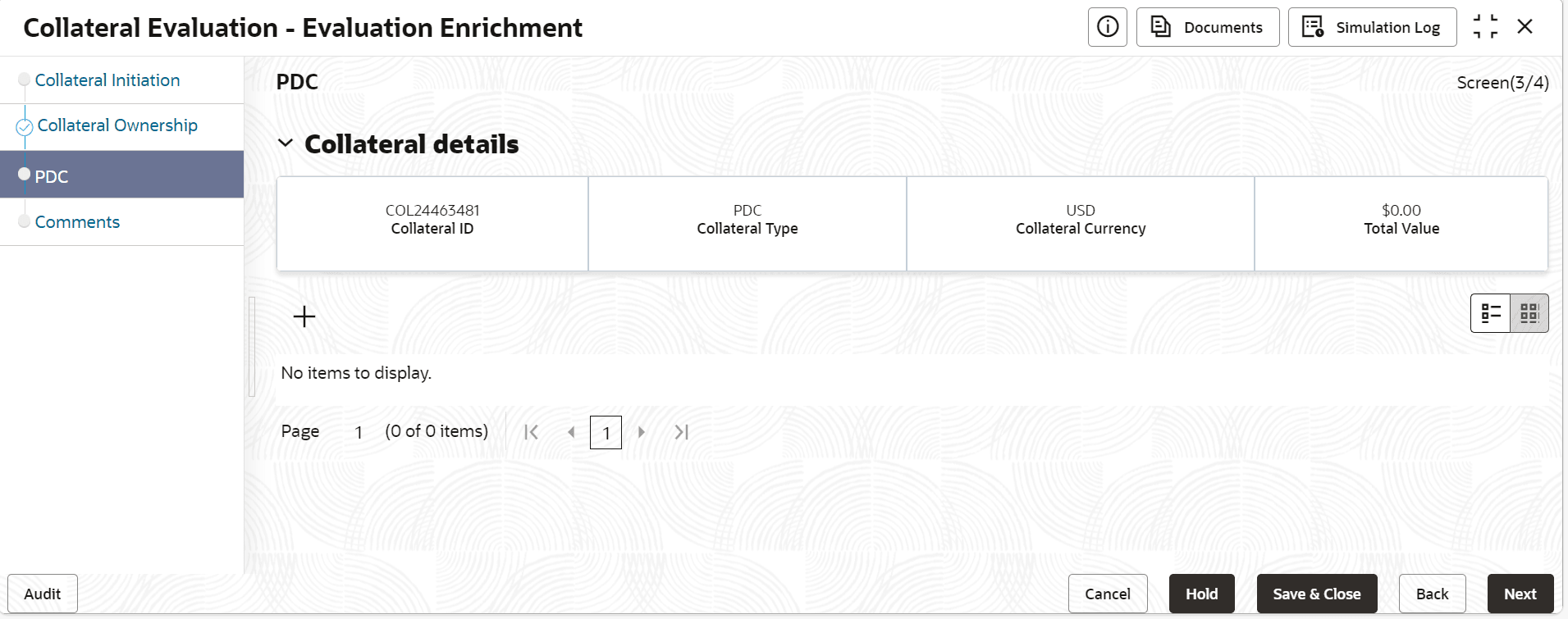
- Click the add icon.The Post-Dated Cheque screen is displayed.For more information on fields, refer to the field description table.
Table 3-56 Post-Dated Cheque Details - Field Description
Field Descriptions Instrument Type Select the instrument type frm the drop-down list. The available options are: - For Payment
- Security Checks
Instrument Purpose Specify the instrument purpose. Instrument Status Select the isntrument status from the drop-down list. Held Details Docket number or the name of department where post dated cheques are to be stored. Bank Account Bank account number to which the entity cheque amount is to be drawn. Account Type Select the type of the bank account to which the entity cheque amount is to be drawn. The options available are: - Savings
- Current
- Overdraft
Customer Number Customer number (alphanumeric) of the entity issuing the cheque. Drawer Name of the Entity issuing the cheque. The user can select the Drawer from drop-down list or manually enter the entity name. Drawee Name of the bank at which the cheque issued by the entity is to be drawn. Bank Name Specify the bank name. Drawee Branch Branch name of the bank at which the cheque issued by the entity is to be drawn. Payee Specify the payee details. Instrument Number Specify the instrument number. Instrument Date Specify the instrument date. Currency Select the currency code from the list. Instrument Amount Specify the instrument number. Amount in Collateral Category Specify the amount in collateral category. Routing Number Specify the routing number. Docket Number Specify the docket number. Remarks Specify the remarks, if any.