3.4.17 Perishables Details
This topic provides systematic instructions about the Perishables data segment in Evaluation Enrichment stage.
In this section, customer collateral of type perishables can be maintained. Perishables can be of fruit, flower and vegetables. When multiple perishables records are included as part of one customer collateral, sum of item values of all crops are updated as collateral value.
When multiple perishables records are added to customer collateral, last of end dates is updated as collateral end date. At the end date of the last record, collateral value is updated as zero. However, when a particular perishables linked to a collateral reaches end date first, then the collateral value is reduced to this extent.
The Perishables data segment appears in case Perishables is selected as the Collateral Type in Quick Initiation screen.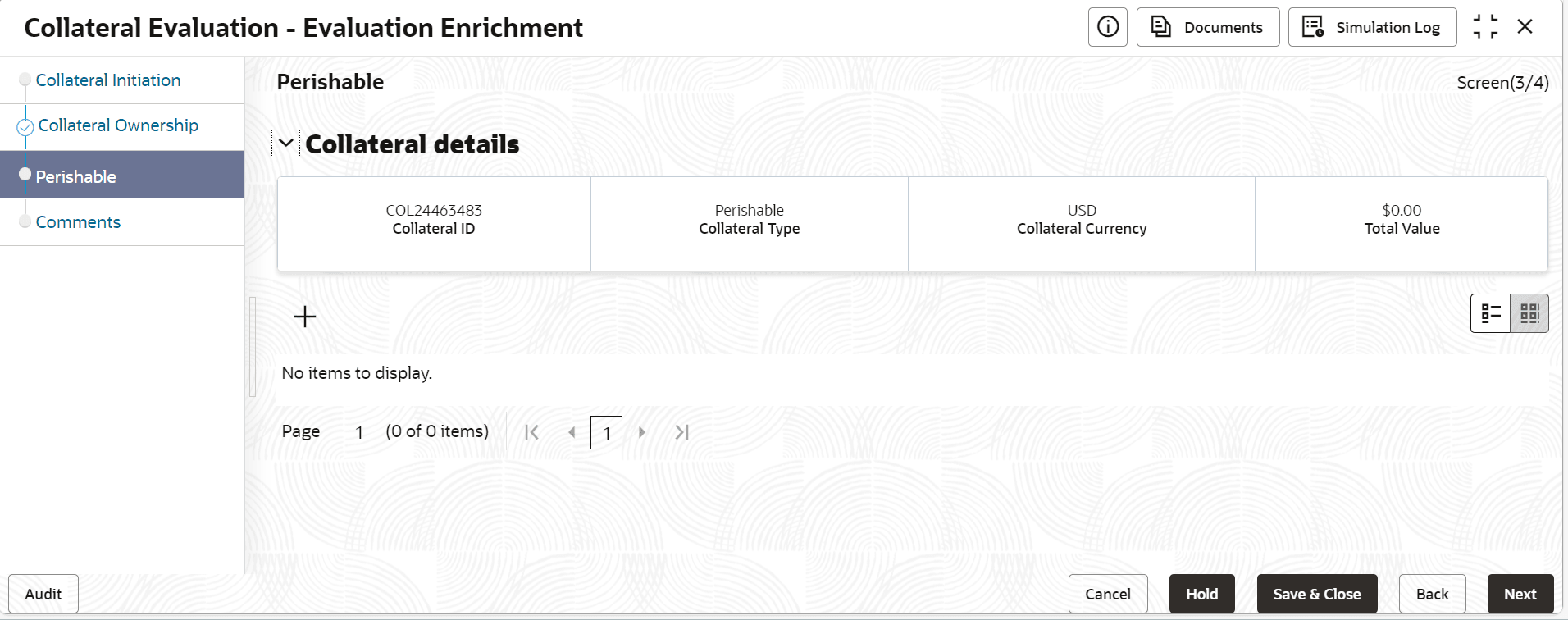
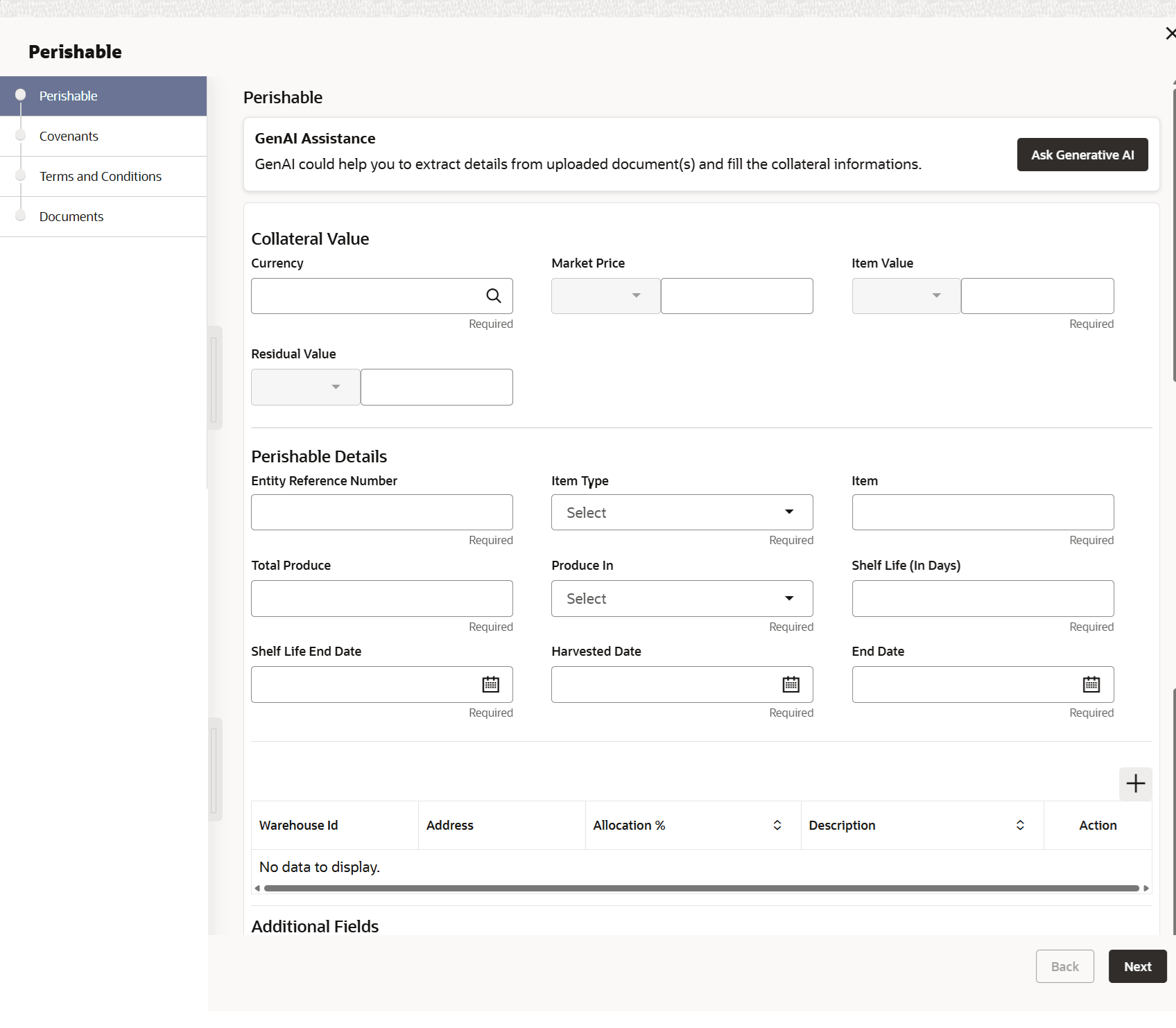
- On Perishables screen , click the Perishables
Details tab.The Perishables Details screen is displayed.
For more information on fields, refer to the field description table.
Table 3-53 Currency Details - Field Description
Fields Description Entity Reference Number If the collateral being is enabled for manual revaluation, then click the  icon and select the currency from the option list.
However, in case collateral being is enabled for external
revaluation, currency gets populated based on the security
code selected.
icon and select the currency from the option list.
However, in case collateral being is enabled for external
revaluation, currency gets populated based on the security
code selected.
Item Type Select the item type drop-down list. The available options are: - Flowers
- Fruits
- Vegetables
Item Sepcify the item. Total Produce Specicfy the total produce value. Produce In Select the option from the drop down list. the available options are: - Kg
- Pound
- Quintals
- Tonnes
Market Price Specify the market price. Currency Search the currency code from the list. Item Value Specify the value of the item. Amount in Collateral Currency Wherever property value currency is different from collateral currency, property value in the collateral is converted to collateral currency as per rate configured and collateral value is updated. Shelf Life(In Days) Specifies the total number of days a product or item remains safe, or suitable for use under recommended storage conditions. Shelf Life End Date Specify the shelf life end date. Residual Value Specift the residual value. Harvest Date Select the harvest date. End Date Select the end date. Table 3-54 Warehouse Details
Field Description Warehouse ID Specify the warehouse ID. Allocation % Specify the allocation percentage of the warehouse. Description Specify the description on warehouse. Note:
The Warehouse details fields displays, if Storage Location Required toggle is enabled in Collateral Category Maintenance screen.Table 3-55 Storage Details
Field Description Storage Location Specify the storage location. Storage Charges Specify the storage charges. Insurance Coverage Specify the insurance coverage Remarks Specify the remarks, if any.