3.4.19 Precious Metals
This topic provides systematic instructions about the Precious Metals data segment in Evaluation Enrichment stage.
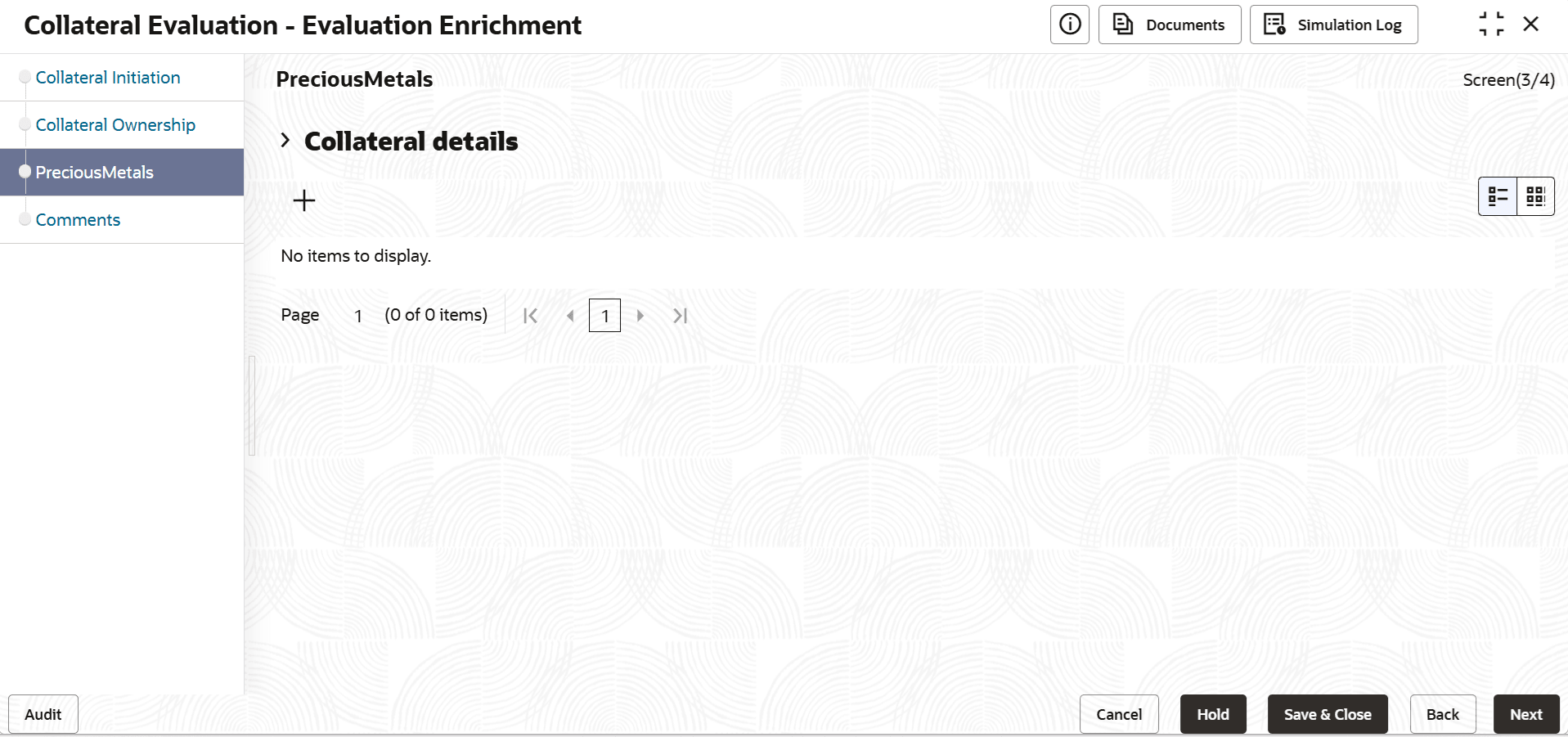
- Click the add icon.The Configure - Precious Metals window is displayed.
- Provide the precious metal details in the Configure - Precious Metal
screen.For more information on fields, refer to the field description table below.
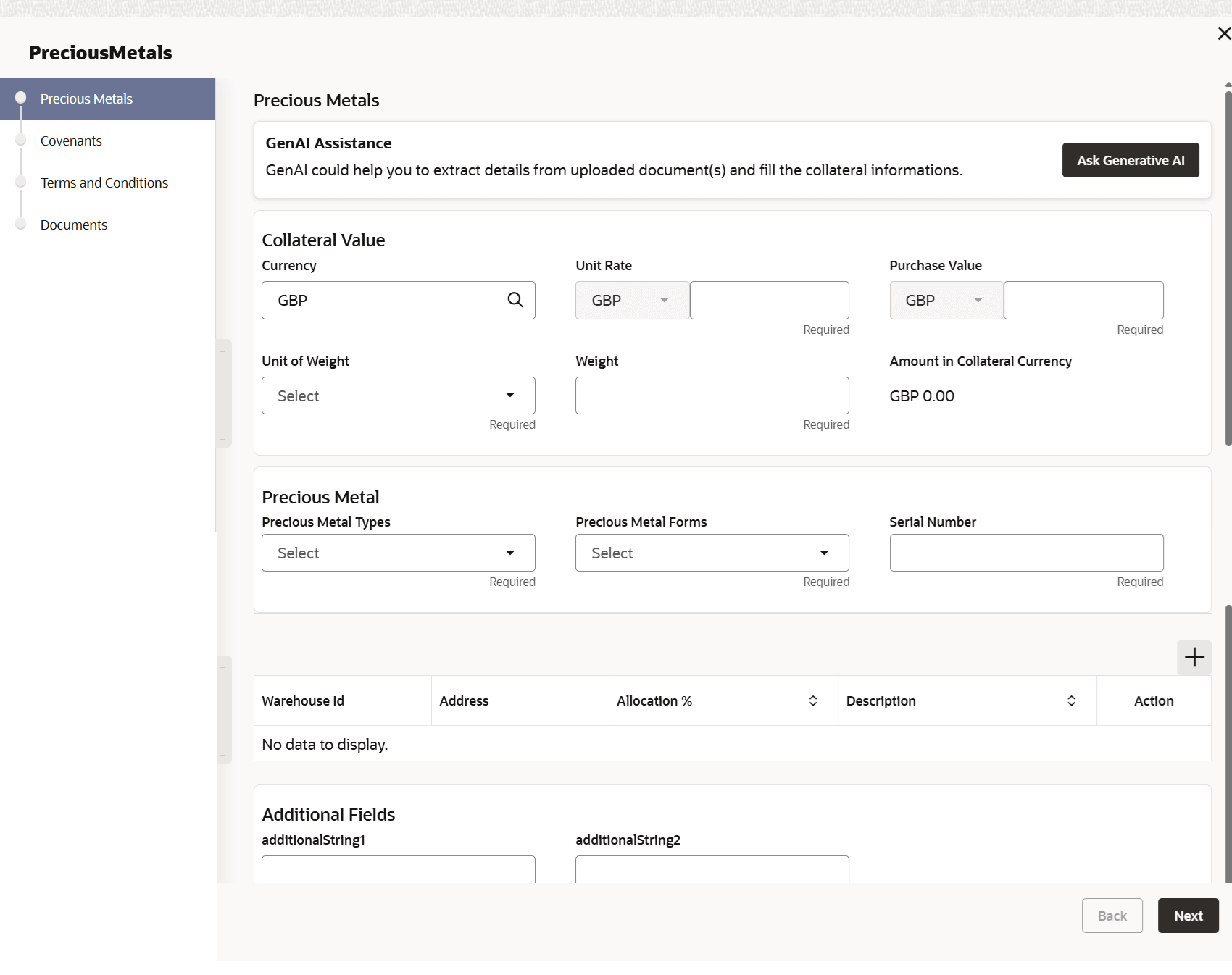
Table 3-57 Configure - Precious Metals - Field Description
Field Description Precious Metal Type
Select the Precious Metal Type from the drop down list. The available options include but are not limited to:- Gold
- Palladium
- Silver
- Platinum
Precious Metal Forms
Select the Precious Metal Forms from the drop down list. The available options include but are not limited to:- Jewel
- Biscuits
- Coins
- Stones
- Bullion
Serial Number
Specify the Serial Number of the precious metal.
Description Specify the description on warehouse. Purity
Specify the Purity of the precious metal.
Unit of Weight
Select the unit in which the precious metal is weighed from the Unit of Weight drop down list.
Weight
Specify the precious metal Weight.
Unit Rate
Select the currency from the drop down list and specify the Unit Rate (market value per unit) of precious metal.
Currency
Search and select the collateral Currency.
Amount in Collateral Currency
The system multiplies the Weight of precious metal with the Unit Rate and displays the total value of precious metal in collateral currency.
Purchase Value
Select the currency from the drop down list and specify the Purchase Value of precious metal.
Storage Details
Specify the storage location of the precious metal.
Valuation Currency
The currency in which the precious metal is valuated is displayed in this field.
Valuation Amount
The system multiplies the Weight of precious metal with the Unit Rate and displays the total value of precious metal in valuation currency.
Remarks Capture Remarks for the precious metal, if any. Table 3-58 Warehouse Details
Field Description Warehouse ID Specify the warehouse ID. Allocation % Specify the allocation percentage of the warehouse. Description Specify the description on warehouse. Note:
The Warehouse details fields displays, if Storage Location Required toggle is enabled in Collateral Category Maintenanace screen.Note:
This topic contains Precious Metal related fields. For more information, refer Vehicle topic in the Enrichment section.