2.1.4 Transactions

This topic provides systematic instructions about the Transactions widget in Collateral 360 screen.

Figure 2-8 Transactions
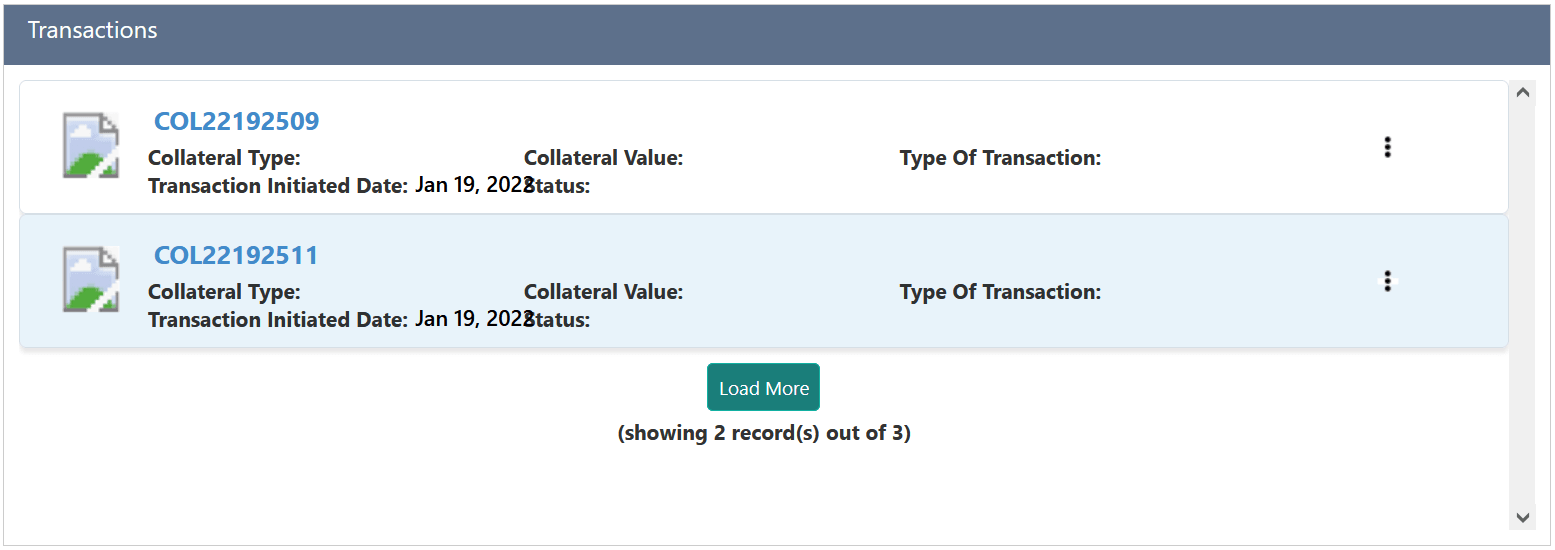

Transactions on collateral

This widget displays the list of transactions done on the collateral with its type and date. The Collateral Value as on transaction date is also displayed for quick reference.
  1. Click the action icon in the transaction record to perform necessary actions.
  2. Click on the Collateral ID to view the Collateral Summary.
    The Collateral Summary screen is displayed.

    Figure 2-9 Collateral Summary
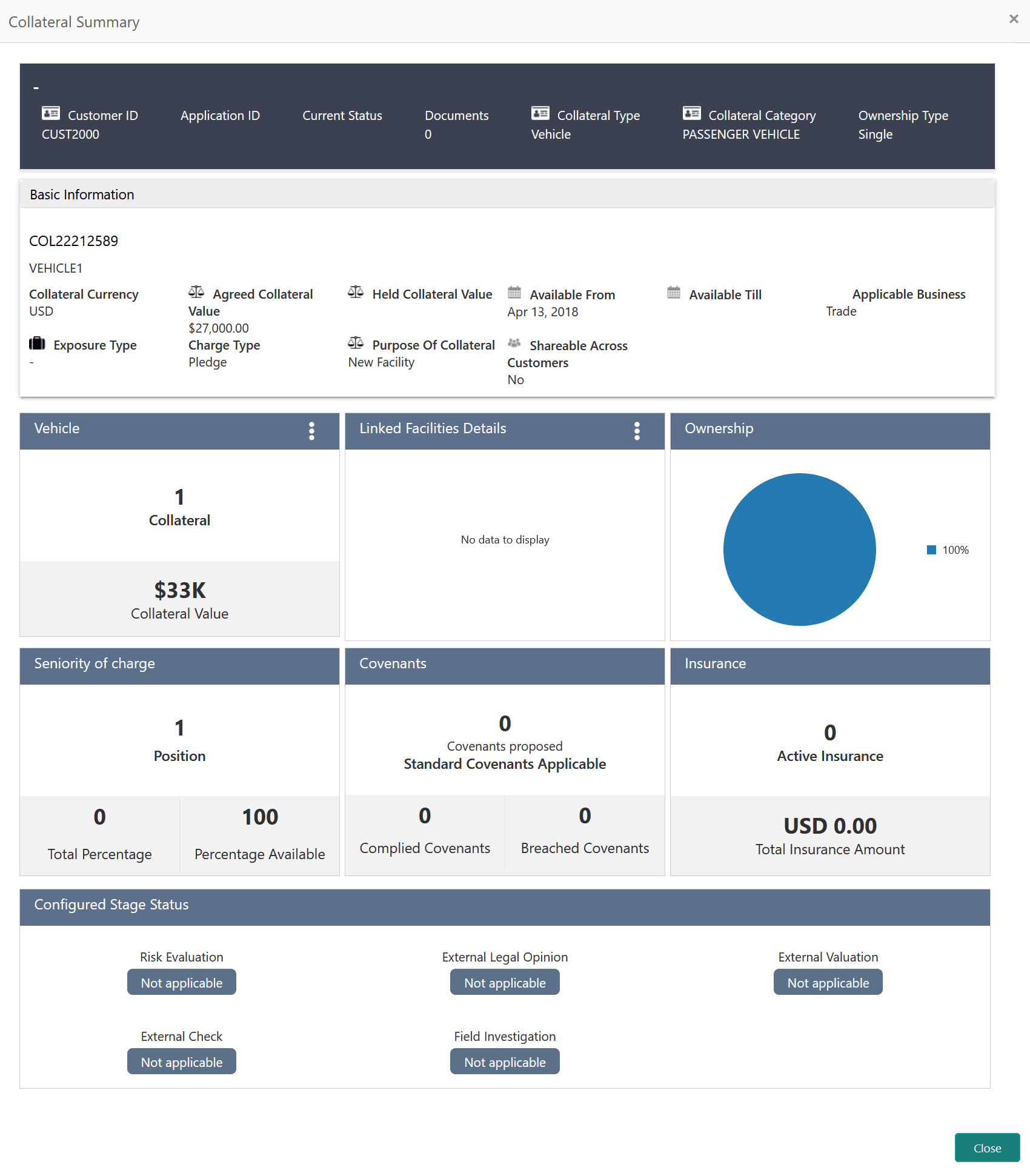

    Collateral summary

  3. Click Close to exit the Collateral Summary screen.