2.1.5 Facility Summary

This topic provides systematic instructions about the Facility Summary widget in Collateral 360 screen.

Figure 2-10 Facility Summary
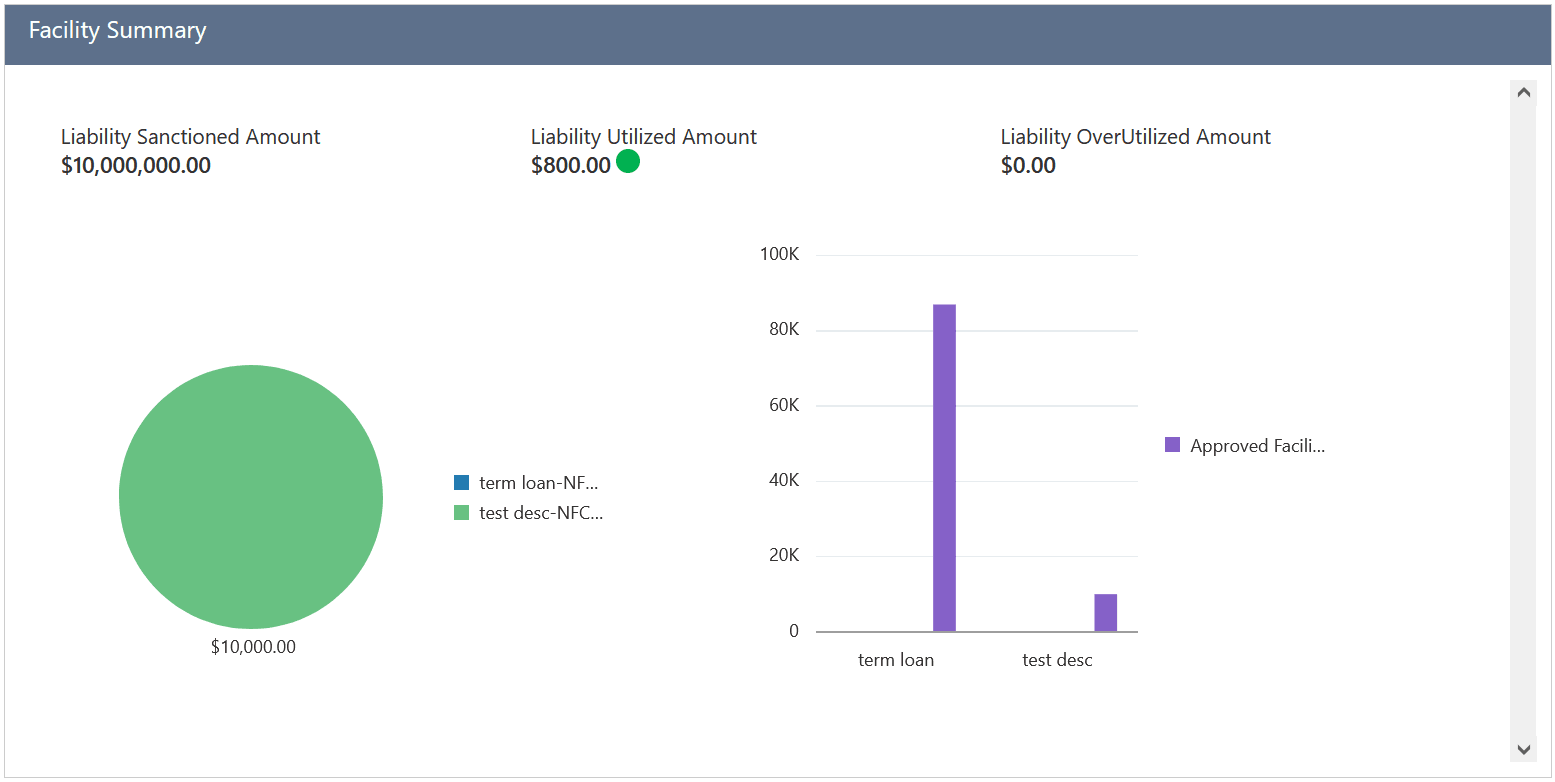

Facility summary

This widget displays the liability amount sanctioned, utilized, and overutilized against the collaterals in all the categories maintained in the system, such as Guarantee, Term Loan, Working Capital, and Letter of Credit.

Note:

All the amounts displayed in the pie chart are in collateral currency.
  1. To view more information about the specific facility category, click on the required category in the pie chart.
    The data for the selected category are displayed.

    Figure 2-11 Facility Category Details
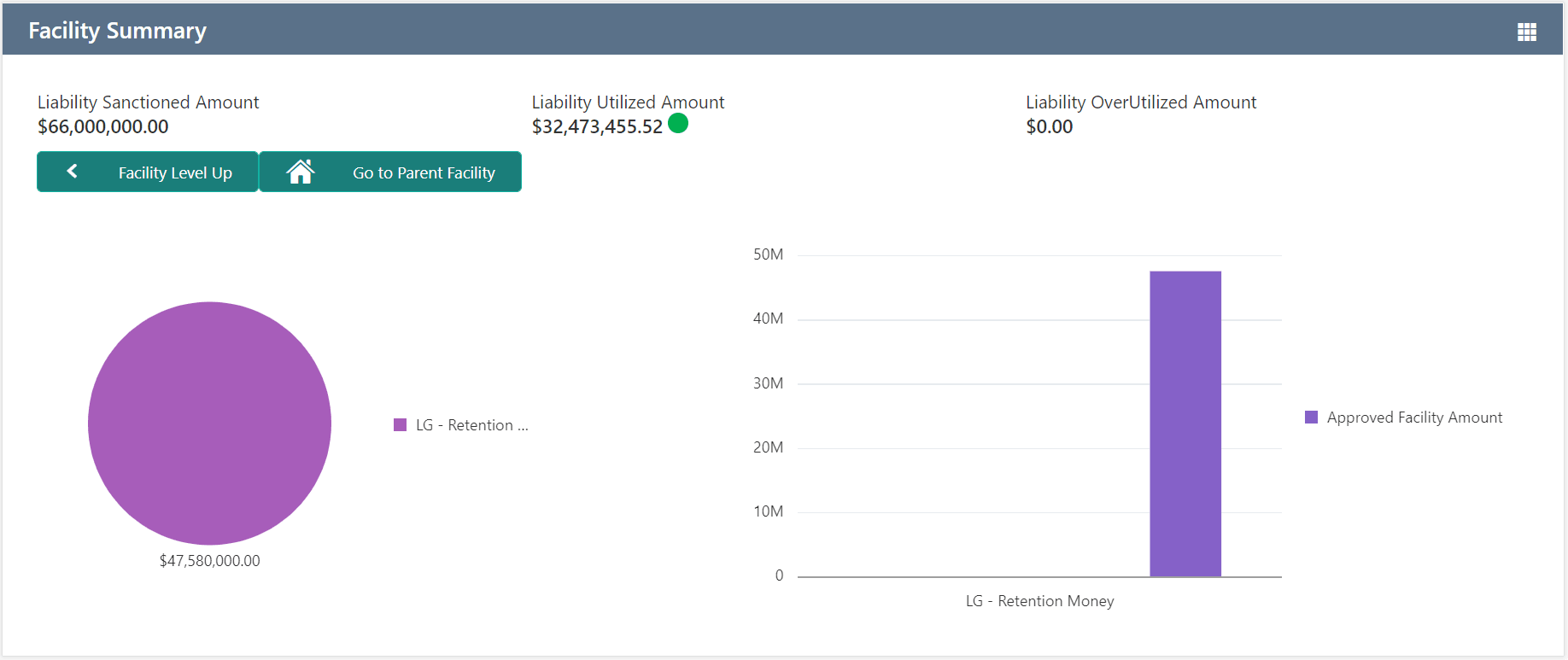
    Facility category details
  2. To view further information about the displayed categories, click on the required category in the pie chart.
  3. To view the previous category information, click Facility Level Up.
  4. To view the parent facility, click Go to Parent Facility.