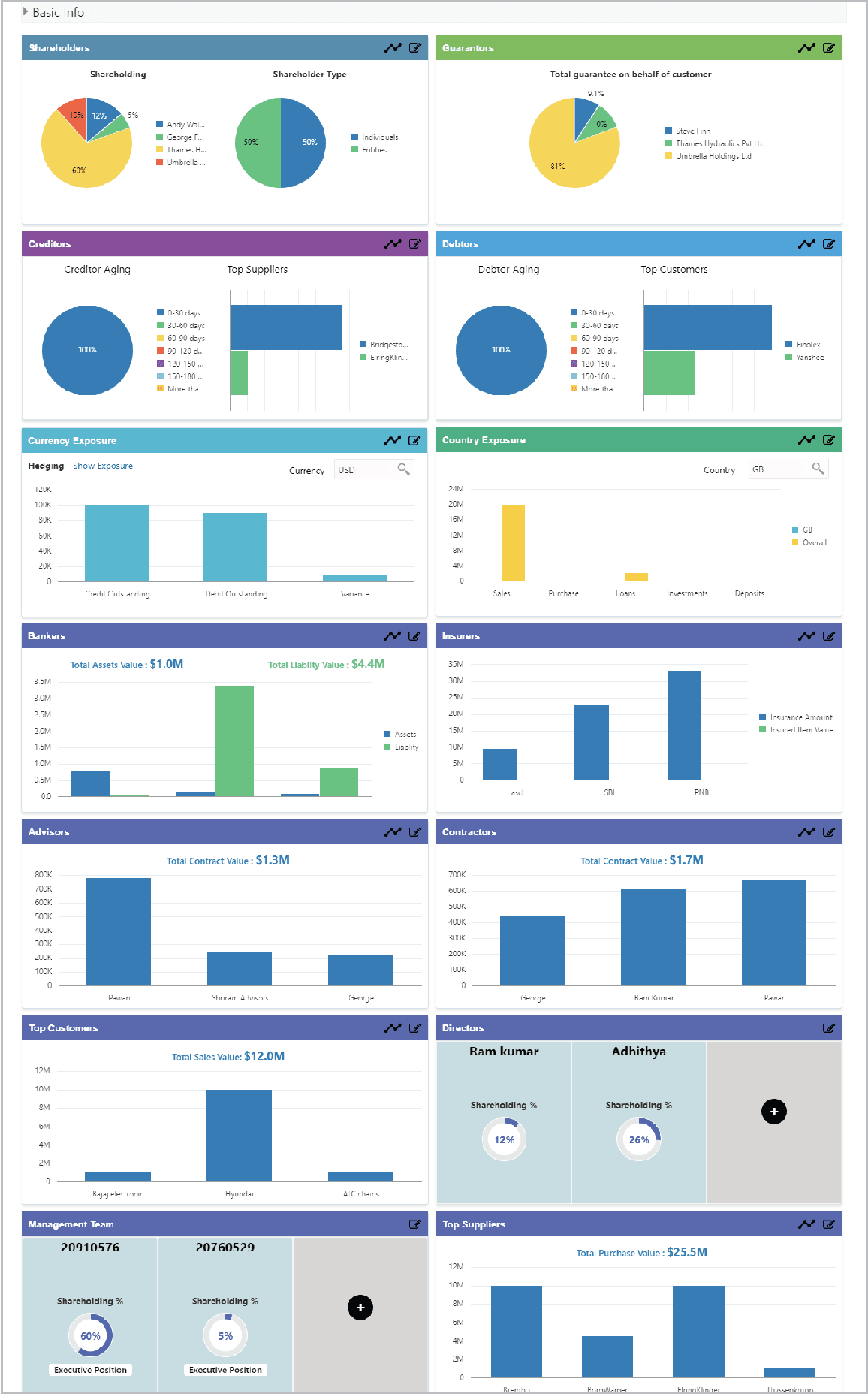
6 Economic Dependency Query
This topic provides systematic instructions about the Economic Dependency Query of the Economic Dependency Analysis.
After the completion of economic dependency analysis, the analysis result can be viewed in OBCFPM at any time.
To view the economic dependency analysis result, perform the following steps:
- On Home screen, select Credit
Facilities. Under Credit Facilities, select Economic
Dependency Analysis. Under Economic Dependency Analysis, select
View Economic Dependency Analysis.
Figure 6-1 View Economic Dependency Analysis
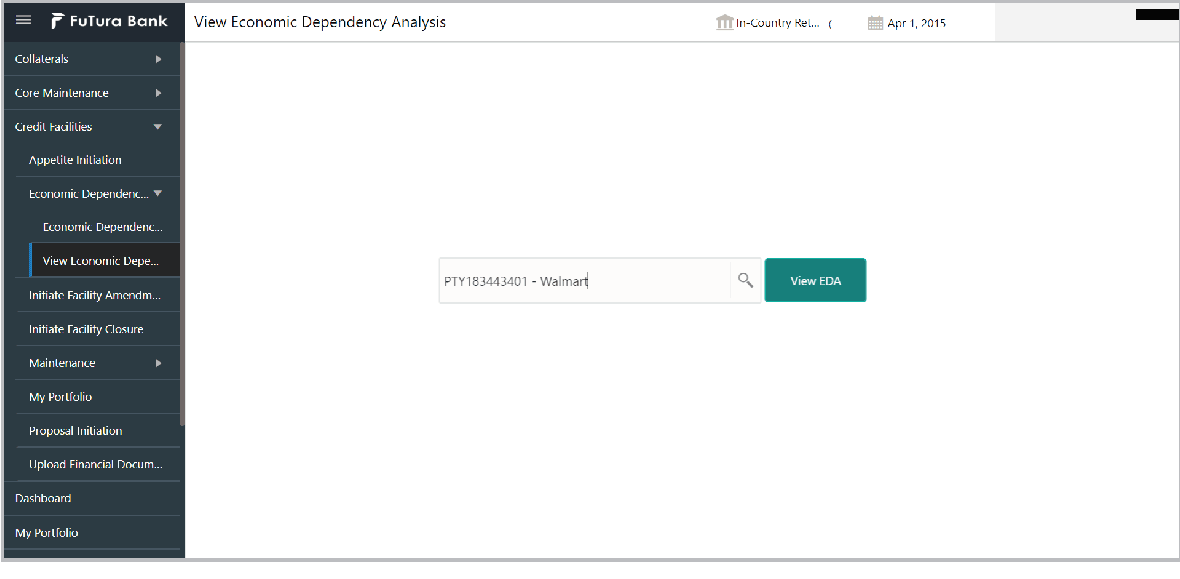
Description of "Figure 6-1 View Economic Dependency Analysis" - Click the View EDA button. The Analysis Information screen displays.