3.4 Comments
This topic provides systematic instructions about the procedure to add overall comments for the Credit Extension Initiation stage.
In the Comments data segment, you can mention why an extension is
required/requested. Posting comments help the user in the next stage to better
understand the application.
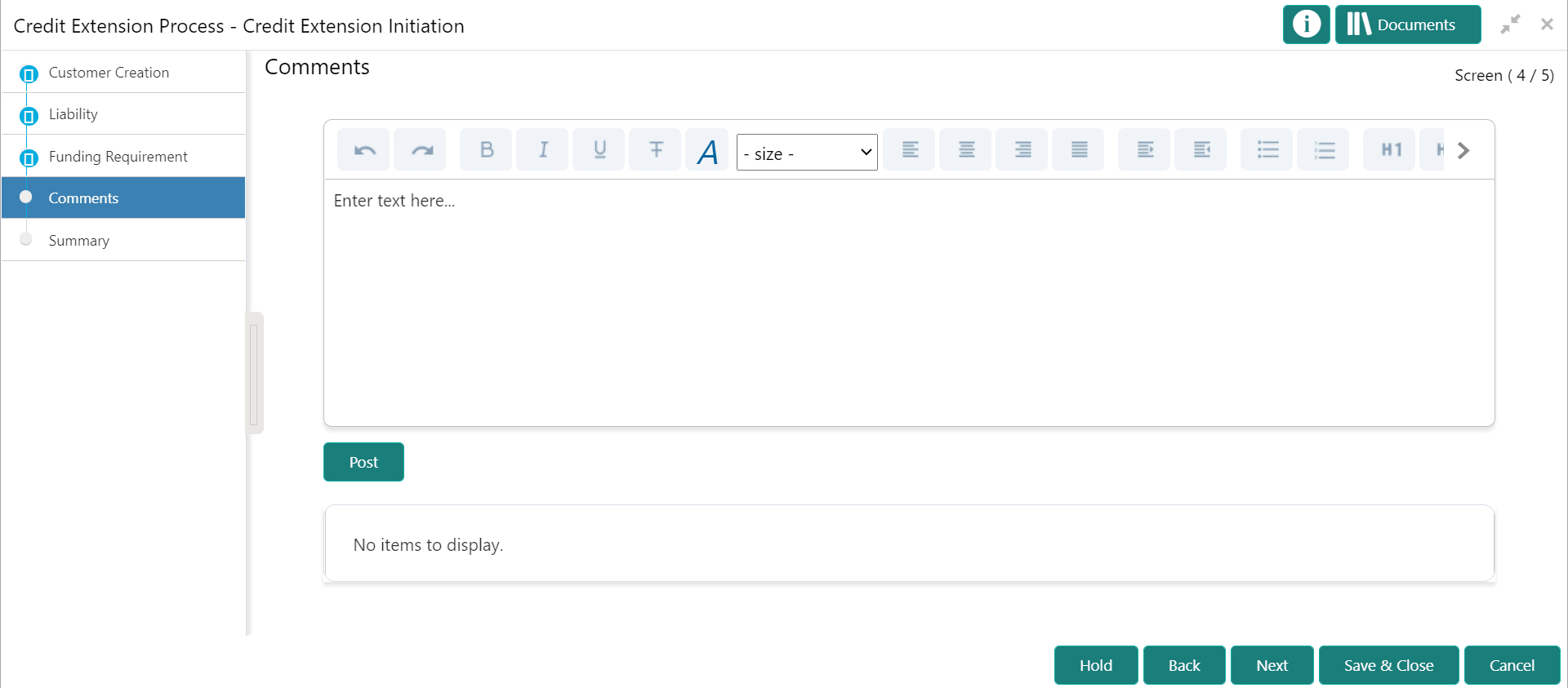
Figure 3-10 Initiation - Comments
Parent topic: Credit Extension Initiation