3.5 Summary
This topic provides systematic instructions about the procedure to view the Summary and submit the Initiation task.
The Summary data segment displays all the customer information along with the
modification details. You can preview the changes made in previous screens here and make
necessary action.
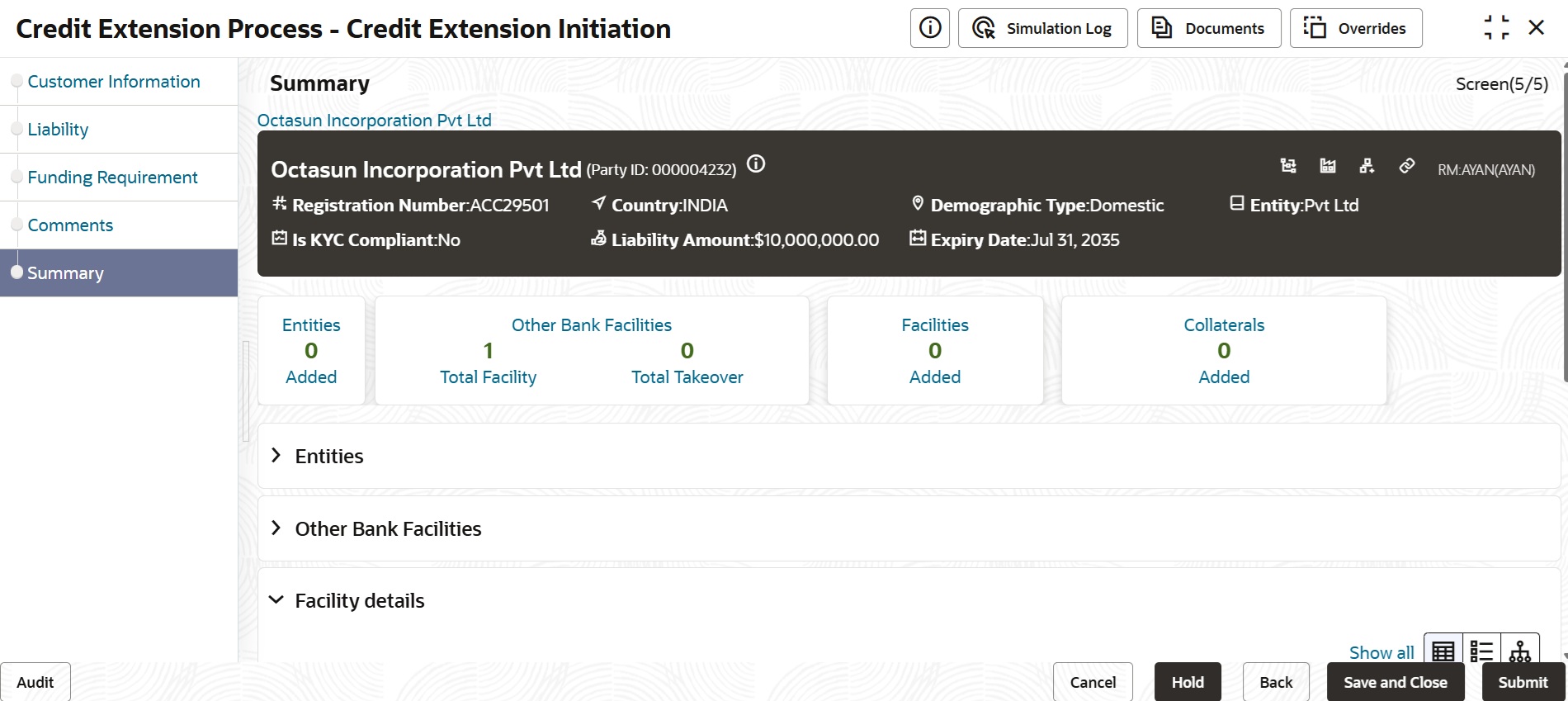
Figure 3-11 Initiation - Summary
- If changes are not necessary, click Submit.The Policy Exception window is displayed.
Figure 3-12 Policy Exception
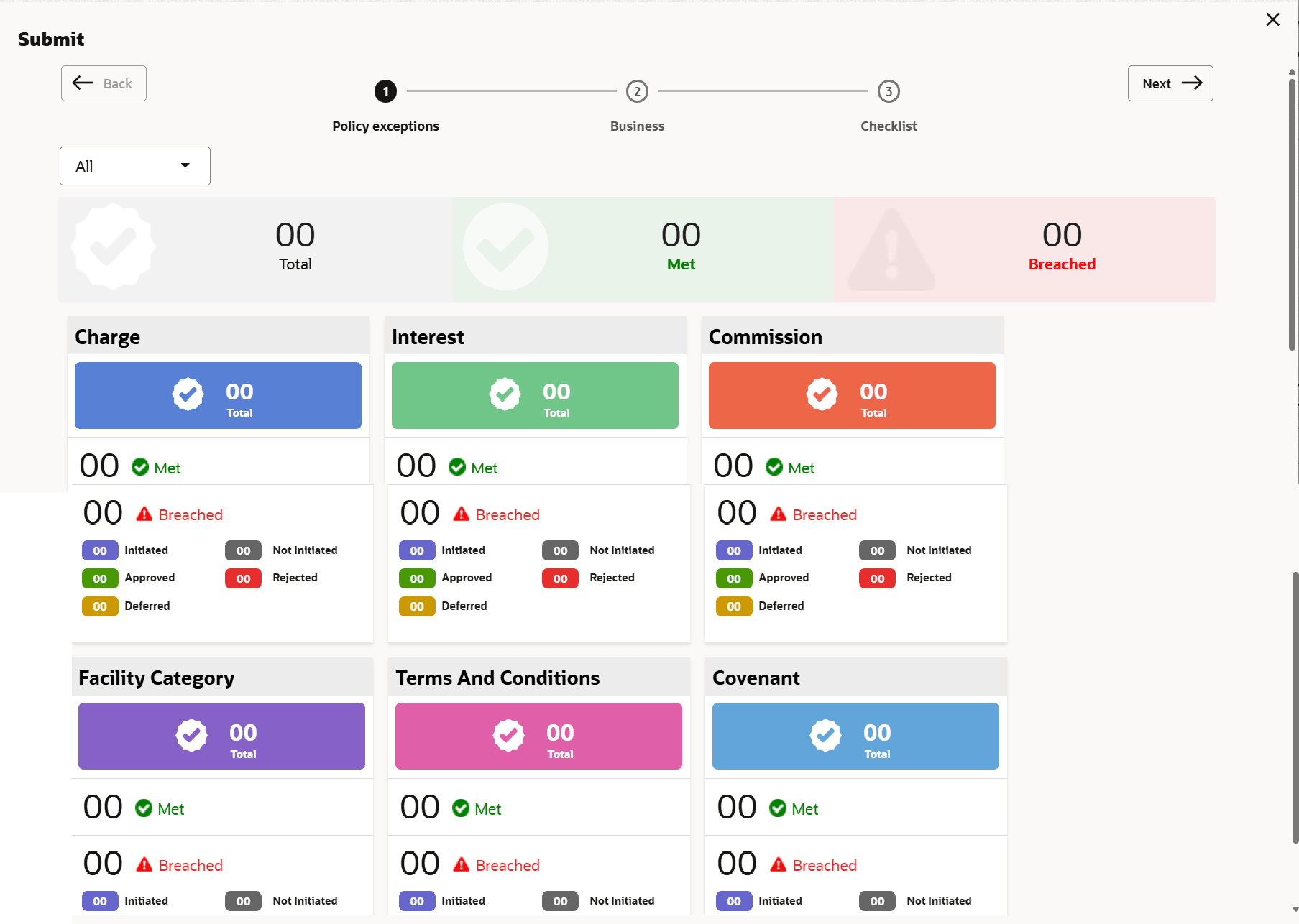
By default, policy exception is displayed for both the party and its child parties. You can select the required party from the drop down list at top left corner to view policy exceptions specific to that party.
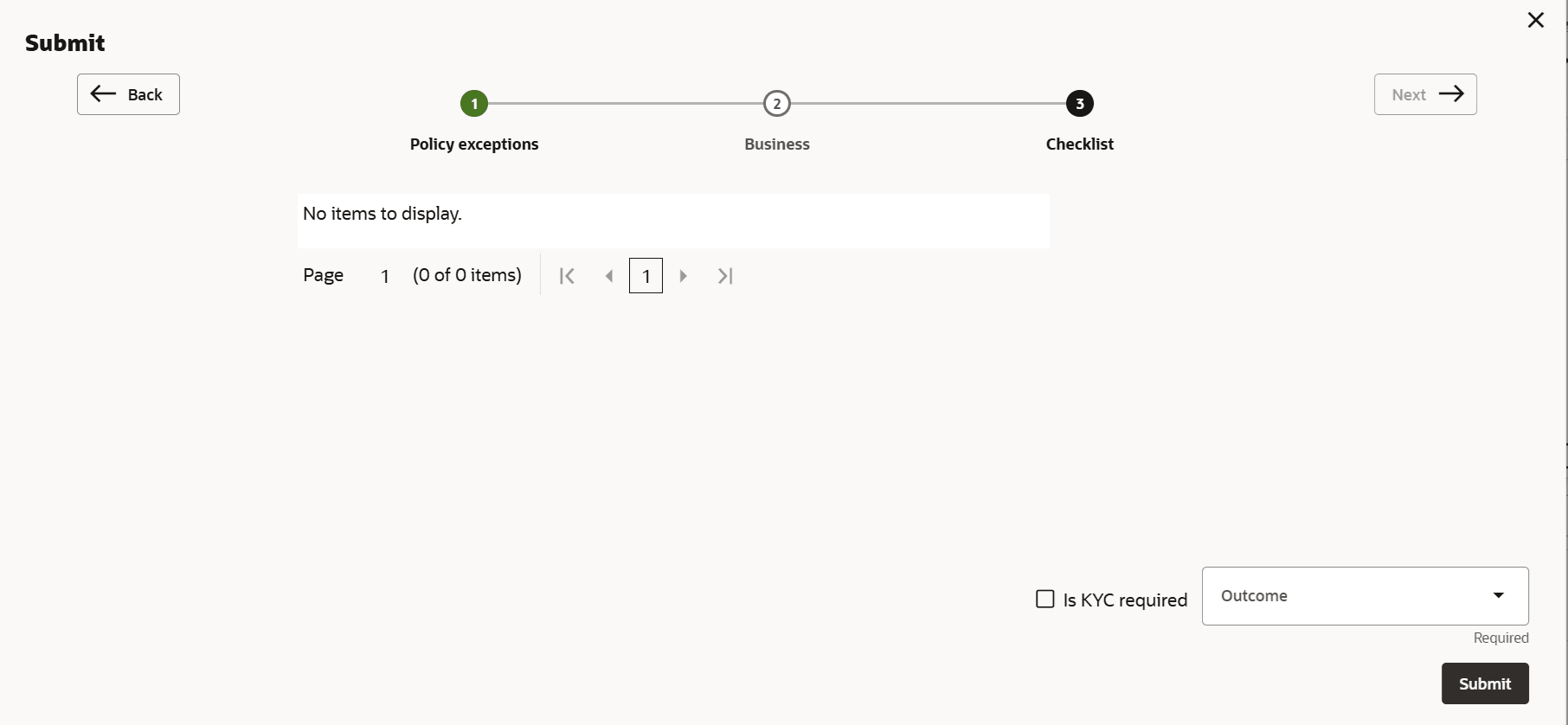
- View the policy exceptions and click the Checklist data segment.
Figure 3-13 Checklist
Parent topic: Credit Extension Initiation