4 Credit Extension Enrichment
This topic provides systematic instructions about the Credit Extension Enrichment stage in the Credit Proposal Extension Process.
The Enrichment task is performed by the same user who initiated the Credit
Extension process. In this stage, the facility expiry date captured in the Initiation
stage can be modified before sending it for review.
- From Home screen, click Tasks.
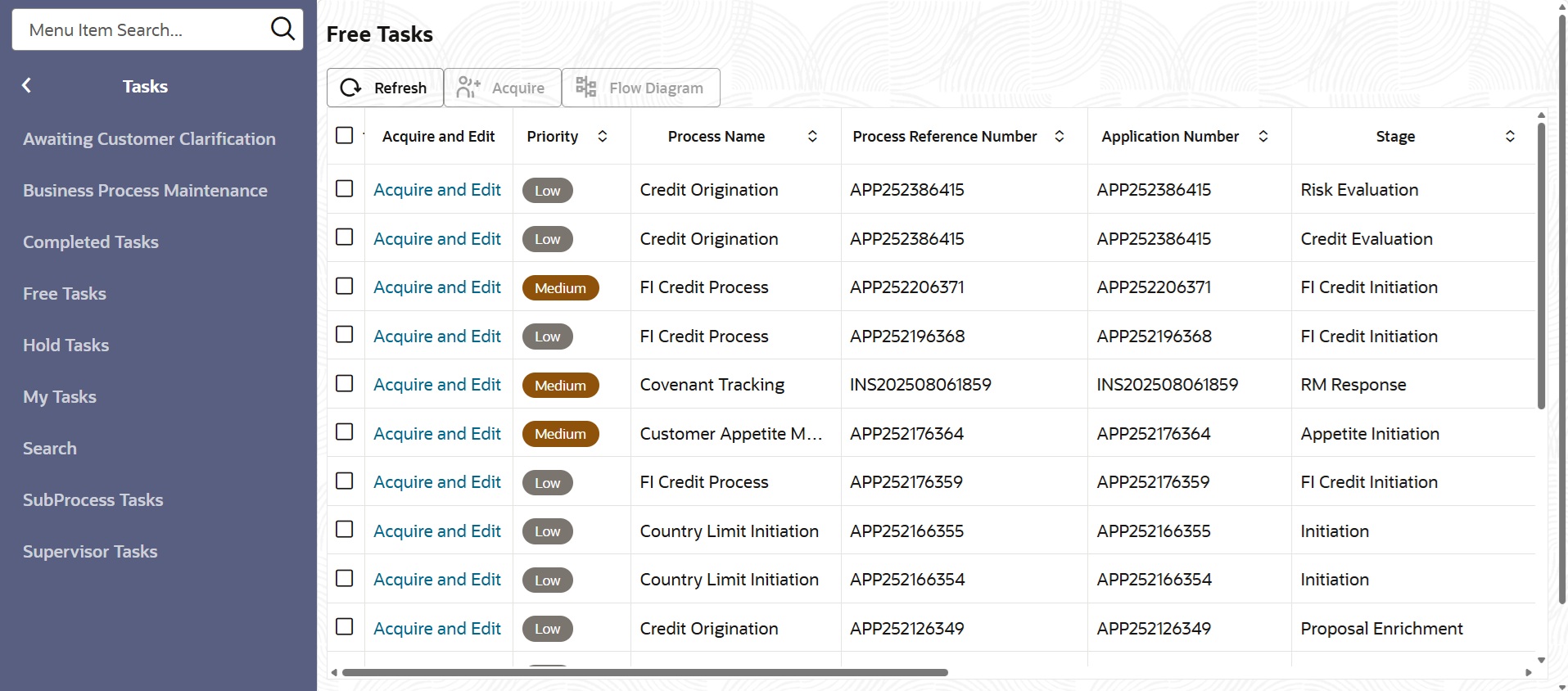
Under Tasks, click Free Tasks.The Free Tasks screen is displayed.
Figure 4-1 Free Tasks
- Liability
This topic provides systematic instructions about the procedure to extend the expiry date of all the facilities in Approval stage. - Funding Requirement
This topic provides systematic instructions about the procedure to approve, reject, and send back the Credit Extension application in Credit Extension Approval stage.