3.31 Adding Credit Rating
If the facility is rated by the rating organizations, you can add the ratings of facility under Credit Ratings menu.
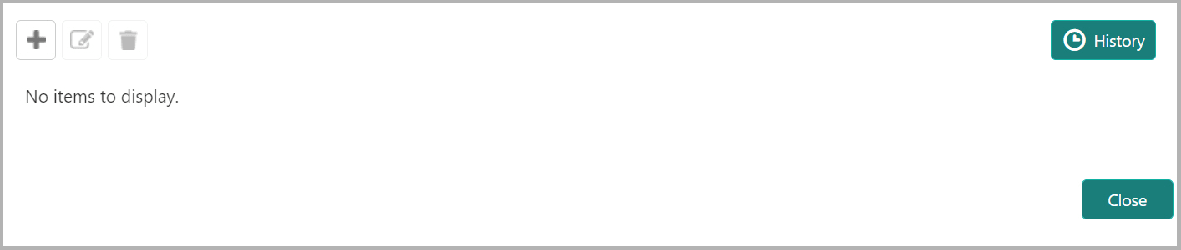
- Click the Add icon. The Credit Rating window is displayed.
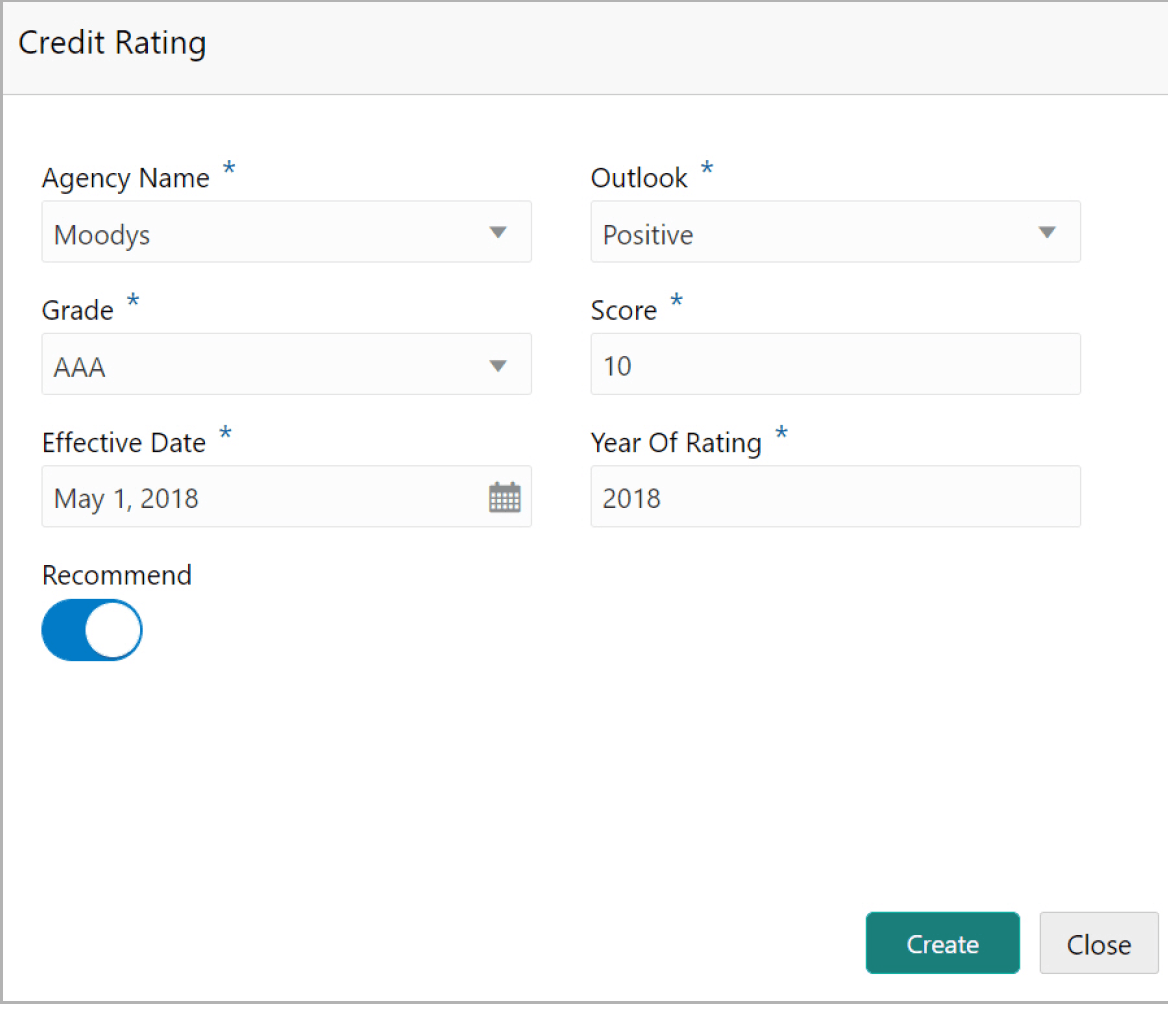
For field level information refer the below table.
Table 3-32 Credit rating
Fields/ Icon Description Agency Name Select the name of agency by which the facility is rated from the Agency Name drop-down list. Outlook Select the Outlook of the rating from the drop-down list. Grade Select the Grade of the rating from the drop-down list. Score Specify the Score provided for the facility. Effective Date Click the calendar icon in the Effective Date field and select the date on which the rating is provided. Year Of Rating The Year Of Rating is automatically populated based on the selected Effective Date. Recommend Enable the Recommend option, if the facility is recommended by the rating agency. Create Click Create. The rating is added and displayed in the Credit Rating page. To view the history of credit ratings added during different processes, click the History icon. Filter To filter the credit ratings in the History window, click the Filter icon and select the Agency Name or directly type the agency name in Type to filter text box.
Parent topic: Proposal Initiation