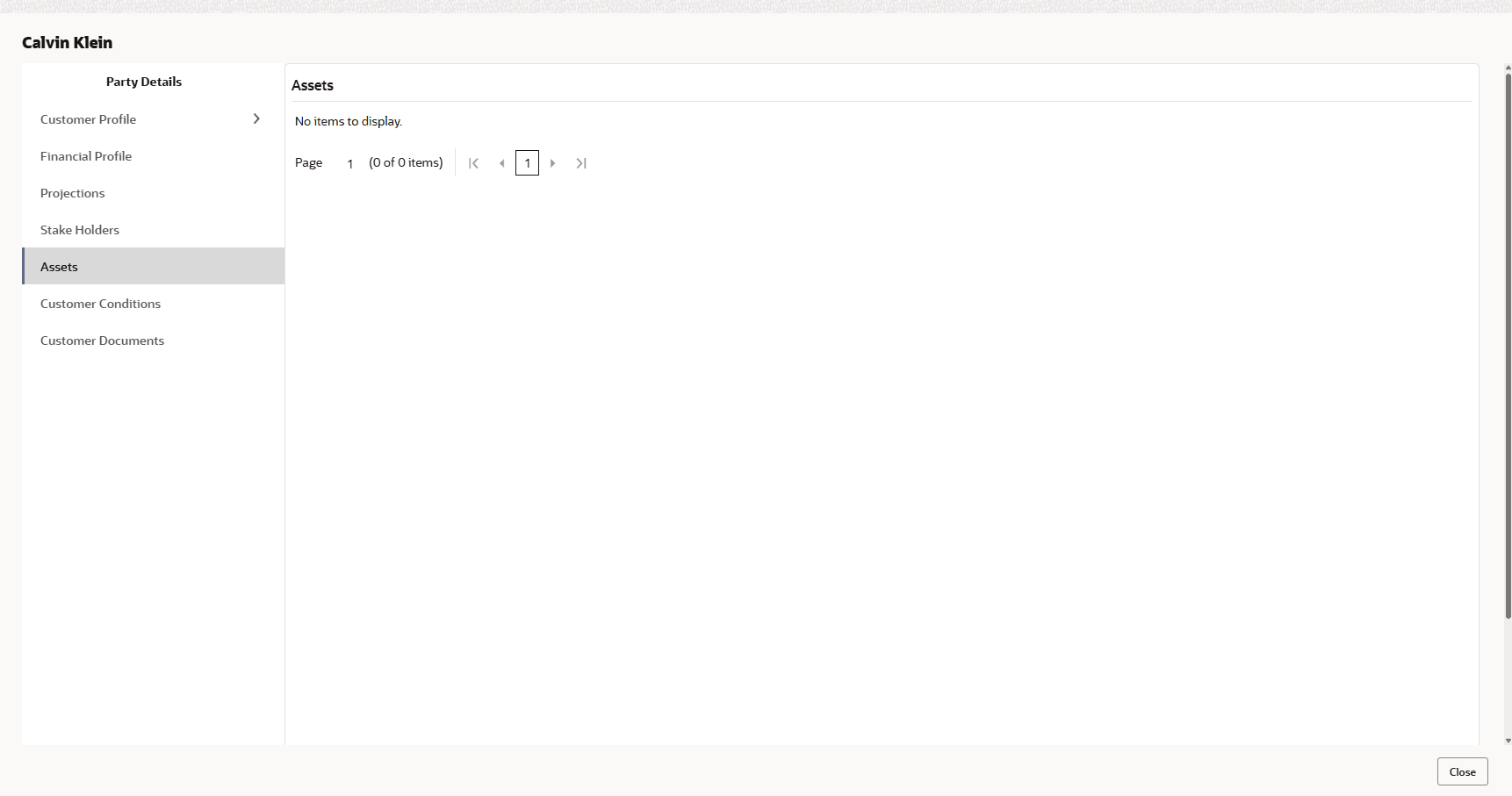
3.14 Assets
- Click Assets from the left menu and then click Add to add asset
details.The Assets window is displayed.
For field level information refer the below table.
Table 3-10 Assets
Fields/ Icons Description Name Enter the Name of the Asset. Currency Search and select the Currency for the asset value. Value Specify the asset Value. Description Enter the asset Description. Add Click Add. Asset details are added. Note: To Edit, Delete or View the added Assets. click the Hamburger icon in the required list item and select the required option.
Parent topic: Proposal Initiation