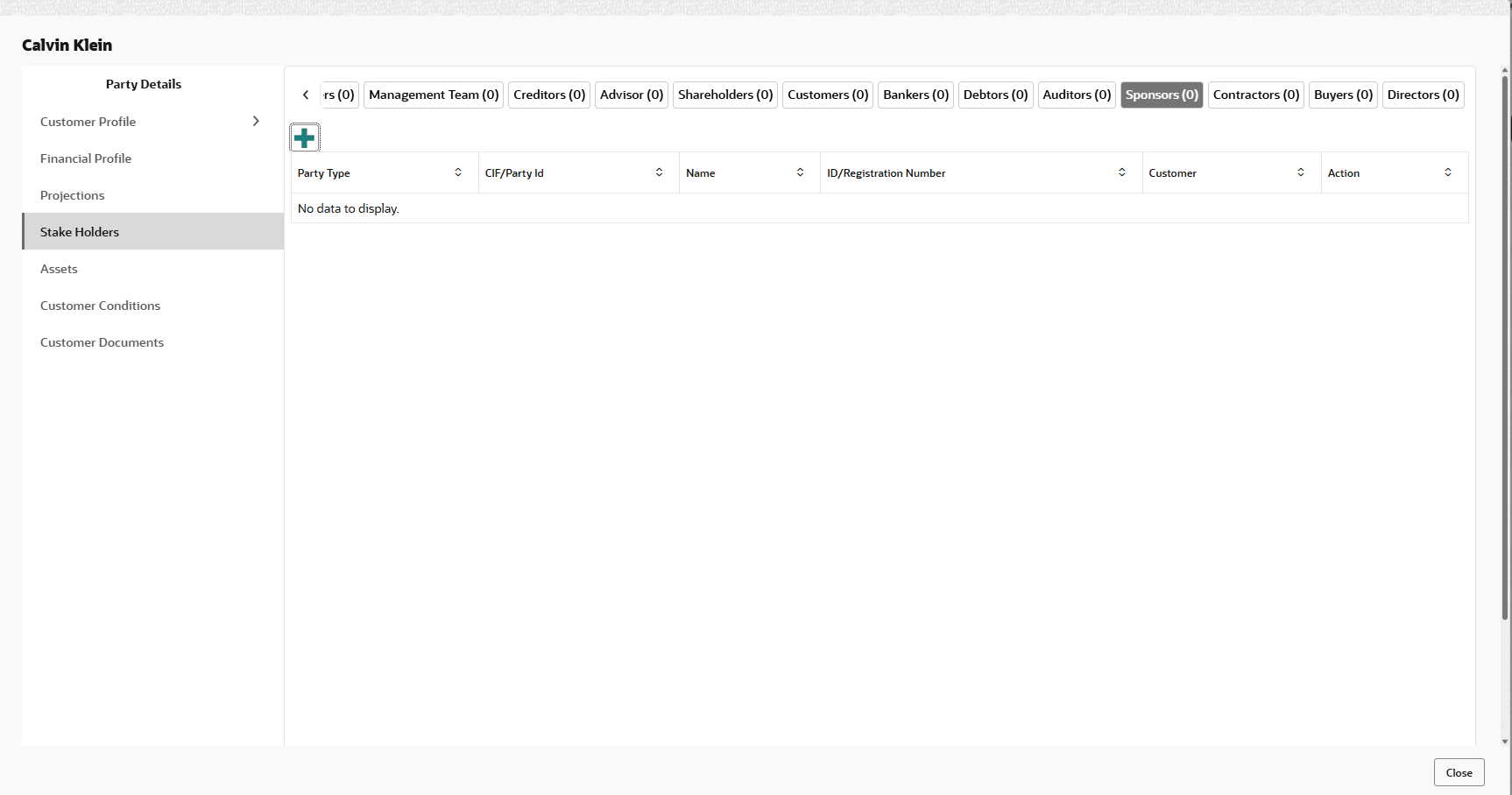
3.13 Stakeholders

The user can add information about the following stakeholders by clicking the Stakeholders menu:

  • Auditors
  • Sponsors
  • Share holders
  • Directors
  • Management Team
  • Bankers
  • Guarantors
  • Customers
  • Suppliers
  1. To add sponsor details, Click Sponsors from the left menu and then click Add.
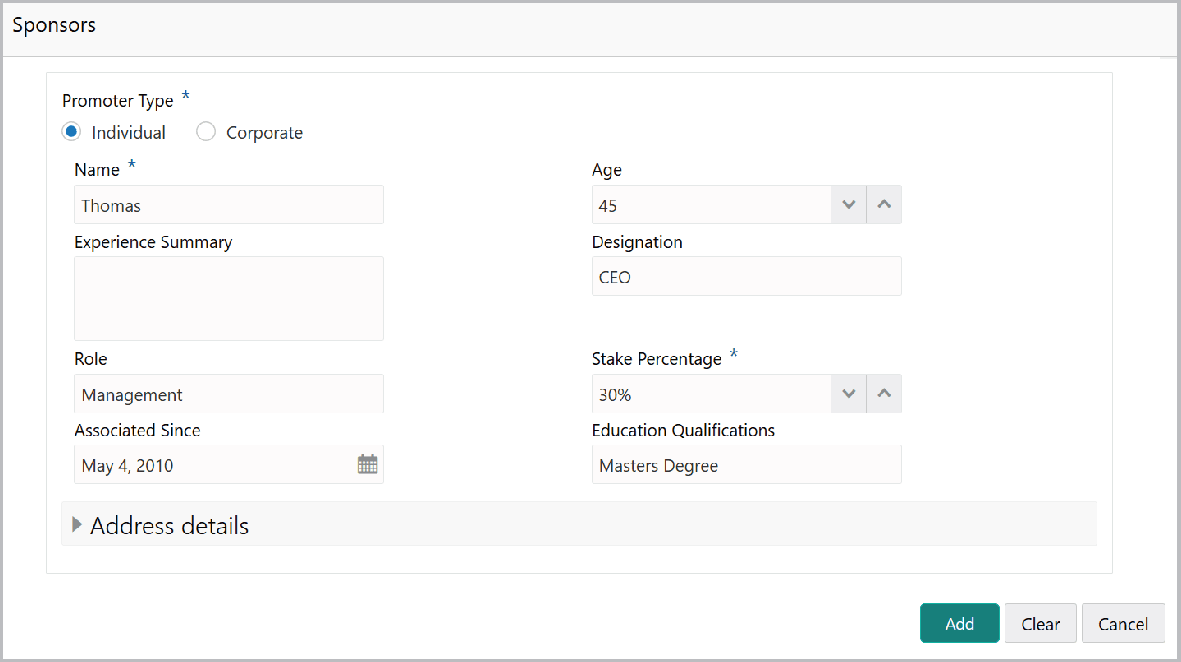
    The Sponsors window is displayed.
  2. If the sponsor is an individual, select or enter the following sponsor details in the corresponding fields:
    • Promoter Type (select Individual option)
    • Name
    • Age
    • Experience Summary
    • Designation
    • Role
    • Stake Percentage
    • Associated Since
    • Education Qualifications
  3. If the sponsor is an entity, select or enter the following sponsor details in the corresponding fields:
    • Promoter Type (select Corporate option)
    • Name
    • Stake Percentage
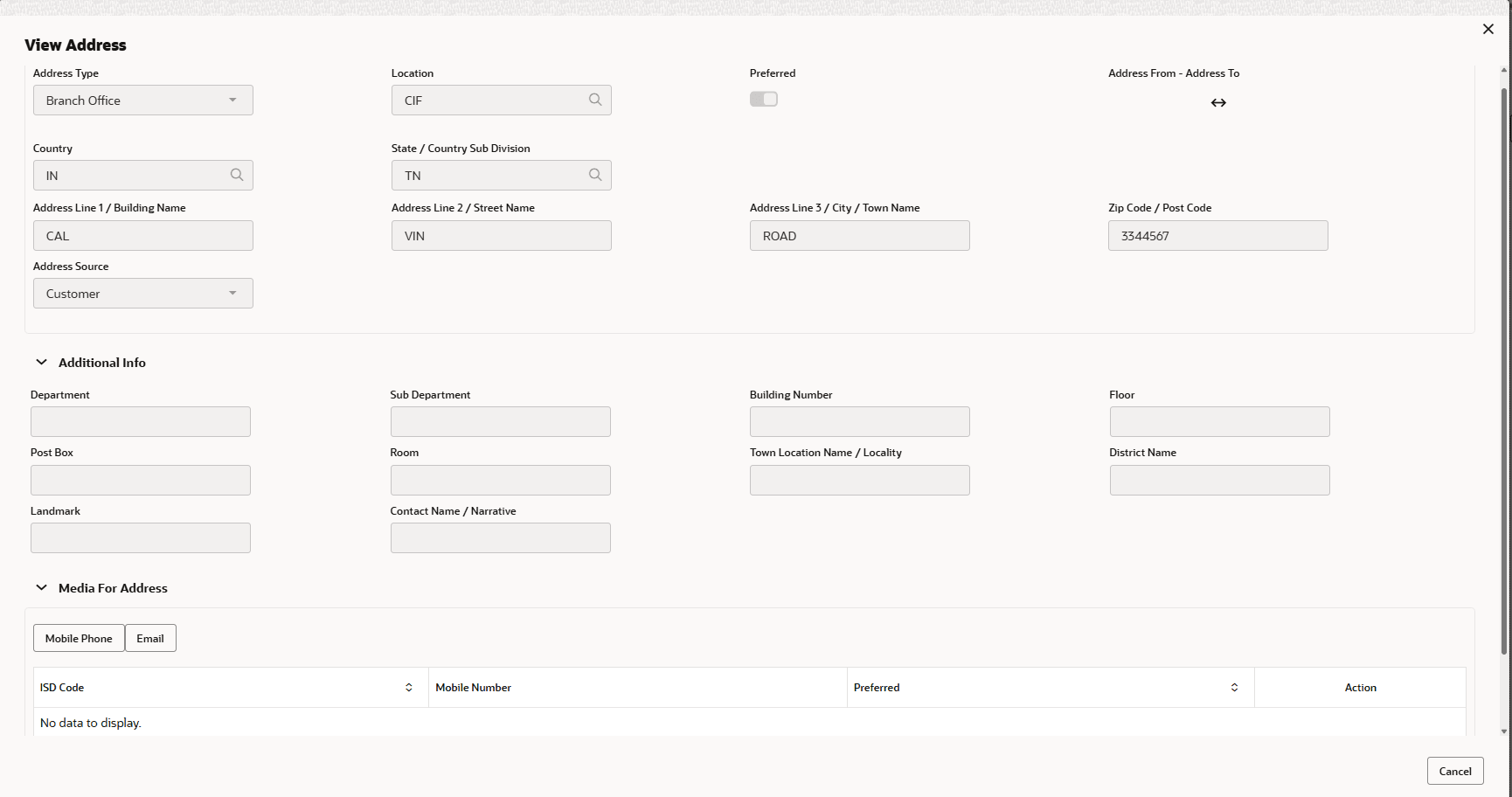
  4. Click and expand the Address details section.
  5. Enter or select the following details in the corresponding fields:
    • House/Building name
    • Street
    • Locality
    • Landmark
    • Area
    • City
    • State
    • Zip-Code
    • Country
    • Email Address
    • Phone Number
  6. Click Add. Sponsor details are added.

    Note:

    • To Edit, Delete or View the added Sponsors. click the Hamburger icon in the required list item and select the required option.
    • For information on adding Share holders, Directors, Management Team, Bankers, Guarantors, Customers, and Suppliers detail, refer Economic Dependency Analysis User Manual.