3.2 Customer Info

This topic provides systematic instructions about Customer Info.

This data segment allows to view and manage information of the party and child parties.
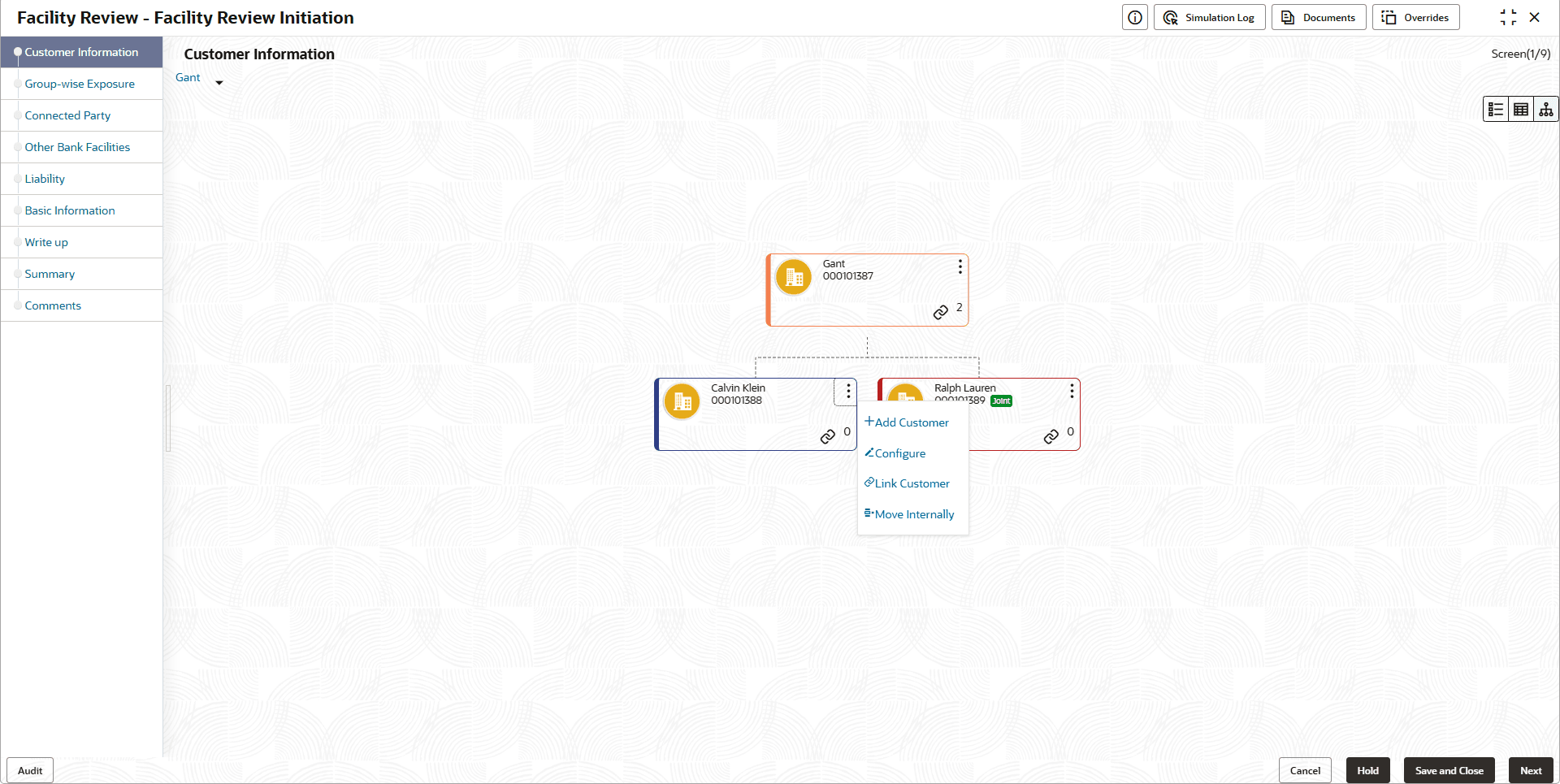
Mouse hovering on the party / child party icon displays the basic information about the party.

  1. Right click on the party / child party icon to perform the following actions:
    • Add Customer (not applicable for joint customer)
    • View
    • Quick View
    • Configure
    • Delete (applicable only for child party)

    The following table describes the functionality of each actions listed above:

    Table 3-2 Customer Info

    Actions Functionality
    Add Customer Displays the Customer Details window for adding child party of the party.
    View Displays the Customer Details window for viewing party details.
    Quick View Displays the View Entity Details window.
    Configure Displays the Party Details window for capturing party details.