3.33 Viewing Utilization History
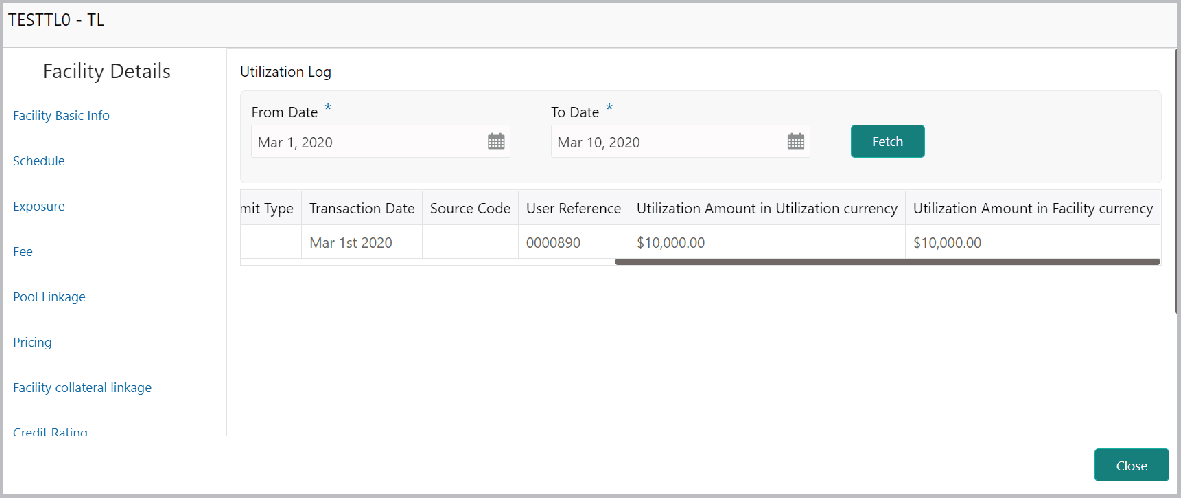
The system allows you to view the facility utilization history for up to last 12 months in the Utilization History screen. The utilization amount is displayed in both the utilization currency and facility currency.
- Click Utilization History from the left menu. The following screen
appears:
Parent topic: Proposal Initiation