3.6 Comments
In this page, the overall comments for the policy definition initiation stage are captured. The comments captured in this page are used by the Approvers to make quick decisions.
Click Next in Policy Summary page, Comments page is displayed.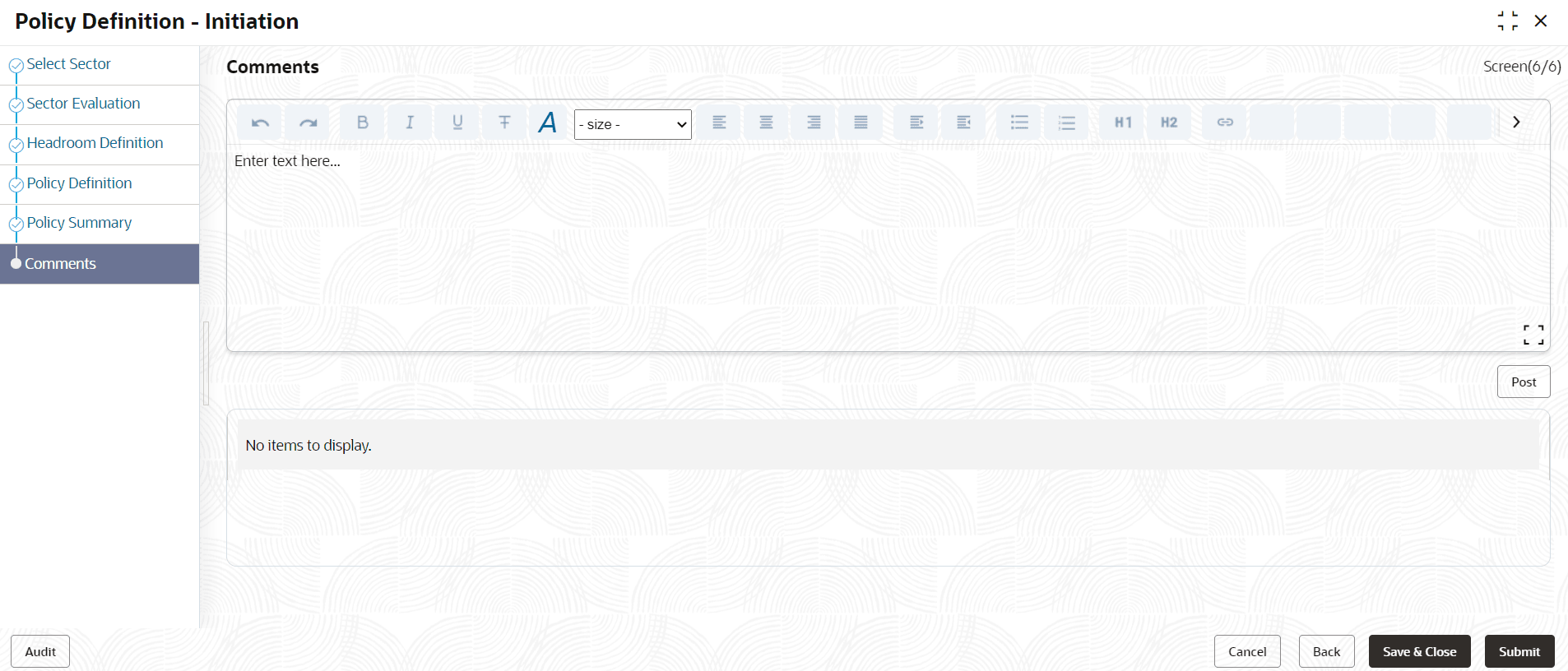
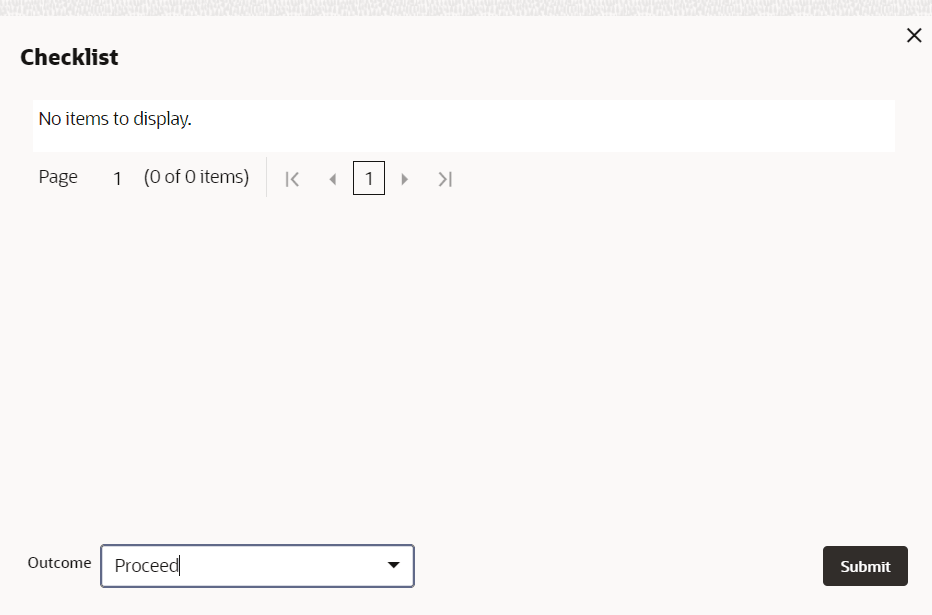
- Click Submit. Checklist related to the policy definition process
is displayed.
Parent topic: Policy Initiation