3.5 Policy Summary
The summary page provides a holistic view of all the dimensions configured in this policy definition initiation stage.
Select Sector, Industry Group, Industry, and Sub-Industry in Policy Summary window and Click Go.
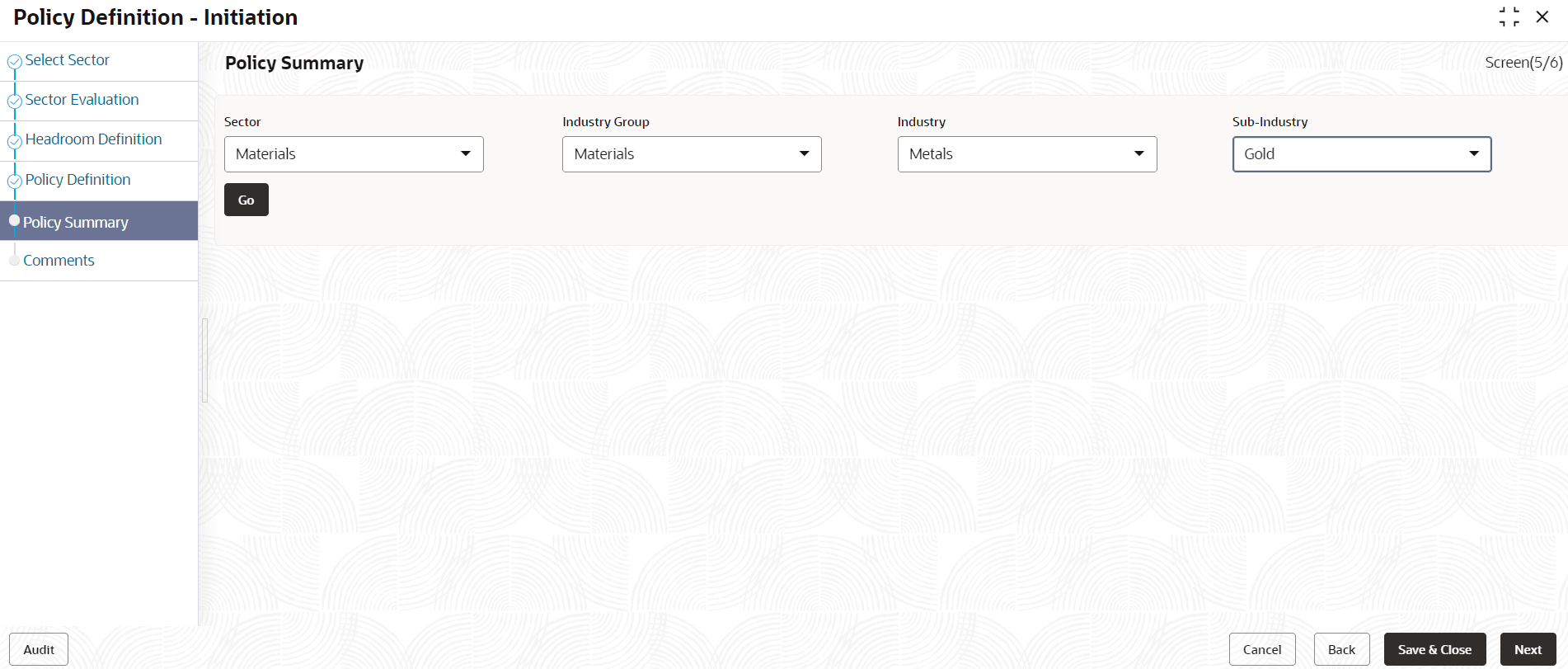
Policy Summary window is displayed with all details.
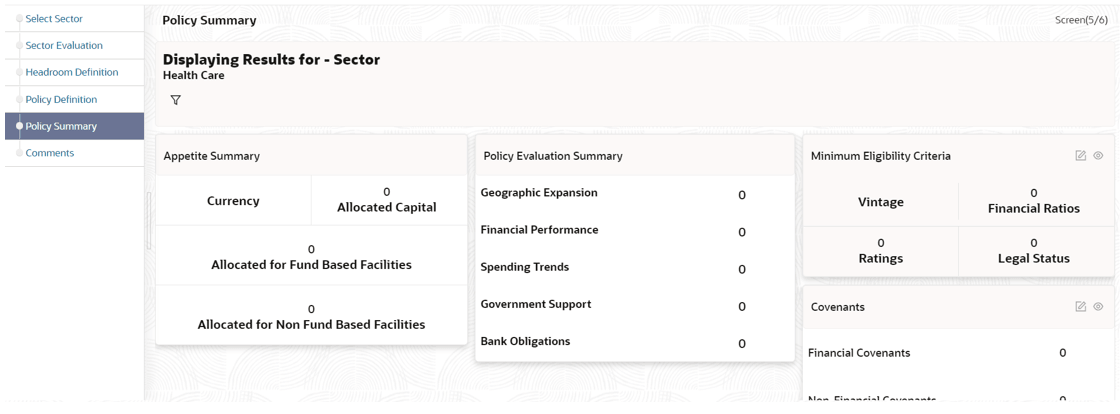
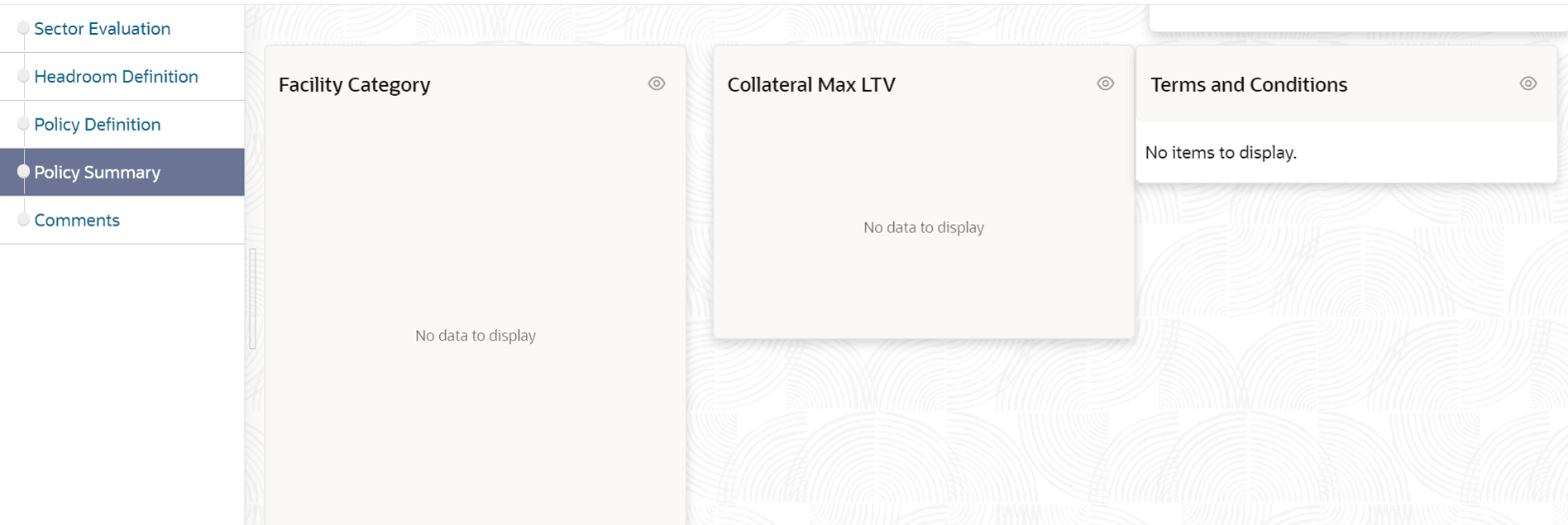
- To modify the necessary details, click Back button.
- To cancel the policy definition process, click Cancel button.
- To save the entered details and close the process, click Save & Close.
- View the Policy Summary and click Next after verifying all the details.
Parent topic: Policy Initiation