3.1.4 Advices

This topic provides the systematic intsructions about the procedure to configure advices to be sent to the customers.

Advices are the draft documents to be sent to the customers from bank. You can configure advice for the Draft Generation stage in any business process in the Advices tab.
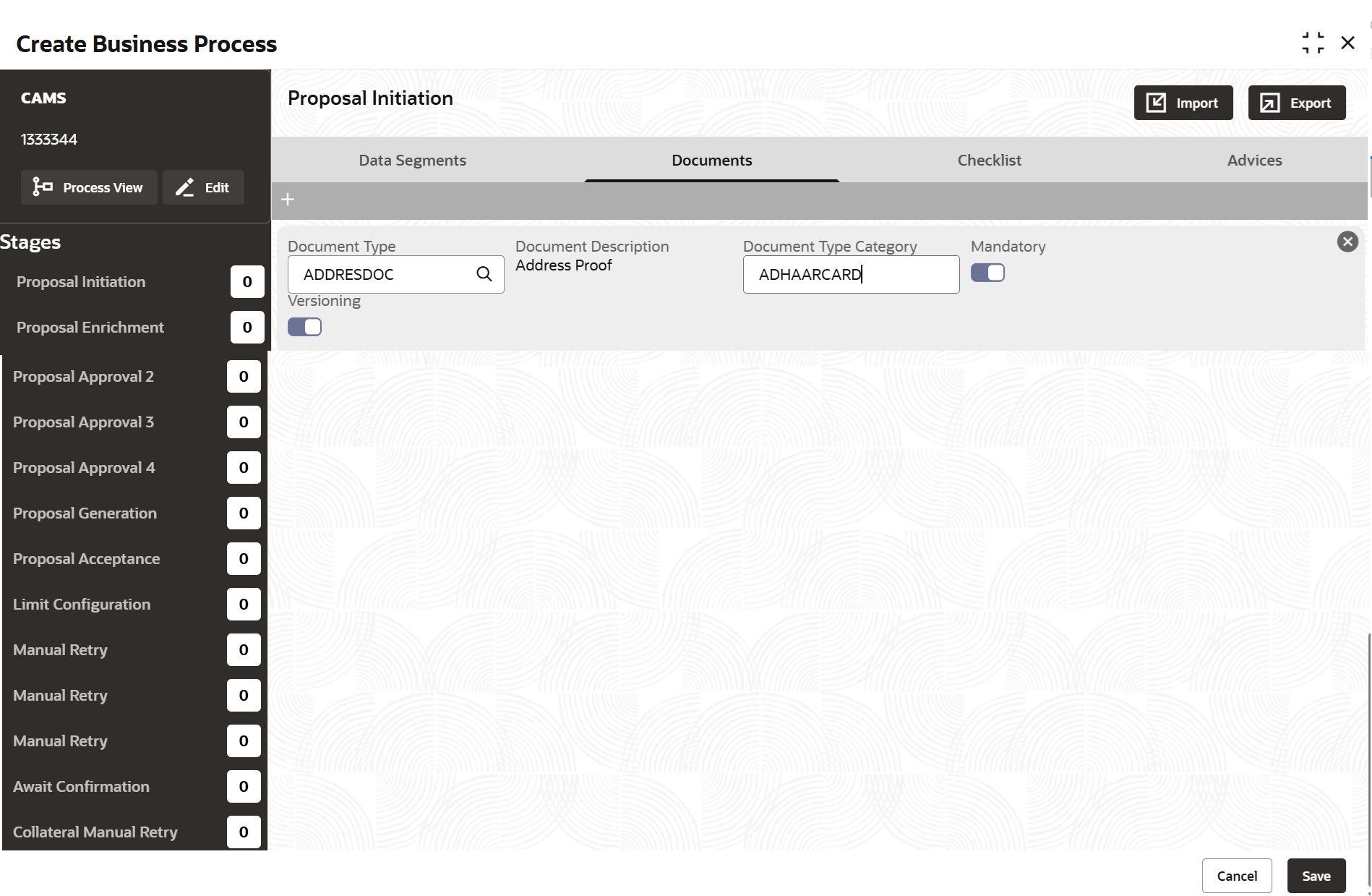
  1. To configure advice for a stage, click the add icon.
    The Advice tab is displayed as shown below.
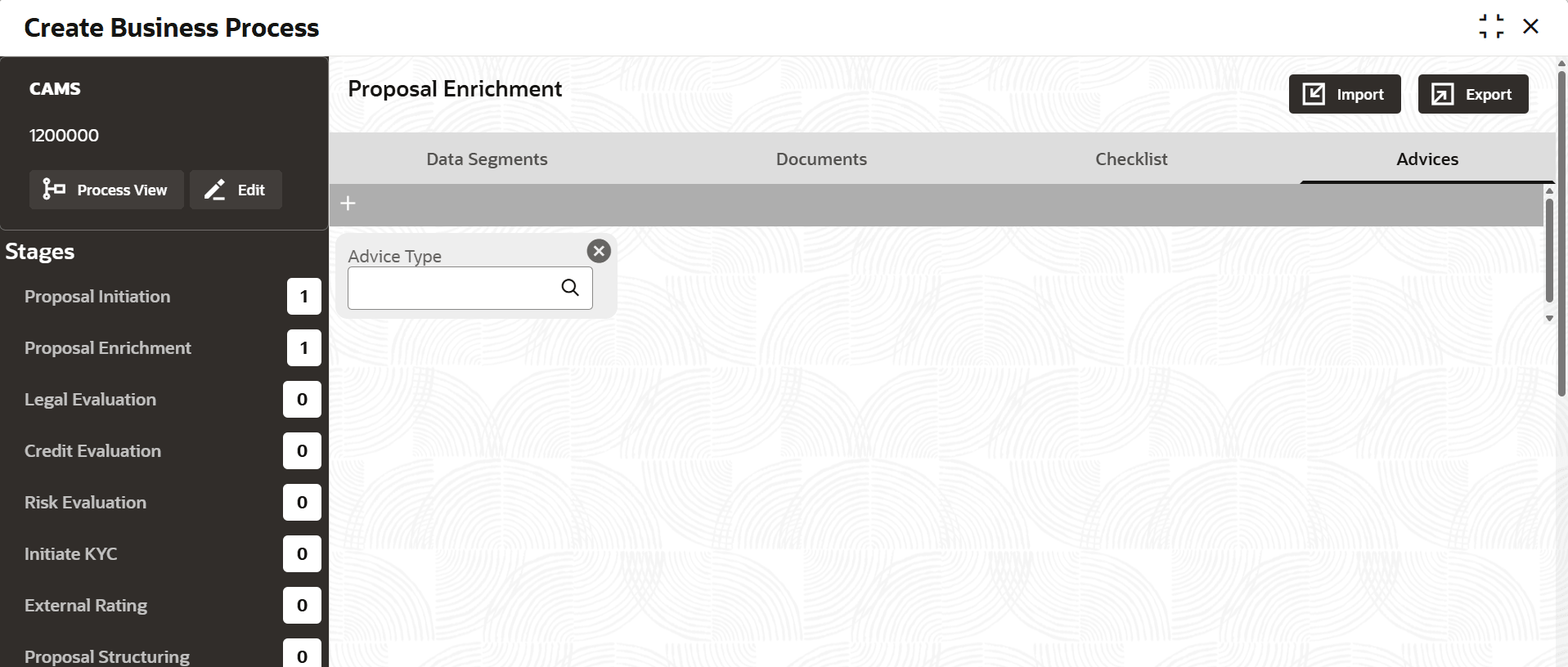
  2. Specify the advice details based on description in the following table.

    Table 3-4 Advices - Field Description

    Field Description
    Advice Type Click the search icon and select the Advice Type. Advice types maintained in the Common Core Maintenance module are displayed in the option list.
    Advice Description Advice description provided for the selected advice type gets defaulted.
  3. To add another advice, click the add icon again and provide the necessary details.
  4. To remove the added advice, click the close icon.
  5. After configuring the advice, click Save.