3.1.3 Checklist

This topic provides the systematic instructions about the procedure to add checklist for the stages in a business process.

User can configure checklist for manual verification of each stage in the Checklist tab. The checklist configured here will be displayed in the Checklist window that appears on clicking Submit in any of the stages.
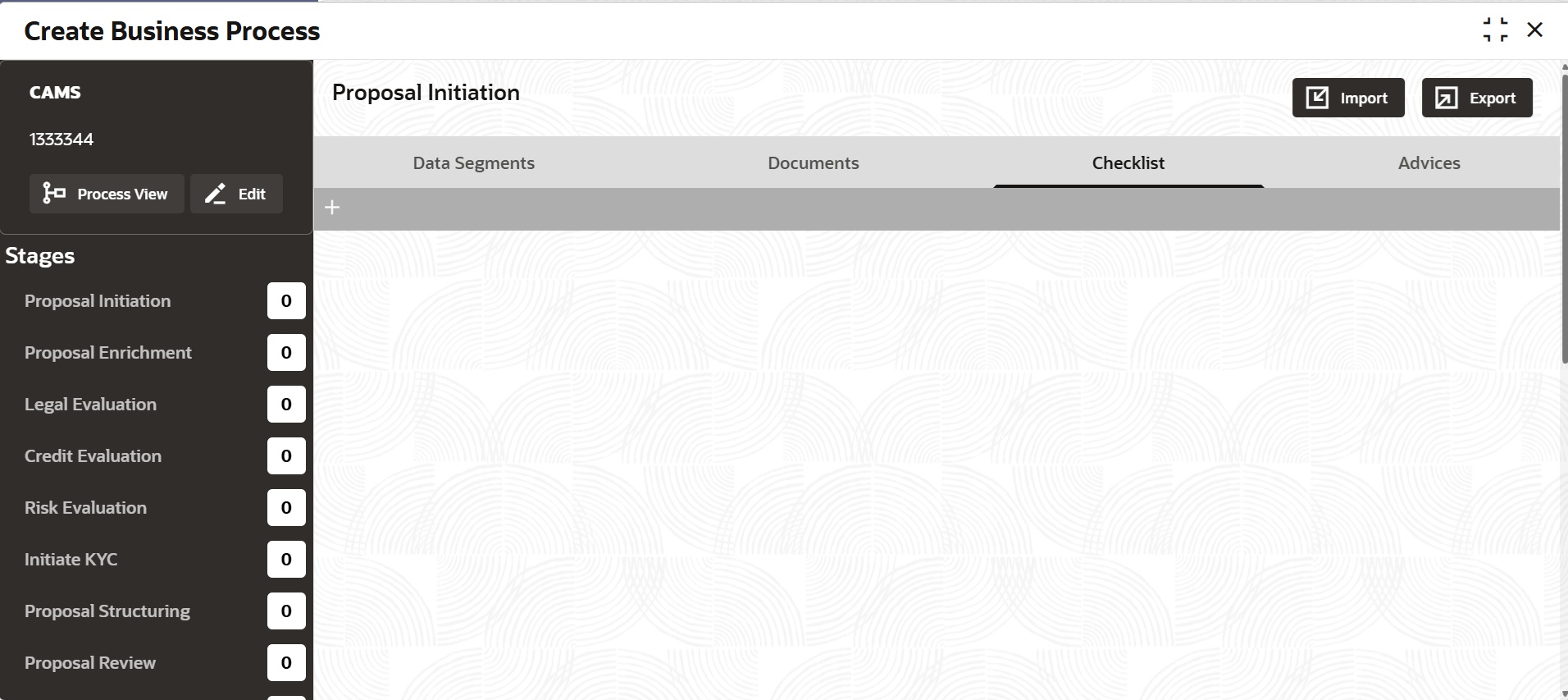
  1. To add checklist, click the add icon.
    The Checklist tab is displayed as shown below.
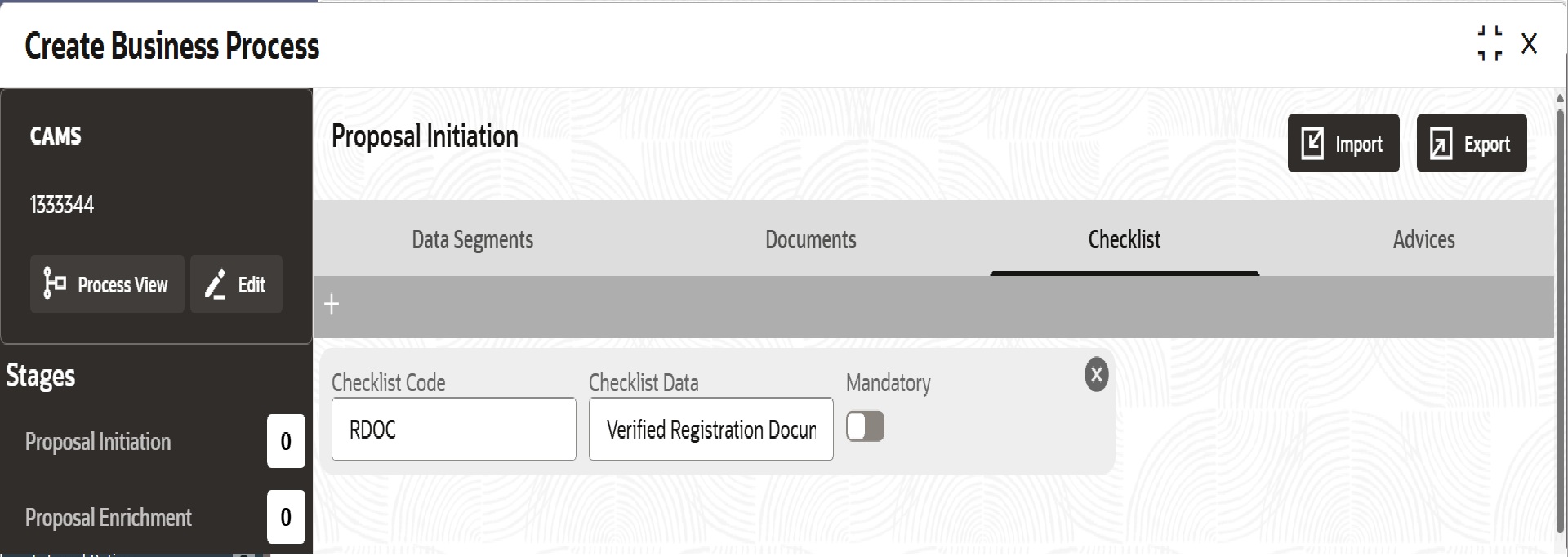
  2. Specify the checklist details based on description provided in the following table.

    Table 3-3 Checklist - Field Description

    Field Description
    Checklist Code Specify a unique code for the checklist.
    Checklist Data Specify the checklist for manual verification. For example, Verified Registration Documents. The checklist data provided here will appear as check box in the Checklist window.
    Mandatory Enable this flag to set the checklist as mandatory.
  3. To add another checklist, click the add icon again and provide the necessary details.
  4. To remove the added checklist, click the close icon.
  5. After configuring the checklist, click Save.