3.2 Create Structure Simulation
This topic describes the systematic instructions to create the Structure Simulation.
The Liquidity Management module enables the corporate customer to initiate a
structure simulation for sweep, pool and hybrid structures.
While building
a structure, corporate user is expected to capture:
- Basic parameters of the structure.
- Choose accounts for mapping and specifying the hierarchies.
- Linking of accounts.
- Check basic validations.
- Set up instructions between each account pair.
The Liquidity Management Structure Simulation screen enables the user to build the different types of Liquidity Management Structures that meets the business needs of fund movement and concentration.
The account structures can be created as
follows:
To create the structure simulation:- Sweep Structure Simulation
- Pool Structure Simulation
- Hybrid Structure Simulation
- In the Simulation Structure List screen, click New Simulation. The Liquidity Management Structure Simulation screen displays.
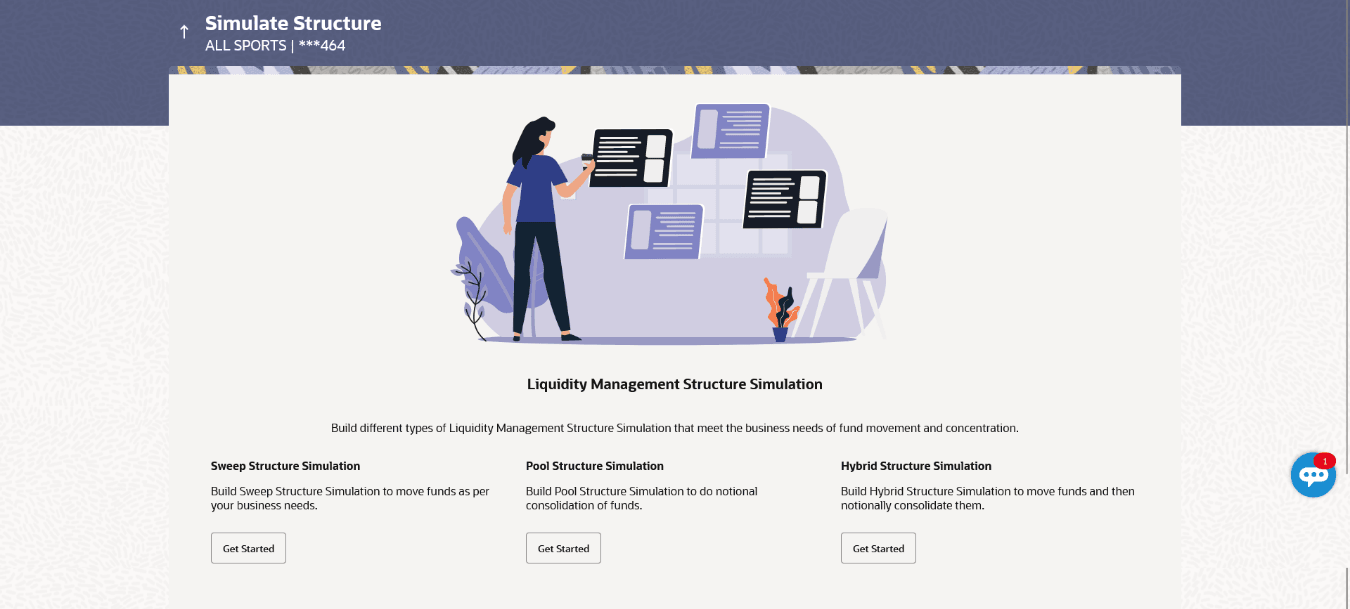
- Create Sweep Structure Simulation
This topic describes the systematic instructions to build the sweep structure simulation to move funds as per the business needs. - Create Pool Structure Simulation
This topic describes the systematic instructions to build the pool structure simulation to perform the notional movement of funds, the account balances are notionally consolidated and interest computations carried out on such notional balances. - Create Hybrid Structure Simulation
This topic describes the systematic instructions to create Hybrid Structure Simulation, that enables the user to build the hybrid structure to move funds and then notionally consolidate them.
Parent topic: Simulation Structure Maintenance