43.2 User Segment Maintenance - Edit
This topic describes the systematic instruction to Persona Maintenance - Edit option.
Using this option, System Administrator can modify the details of the
existing persona.
To edit the Persona details:
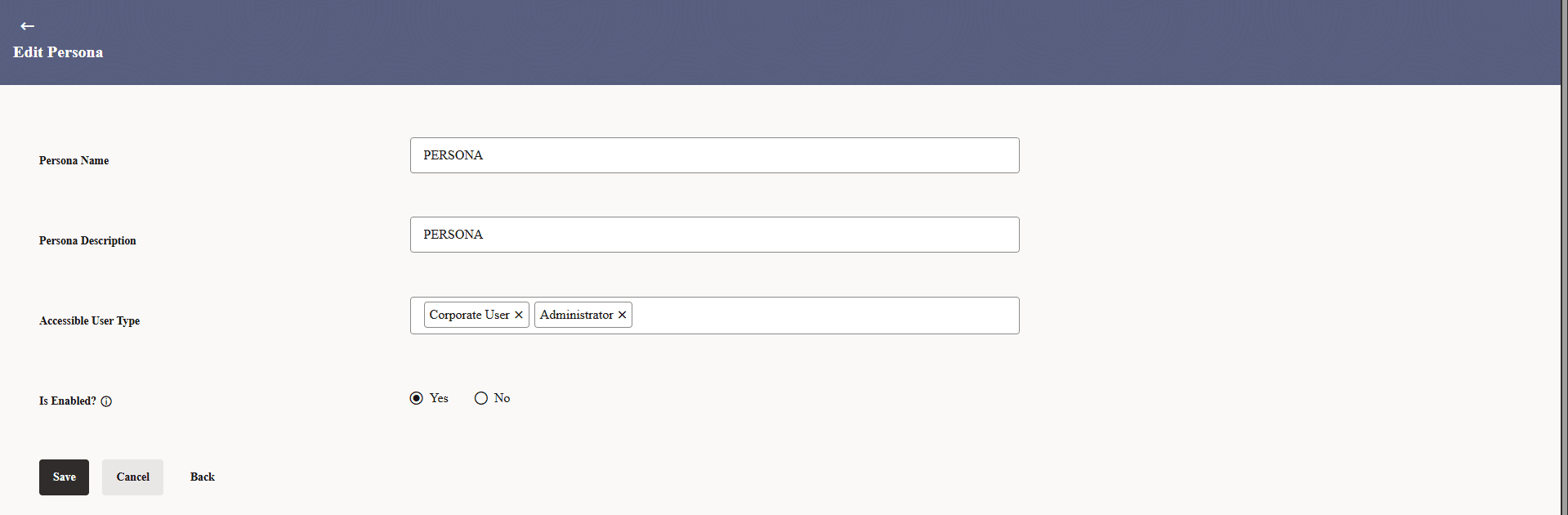
- Click Edit to modify the User Segment details.The Persona Maintenance - Edit screen appears.
For more information on fields, refer to the field description table.
Table 43-3 Persona Maintenance - Edit - Field Description
Field Name Description Persona Name System displays the persona name and is available for edit. Persona Description System displays the persona description and is available for edit. Accessible User Type System displays the User type for the selected segment and available for edit. Is Enabled? System displays the accessible user types and are available for edit.
Parent topic: Persona Maintenance