29.4 Transaction Code Logo Maintenance - Delete
This topic describes the systematic instruction to Transaction Code Logo Maintenance - Delete option.
To delete a transaction code mapping:
- Perform anyone of the following actions:
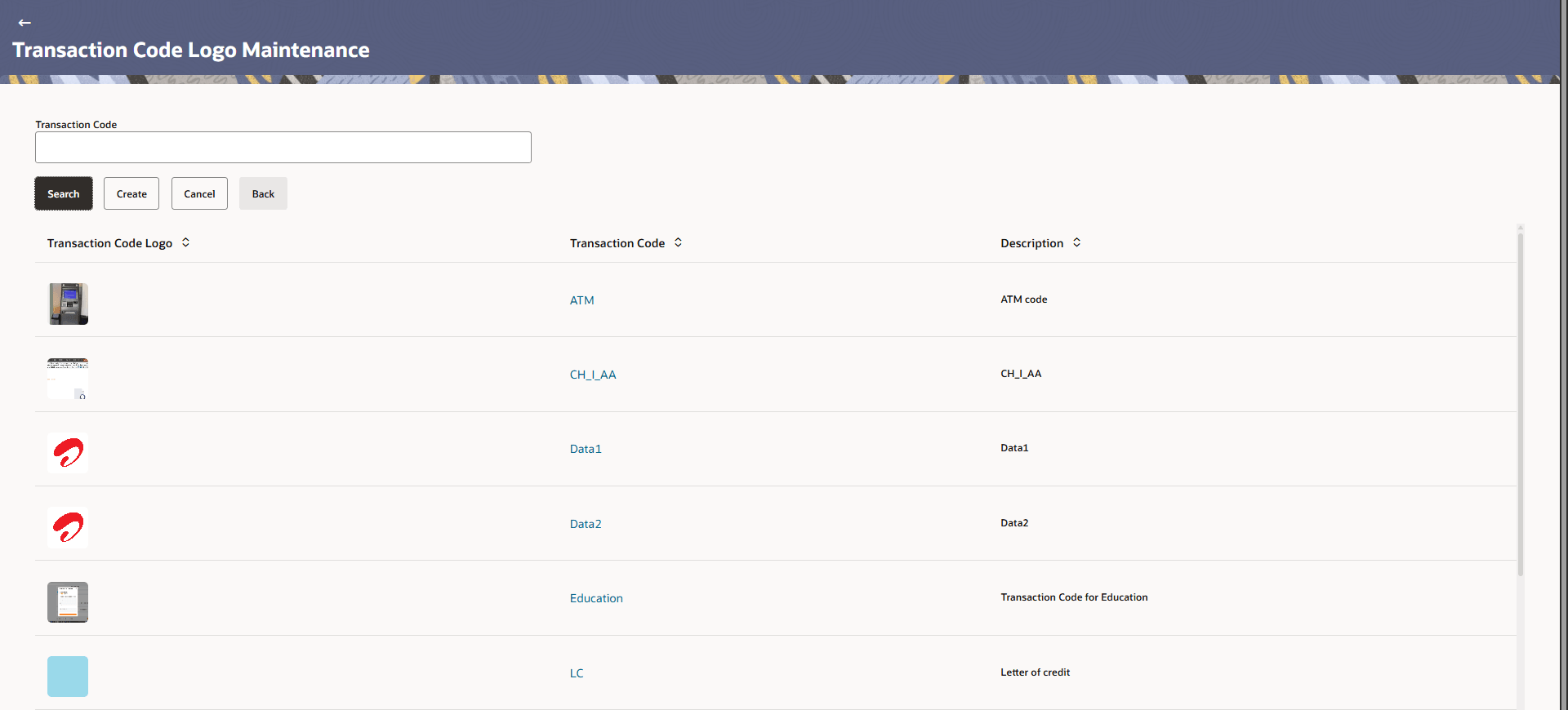
- In the Transaction Code Logo Maintenance screen appears. Click Search. Displays the Transaction Code Logo Maintenance screen with search results appears based on the searched criteria.
- Click Cancel to cancel the search process.
- Click Clear to reset the search parameters.
Figure 29-7 Transaction Code Logo Maintenance - Search
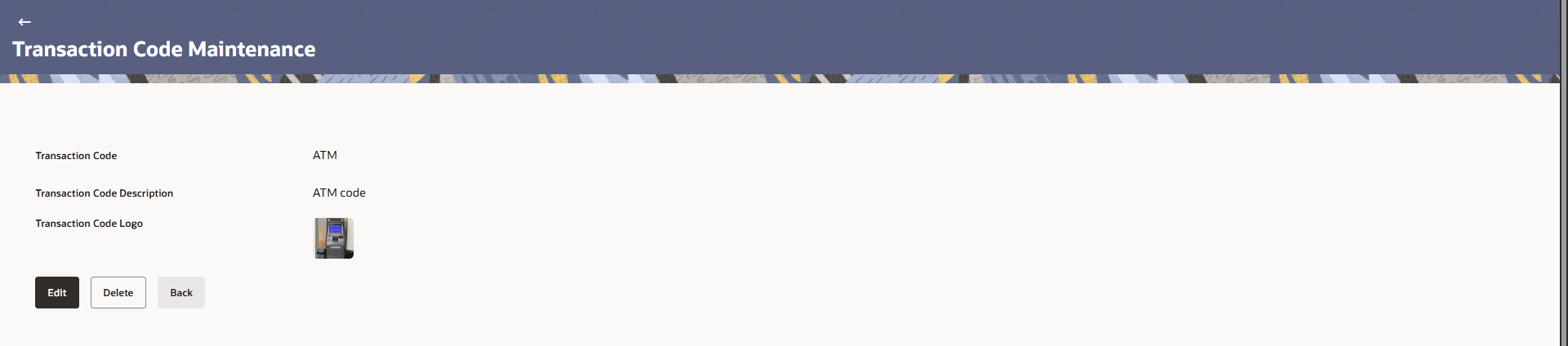
- Click the Transaction Code link of the record to view
the transaction group details.The Transaction Code Logo Maintenance -View screen appears.
Figure 29-8 Transaction Group Maintenance - View
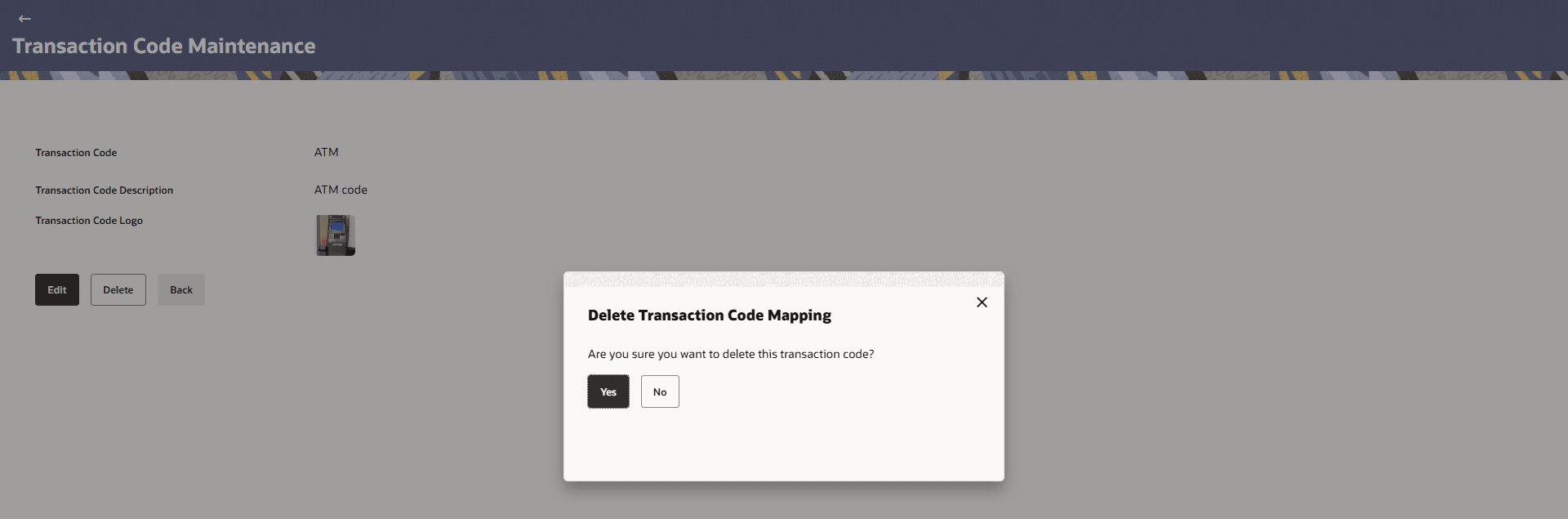
- Click Delete.The Delete Transaction Code Mapping Pop-up Message appears.
Figure 29-9 Delete Transaction Code Mapping
Parent topic: Transaction Code Logo Maintenance