3.5.18 Manage Loan Securities
User can manage the limits and collateral associated with the loan account through the Manage Loan Securities screen.
A limit may be linked to an account if it was not linked during the on-boarding process. Additionally, the user has the ability to replace the current limit with an alternative limit. Furthermore, collateral can be added, modified, unlinked, or replaced using this screen.
To manage loan securities for limits:
Note:
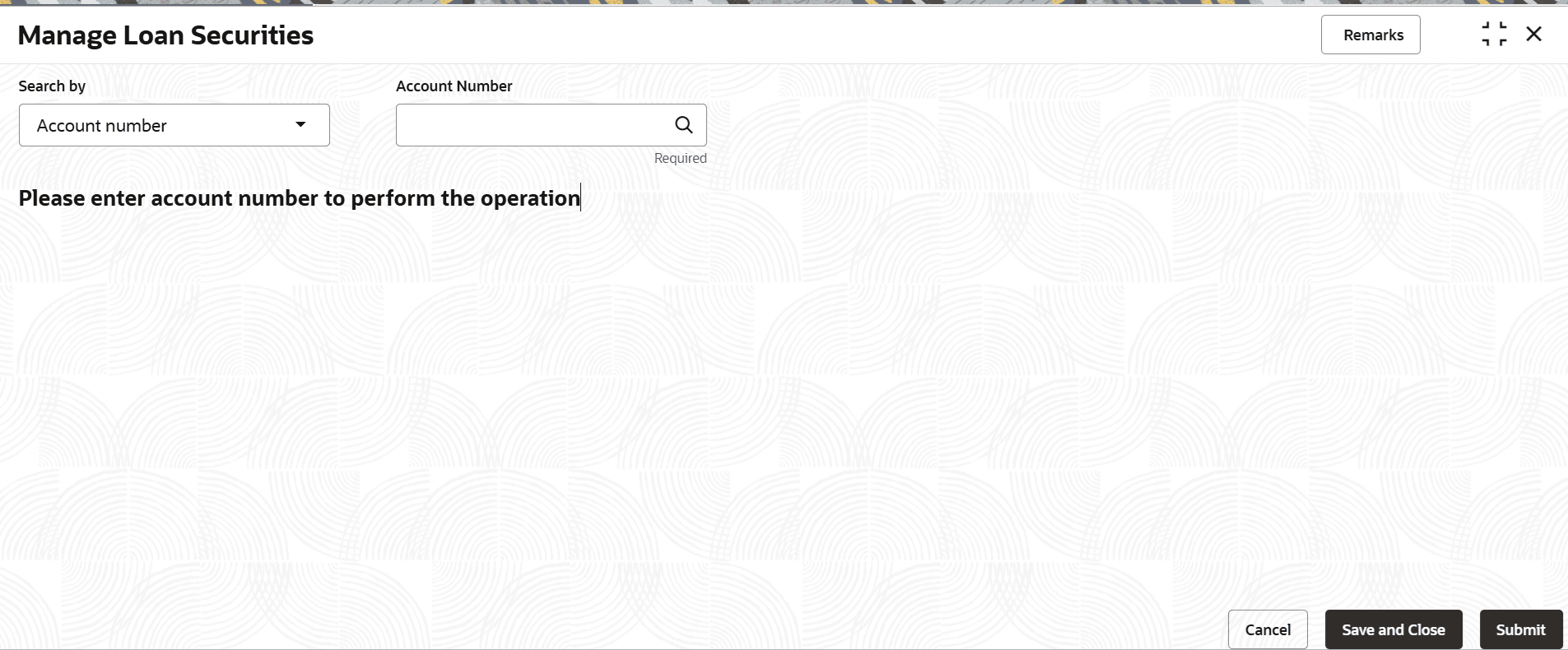
The fields marked as Required are mandatory.- On the Homepage, from Retail Lending Services mega menu, under Accounts, click Manage Loan Securities. User can also open the screen by specifying Manage Loan Securities in the search icon bar and selecting the screen.The Manage Loan Securities screen is displayed.
- Manage Loan Securities - Limits
This topic explains the systematic instructions for linking or replacing linked limit. - Manage Loan Securities - Collateral
This topic explains the systematic instructions for adding, modifying, unlinking, or replacing the collateral.
Parent topic: Accounts