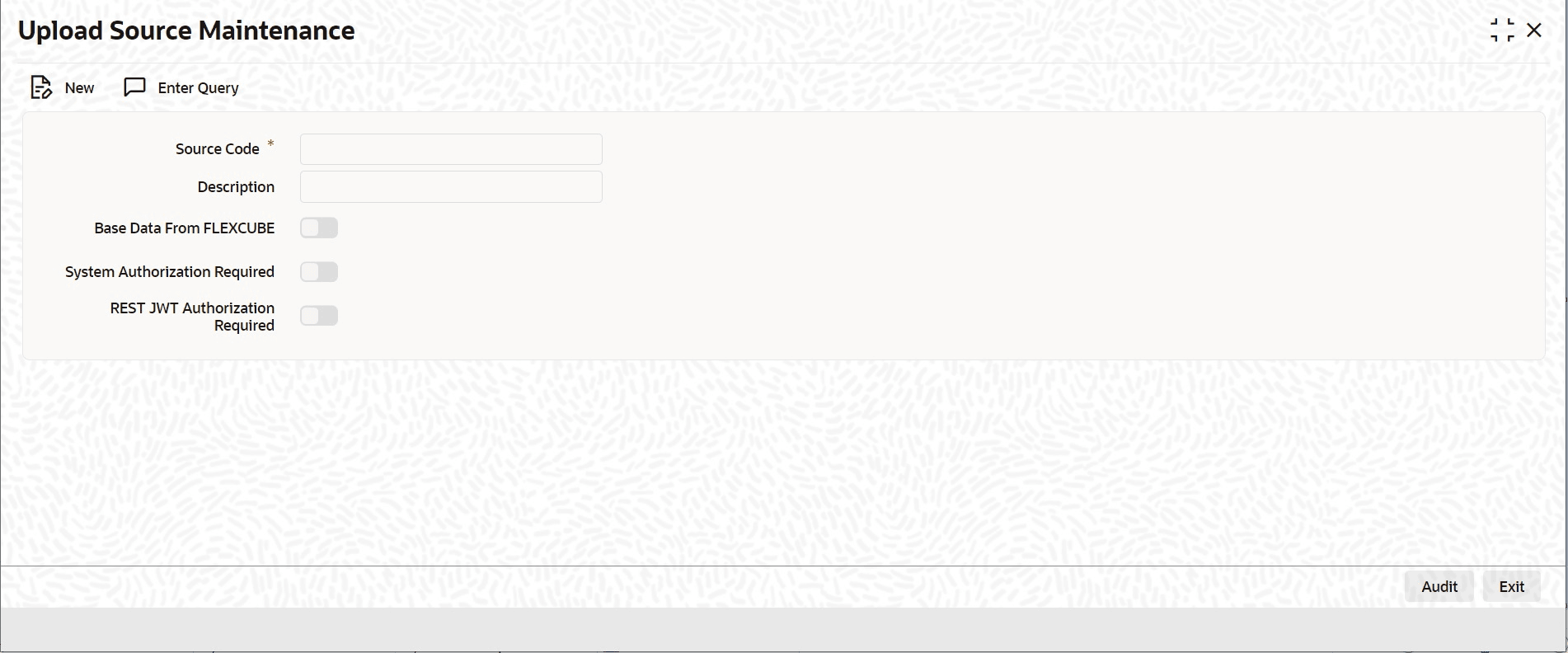
3.3.4 Maintain Upload Source Details
This topic provides the systematic instructions to maintain upload source.
Oracle Banking Trade
Finance supports data
upload from an external source. Source details for data upload are maintained in Oracle Banking Trade
Finance using the Upload
Source Maintenance screen.
Specify the User ID and Password, and login to Homepage.
- On the Homepage, type CODSORCE in the text box, and click the next arrow.The Upload Source Maintenance screen is displayed.
Parent topic: Access Rights to an External System