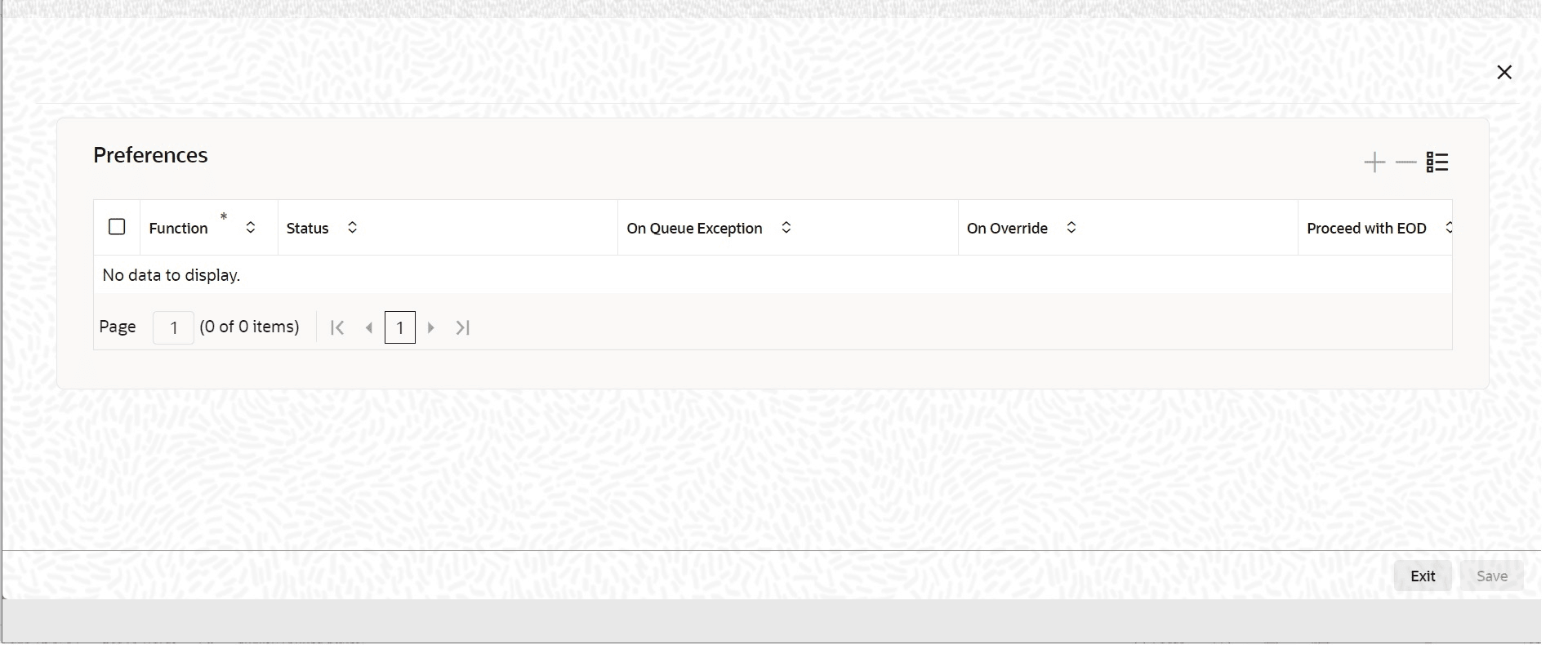
3.3.6 Maintain Function ID Preferences

This topic provides the systematic instructions to maintain function ID preferences.

Specify the User ID and Password, and login to Homepage.
  1. Click the Function ID Preferences button in the Upload Source Preferences Maintenance screen.
  2. On Function ID Preferences screen, specify the details as required, click OK to save the details, else click Exit or Cancel.
    For information on fields, refer to Table 3-11:

    Table 3-11 Upload Source Preferences Maintenance - Field Description

    Field Description
    Function Id Specify the Function Id. The adjoining option list displays all the function Ids maintained in the system.
    Status Select the Status of the record from the following drop-down list:
    • Authorized
    • Unauthorized
    • Put On hold
    On Exception Select the record status in case of any exception while saving from the following drop-down list:
    • Put On Hold
    • Reject
    On Override Select the record status in case of any overriding a saved record from the following drop-down list:
    • Put On Hold
    • Reject
    • Ignore
    Proceed With EOD Check this box, to proceed with EOD.
    Deleted Allowed Check this box, if deleting is allowed.
    Reverse Allowed Check this box, if reversal is allowed.
    Amend Allowed Check this box, if amendment is allowed.
    Purge Days (Calendar) Specify the calendar purge days.
    Allow Deferred Processing Check this box, if deferred processing is allowed.
    Allow EOD with Deferred Check this box, if EOD with deferred is allowed.