3.7 Outgoing Message Browser
This topic provides the systematic instructions to outgoing message browser.
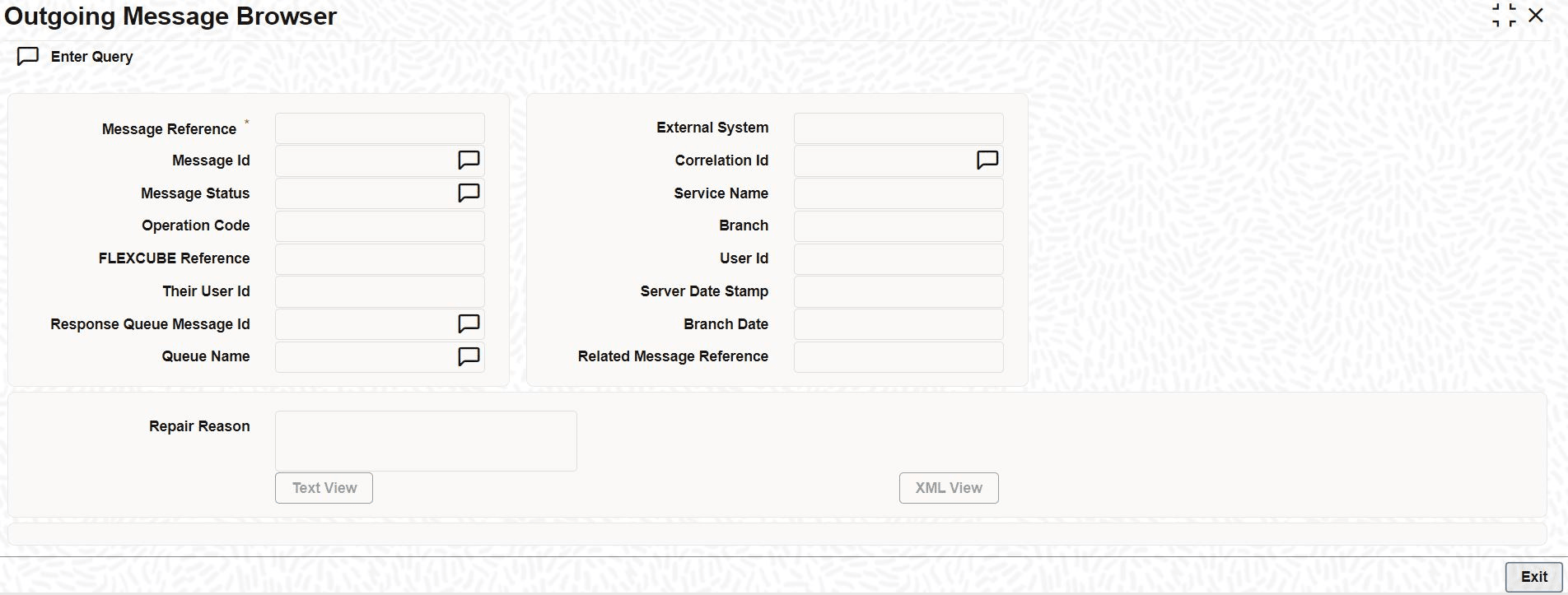
After processing incoming messages, the system sends a response message to the external systems with the processing status. Response messages are displayed in the Outgoing Message Browser.
Specify the User ID and Password, and login to Homepage.
- On the Homepage, type GWDOTBRW in the text box, and click the next arrow.The Outgoing Message Browser screen is displayed.
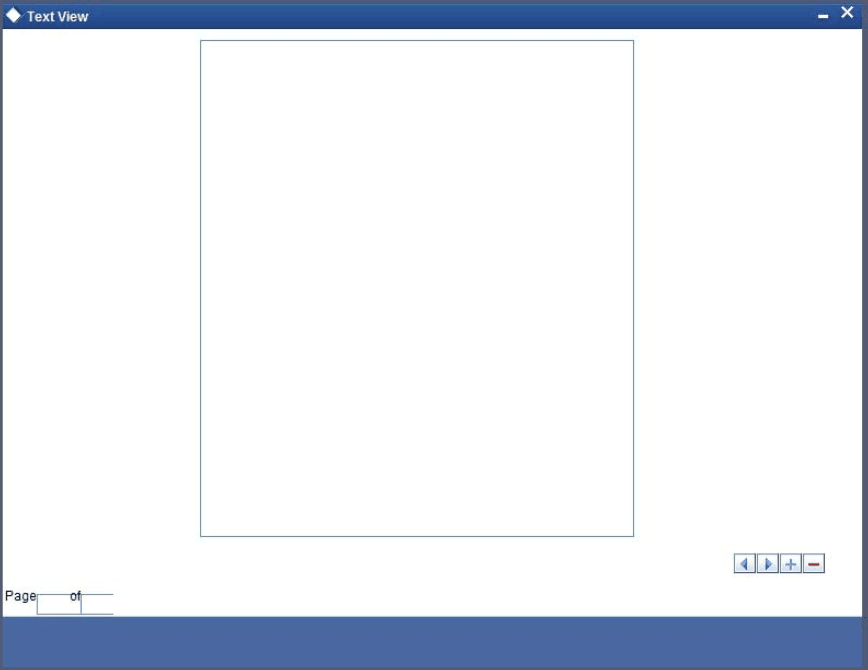
In the Outgoing Message Browser screen, user can view the details of the messages sent to the external systems. User can also view the messages in the XML format or the Text format. - Click the Text View button to view the response message in text format.
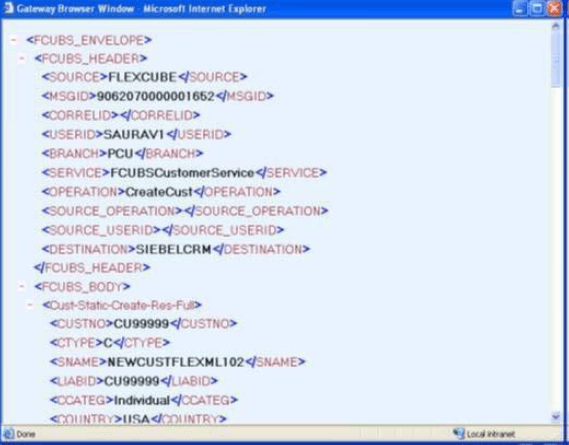
- Click the XML View button to view the response messages in XML format.
- Query Outgoing Message Browser
This topic provides the systematic instructions to query outgoing message browser.
Parent topic: External System Maintenance