12.2.3 Copying a Document

This topic provides information on the copying a document.

The Action section’s Copy Document command copies the document image from one application to another application. This command has no impact on the source application or the source application’s document image.
To copy a document to an application from another application
  1. On the Origination, click Origination. Under Origination, click Application Documents.
    The Application Documents screen displays.
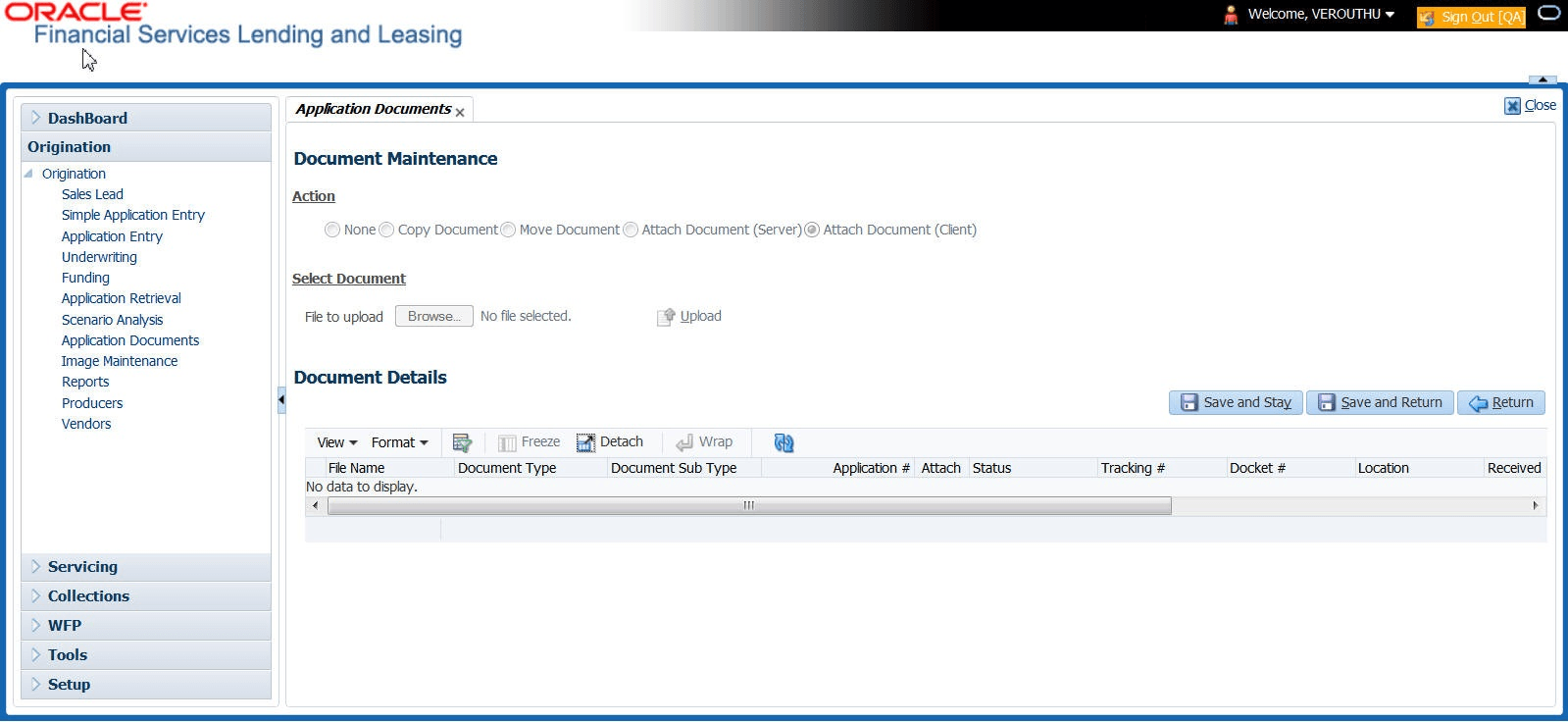
    Figure 12-3 Application Documents


  2. In the Action sub-section, click Copy Document.
  3. In the Document Maintenance sub-section, use the Application # field to specify the application with the image user want to copy.
  4. In the Document Maintenance sub-section, click Search. The system displays the files attached to that application in the Document Details section.
  5. In the Document Details section, select the document user want to copy and click Edit.
  6. In the Copy/Move App # field, specify the application number of the application to which user want to copy the document.
  7. Click Save And Return.
  8. In the Action sub-section, click Post.