8.16 Document Tab
This topic provides information on the document section, which records and manages associated files, contracts, and supporting materials to ensure traceability, compliance, and transparency.
The Document Maintenance link allows user to view documents attached to an application in the form of GIF files, PDF files, DOC files, XLS files, and TXT files and add comments regarding a selected document.
For more information, see the chapter Document Management in this User Guide.
To view a document attached with an application
- On the Origination, click Origination. Under Origination, click Funding.
- Under Funding, click Funding tab.
Under Funding tab, click
Document.
The Document screen displays.
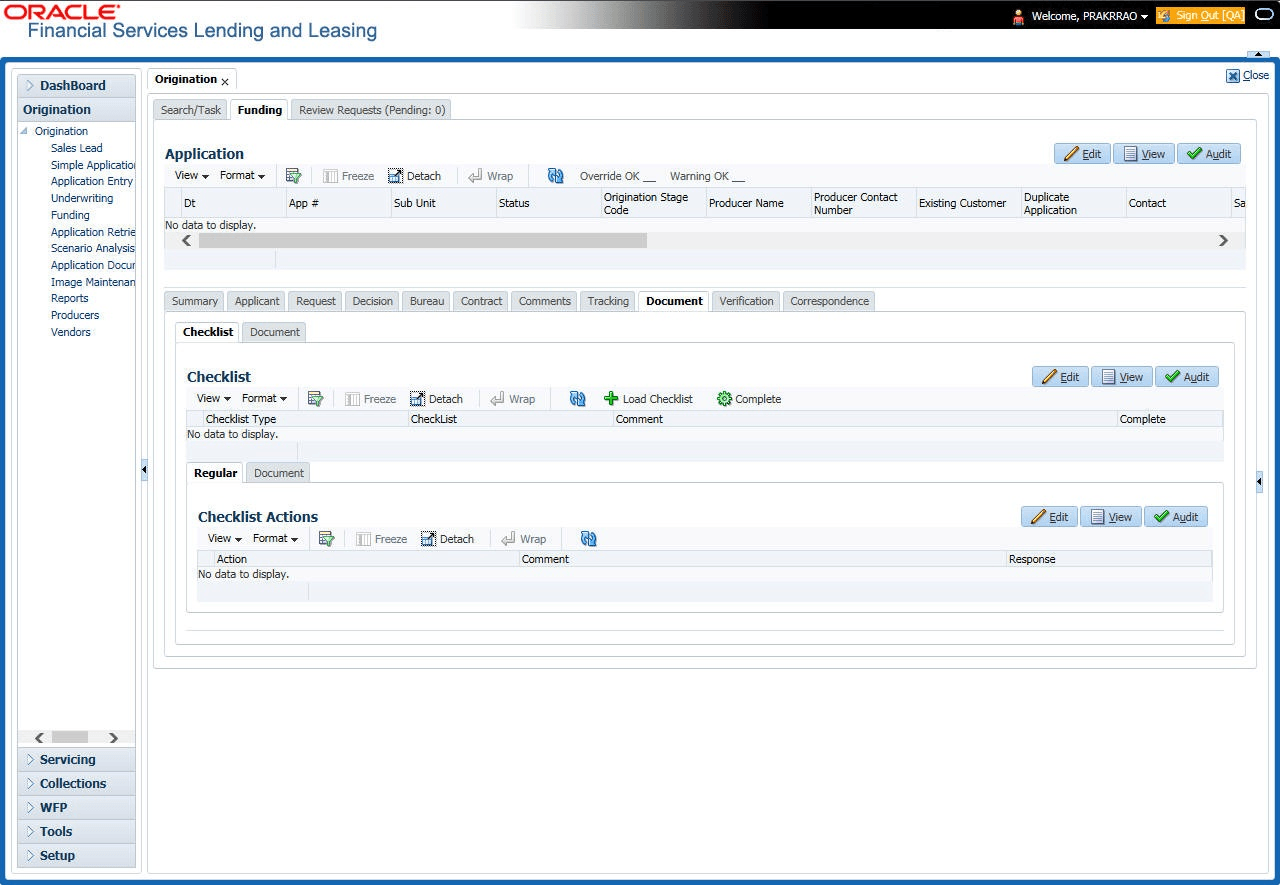
For details on this screen refer Document Tab section in Underwriting chapter.
Parent topic: Funding