8.15 Tracking Tab
This topic provides information on the tracking section, which records and manages updates, identifiers, and progress logs to support oversight and accurate reporting.
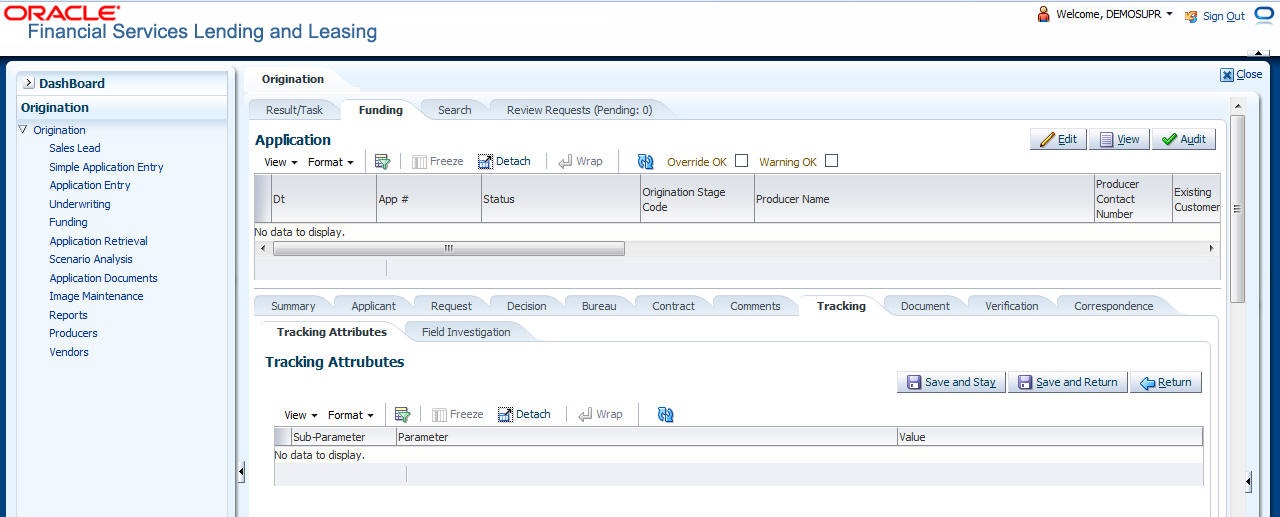
When using the Funding screen, user can add tracking attribute information to an application at any time in the underwriting process by using the Tracking Attributes screen.
To enter the tracking attributes for an application
- On the Origination, click Origination. Under Origination, click Funding.
- Under Funding, click Funding tab.
Under Funding tab, click
Tracking.
The Tracking screen displays.
For details on this screen refer Tracking Tab section in Underwriting chapter.
Parent topic: Funding