8.14 Comments Tab
This topic provides information on the comments section, which records and manages user‑entered remarks or annotations to support transparency, collaboration, and decision‑making.
When using the Underwriting screen, user can add comments to an application at any time in the underwriting process by using the Comments screen.
Whenever an application is funded by a proxy user, a system generated comment with timestamp is inserted in the comments tab in the format <User 1> actioned as proxy for Funder <User2>. Here, User 1 refers to the logged in user who has acted on behalf of User2, who is the concerned Funder. The concerned Funder’s name will also be selected in Contract tab, click Funder field.
- On the Origination, click Origination. Under Origination, click Funding.
- Under Funding, click Funding tab.
Under Funding tab, click
Comments.
The Comments screen displays.
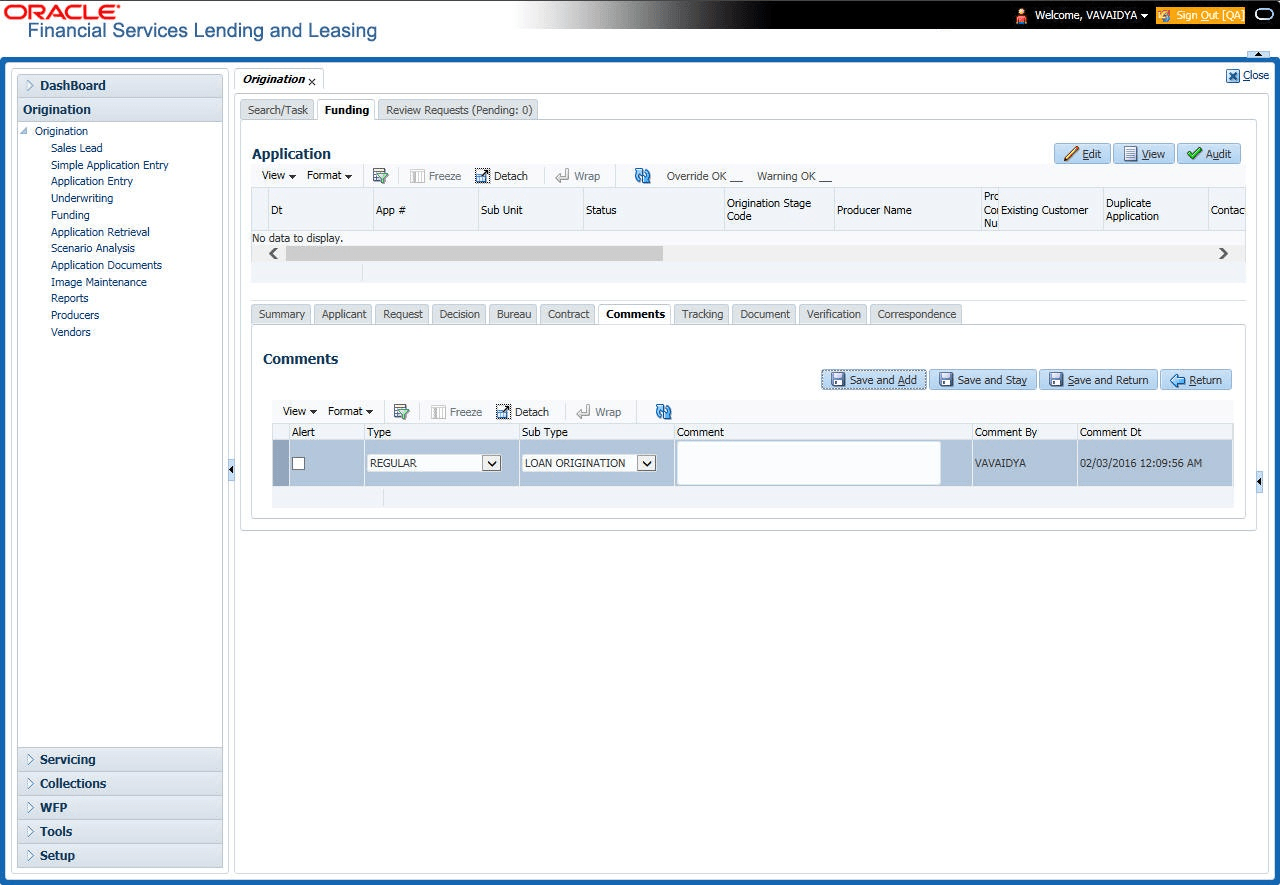
For details on this screen refer Comments Tab section in Underwriting chapter.
Parent topic: Funding