8.7 Request Tab
This topic provides information on the request section, which records and manages submitted requests, including their details, status, and actions required.
- On the Origination, click Origination. Under Origination, click Funding.
- Under Funding, click Funding tab.
Under Funding tab, click
Request.
The Request screen displays.
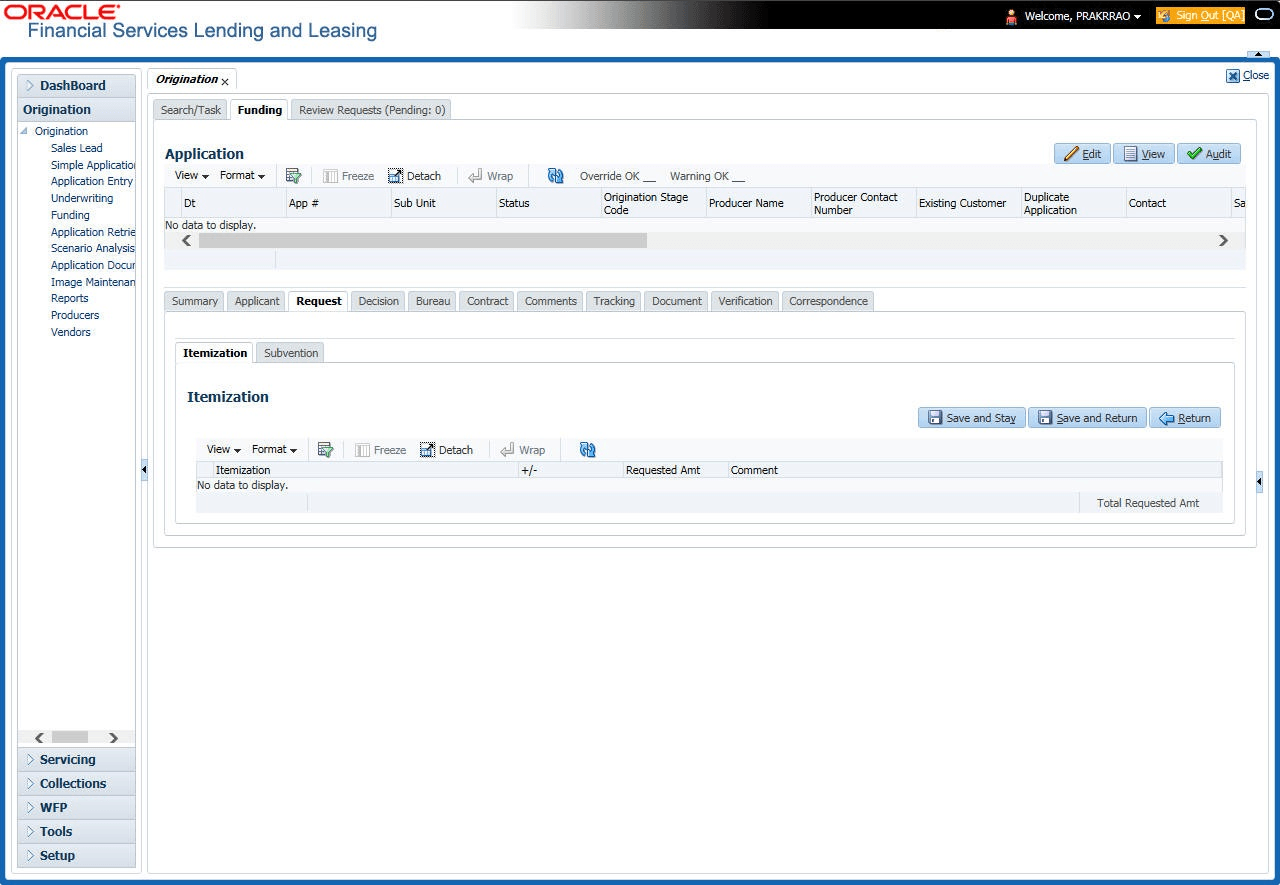
System displays the calculated Payment, Interest Rate, Term and Loan Amount in the Request tab.
For details on this screen refer Request Tab section in Underwriting chapter.
Parent topic: Funding