4.2.1 Telecoms Sub Tab
This topic provides information on telecoms. It outlines the process of capturing, managing, and tracking telecoms details within the system for reference and validation.
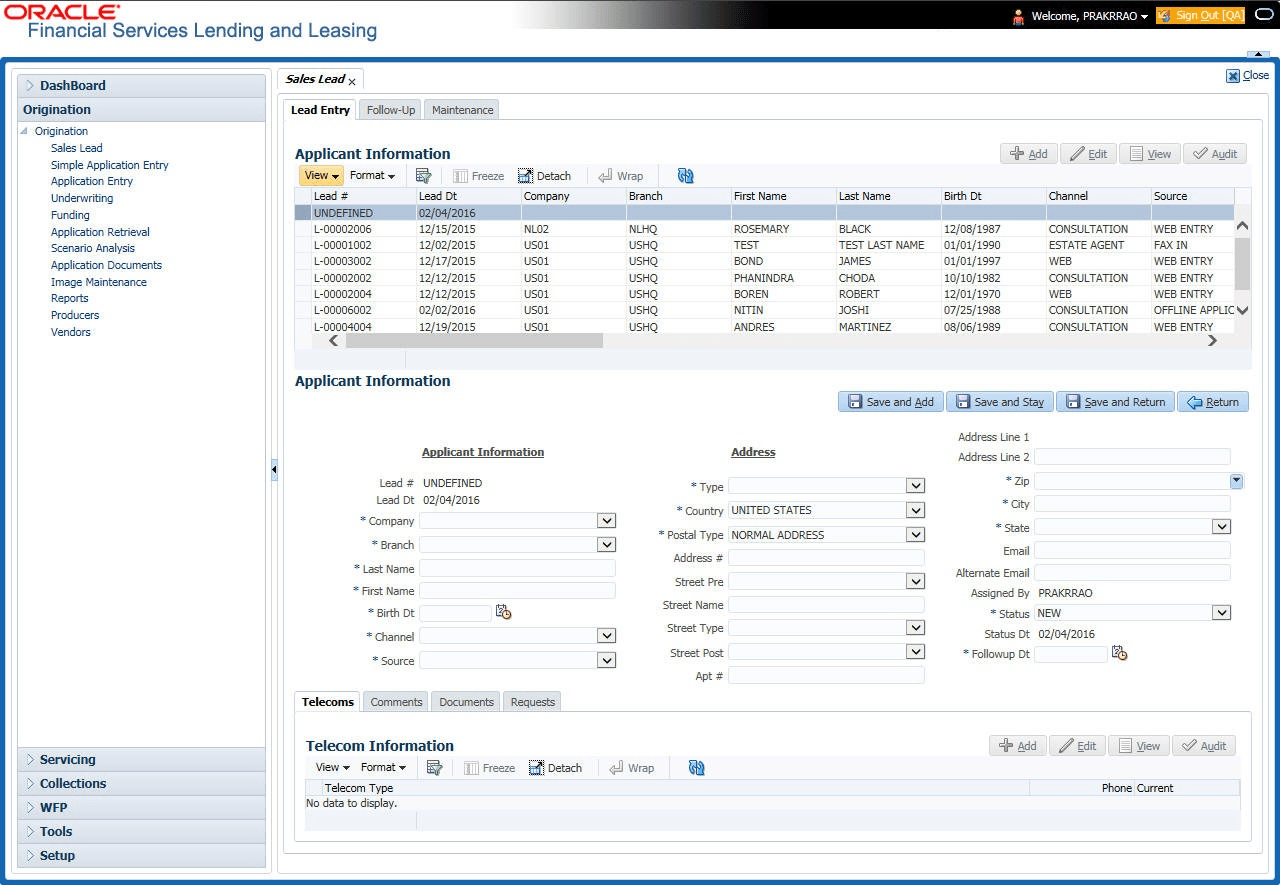
The Telecoms sub tab records phone numbers for the sales lead.
To complete the Telecoms sub tab
- On the Origination, click
Origination. Under Origination,
click Sales Lead. Under Sales
Lead, click
Telecoms.
The Telecoms screen displays.
- User can perform any of the Basic Operations mentioned in Preface chapter.
A brief description of the fields is given below:
Table 4-2 Telecoms
Field Description Telecom Type Select the type of telecommunications device. Phone Specify the phone number. Current Select the Current check box to indicate the phone number is in service. - Perform any of the Basic Actions mentioned in Preface chapter.
Parent topic: Lead Entry