3.20.6.1 Publishing Events
This topic describes the systematic instructions on publishing events.
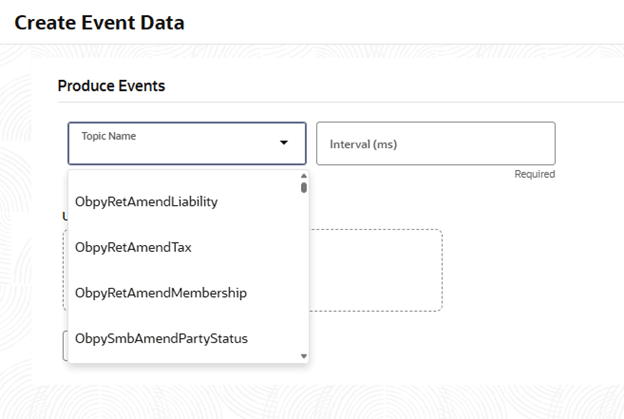
- Select Topic: Select relevant Kafka topic from the Topic Name drop-down list.
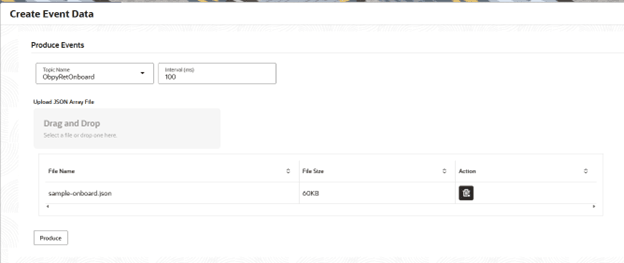
- Upload JSON File: Drag and drop or browse to select the .json file user wish to upload.The system displays the selected file details.
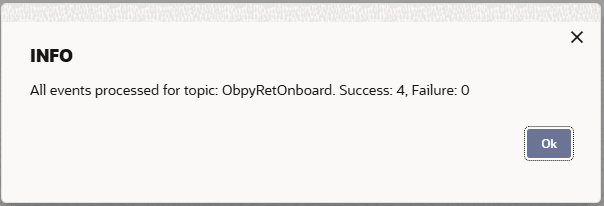
- Click the Produce button to begin publishing events to selected Kafka topic.The message of confirms success and failure counts for the selected topic appears.
For example message: “All events processed for topic: ObpyRetOnboard. Success: 4, Failure: 0” .
Parent topic: Create Event Data