8.1.2 Create Key and Vault in Customer Tenancy
This topic provides the information about the process to create Key and Vault in customer tenancy.
For detailed information on key and vaults, refer the link below:Key & Vaults
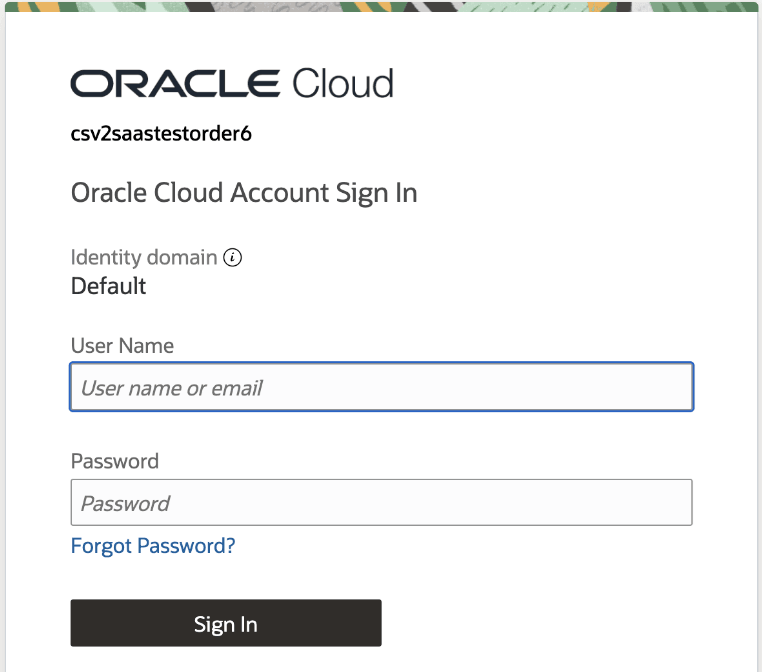
- Login to the OCI cloud account tenancy.
Figure 8-1 Oracle Cloud Login
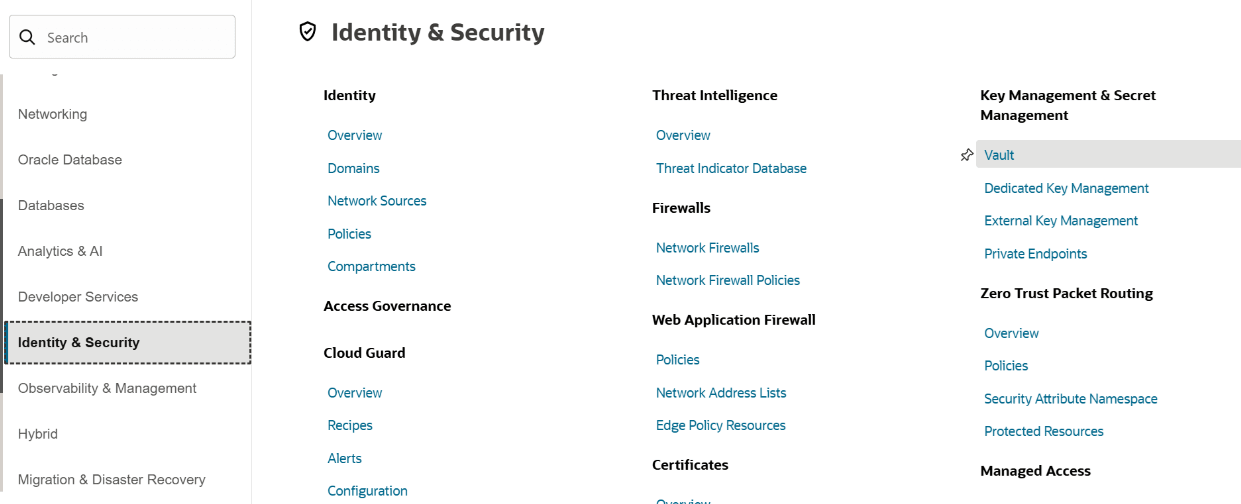
- Navigate to the Menu, select Identity & Security, and then Vault.
Figure 8-2 Identity and Security
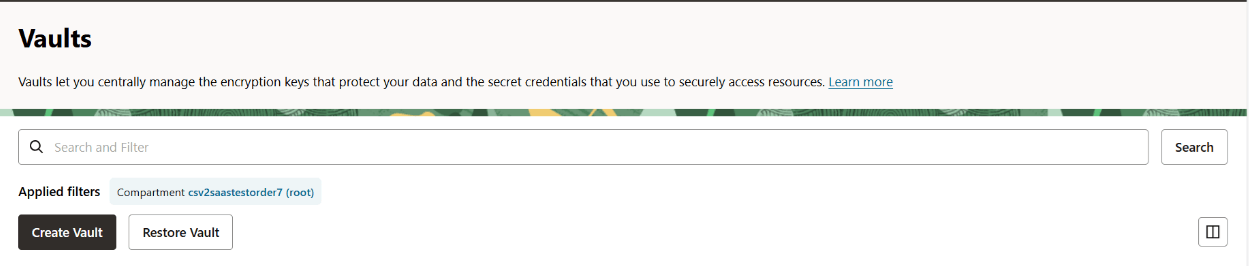
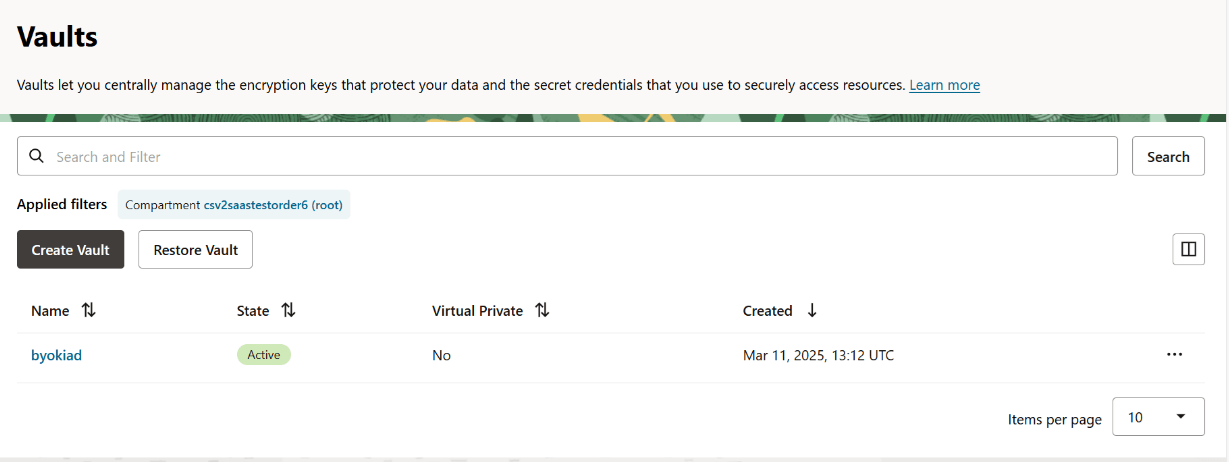
- Click Create Vault.
Figure 8-3 Vaults
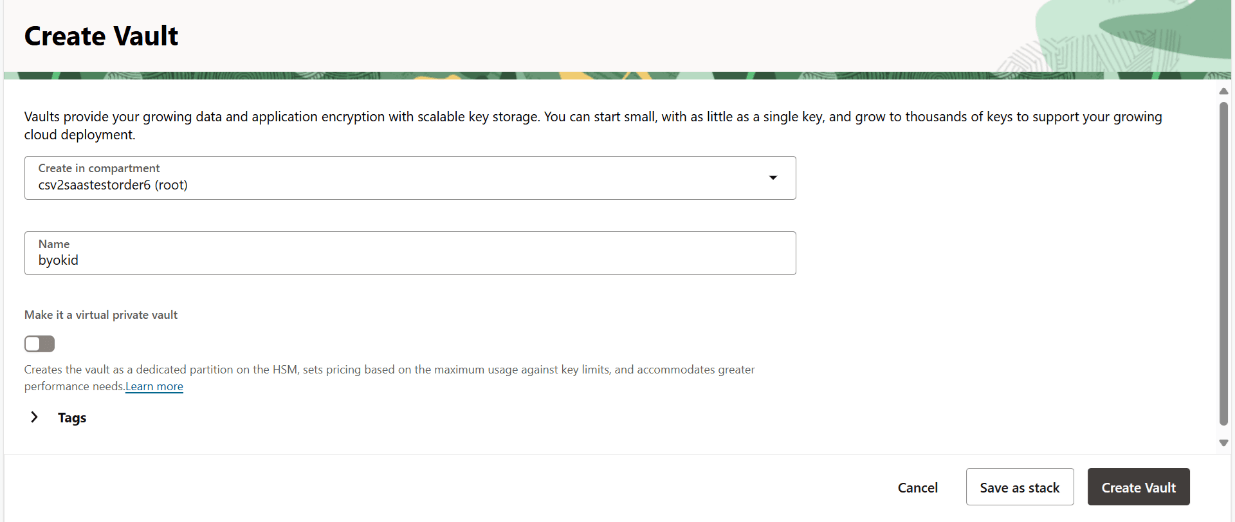
- In the Name field, specify a vault name.
Figure 8-4 Create Vault
- Click Create Vault.The vault is created successfully and is in Active state.
Figure 8-5 Active Vault
- Vault Replication
This topic provides the systematic instructions to create vault replication. - Create a Master Encryption Key
This topic provides the systematic instructions to create a master encryption key in OCI's Key Management service..
Parent topic: Bring Your Own Key