8.1.4.1 During Provisioning of Environment
This topic provides the systematic instructions to customer to perform the following process, during provision of environment.
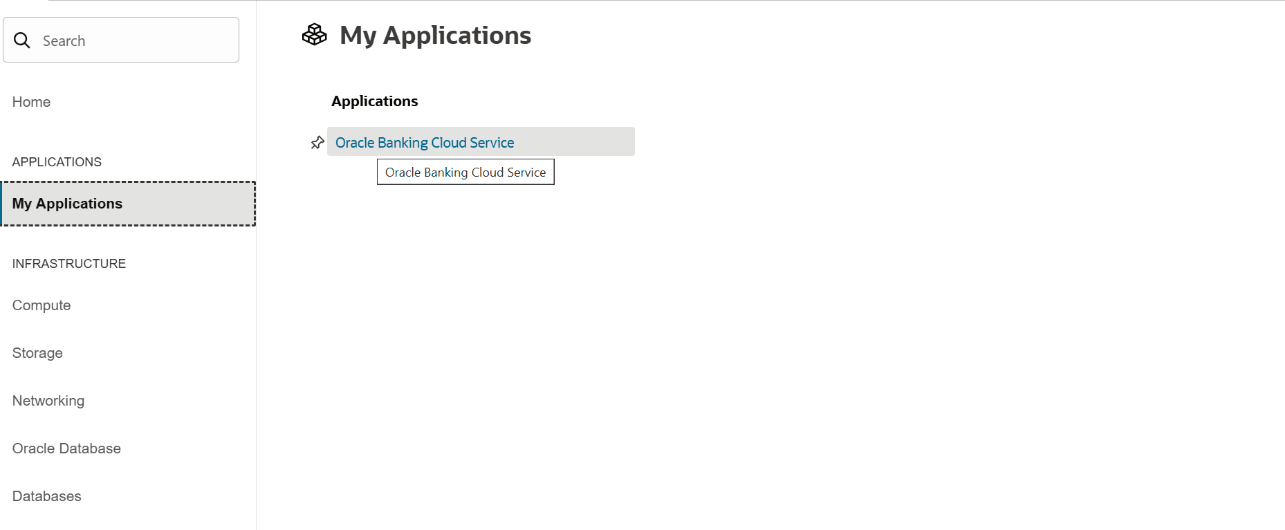
- Navigate to the Menu, select My Applications, and then click the Oracle Banking Cloud Services link.
Figure 8-17 My Application
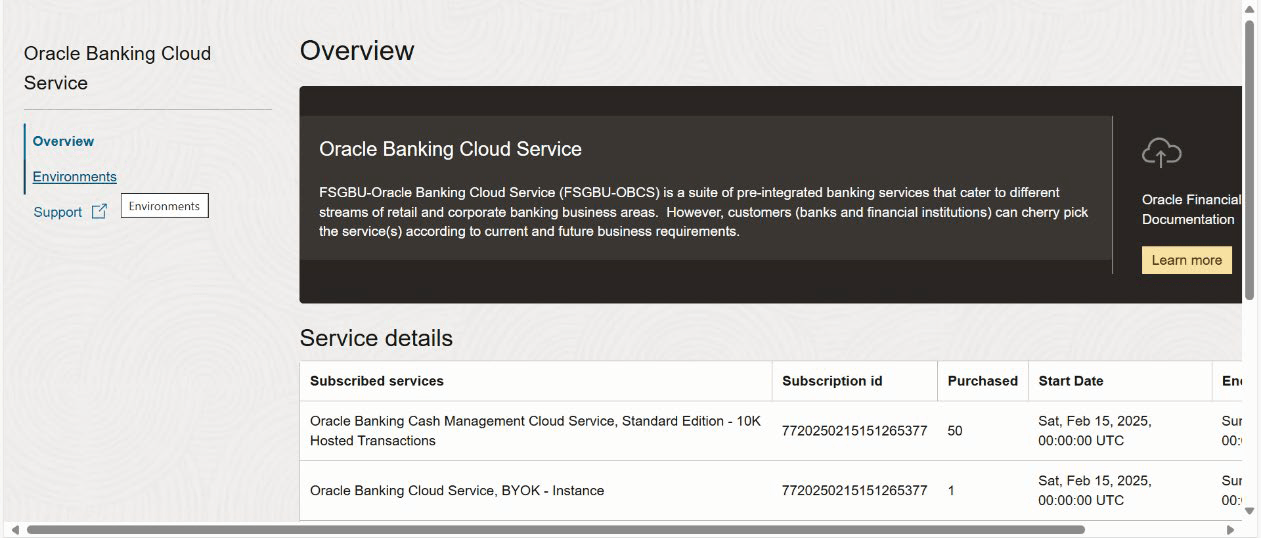
- Click the Environments link.
Figure 8-18 Environments
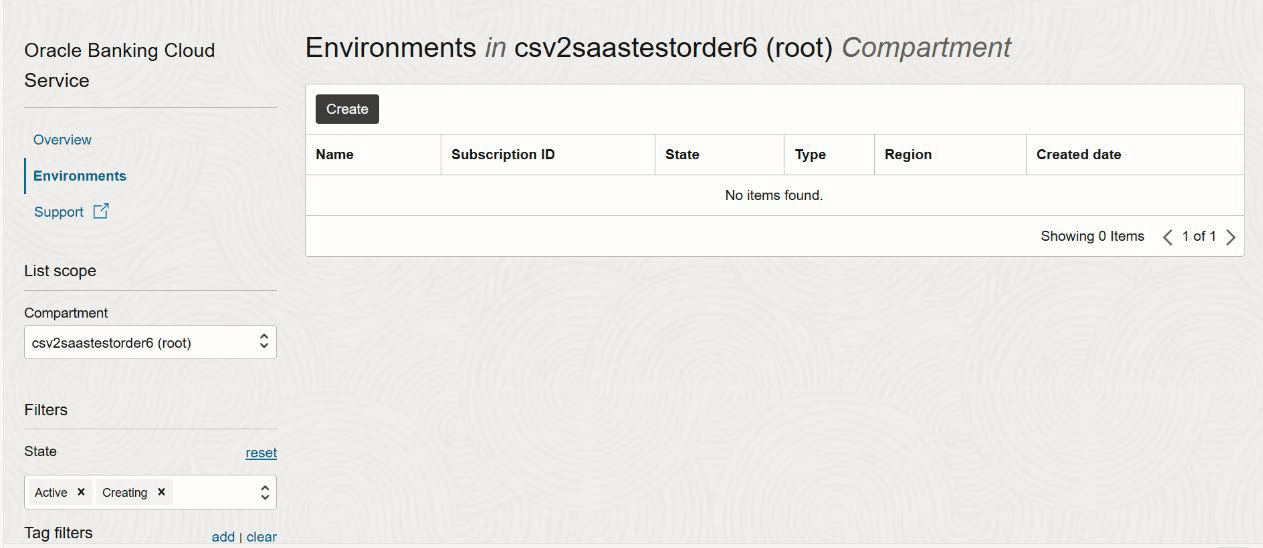
- Select an option from the Compartment field and click Create.
Figure 8-19 Create Environment
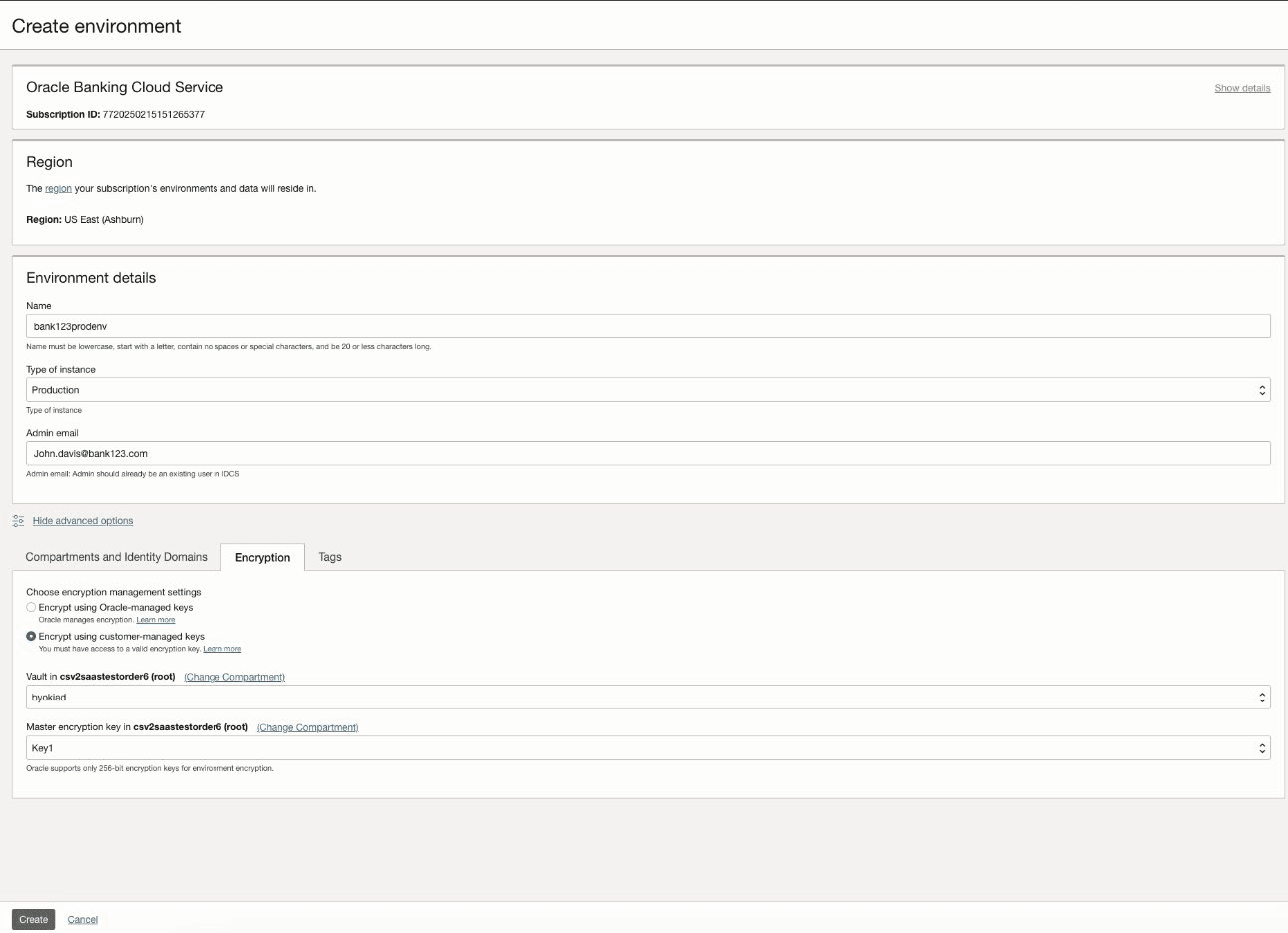
- Click Create.
Figure 8-20 Environment Details
Parent topic: Customer Managed Keys Encryption