Mounting the Battery Enclosure on the Flexible Stand
Mounting the Enclosure on the Flexible Stand
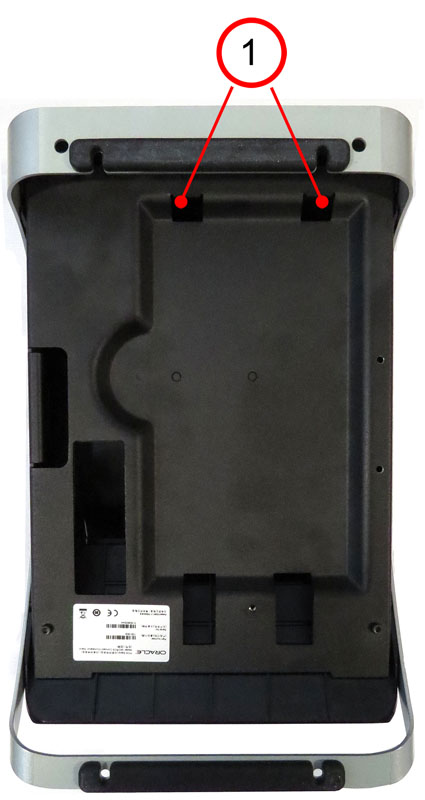
- Place the stand upside down on a flat surface. Note the
location of the two enclosure mounting slots (1).
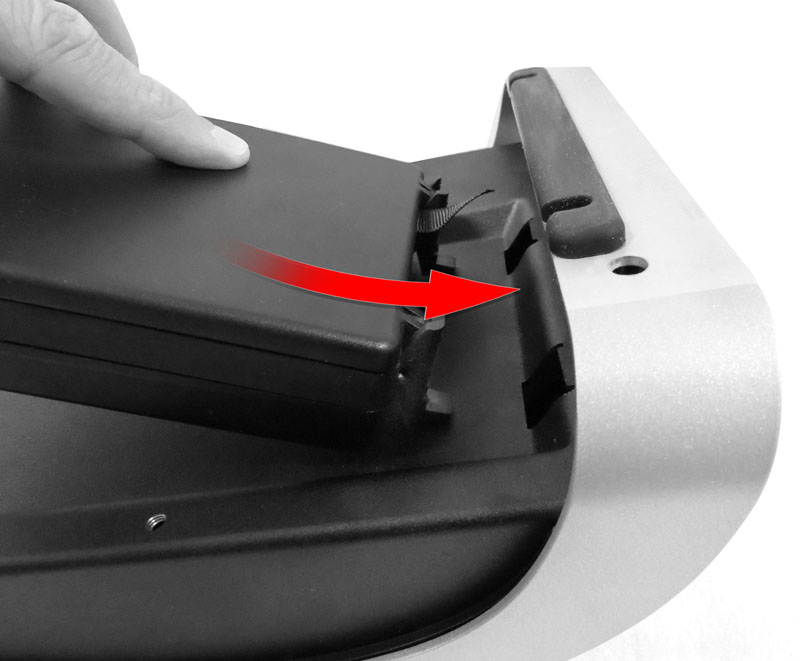
- Place the enclosure into the recessed compartment, and
then slide up to join the enclosure mounting tabs with the stand.
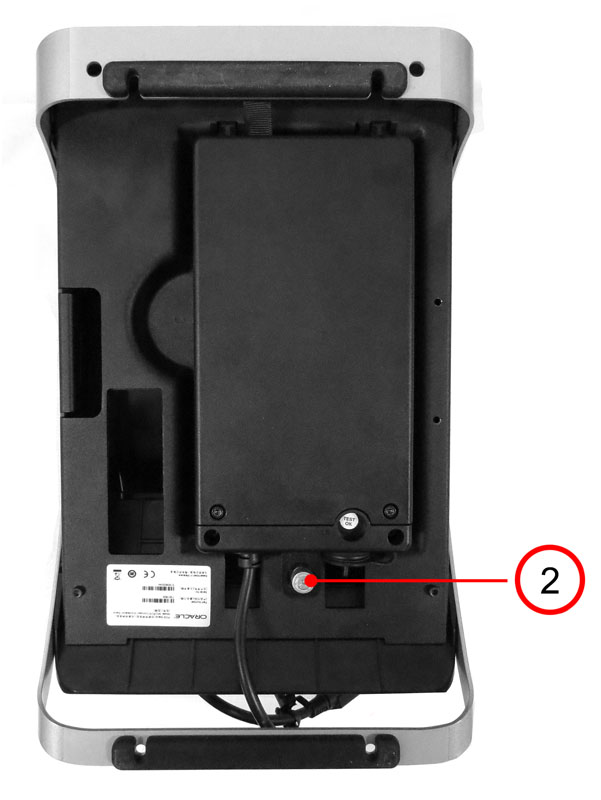
- Tighten the stand thumbscrew (2) to secure the enclosure
to the stand.