5 Contained Units
The Contained Units module allows simple creation of stacked units, such as bottles in cases on pallets.
Contained Units is an extension to the native NetSuite Units of Measure module.
How to Set Up Units of Measure Conversion Rates in NetSuite
In NetSuite, every Unit of Measure you create must have a conversion rate to the base unit/unit type.
NetSuite does not calculate package-based quantities from the unit name/description, so you must calculate the conversion rate in advance and enter it as a single numeric value. See the NetSuite Applications Suite Guide for more information on Setting Up Units of Measure.
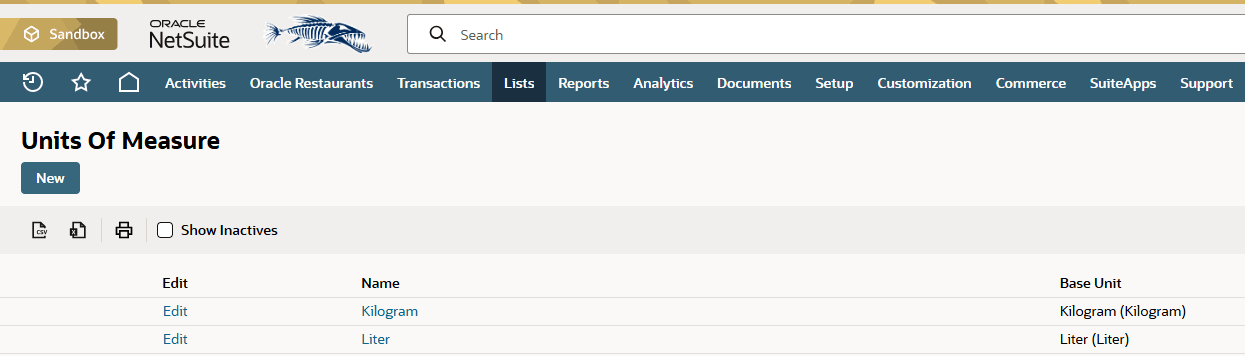
Figure 5-1 Units of Measure
- If the base unit is Liter, the conversion rate must be liters per unit.
- If the base unit is Kilogram, the conversion rate must be kilograms per unit.
- Bottle size example:
Conversion Rate = bottle volume (in liters) - Case/pallet example:
Conversion Rate = cases x units per case x volume per unit (in liters)
Example: Pallet 20 Cases 6 × 0.75 liter
Base Unit (Unit Type): Liter
Calculation: 20 x 6 x 0.75 = 90
- Unit Name: Pallet 20 Cases 6 x 0.75 liter
- Conversion Rate: 90.000 (liters)
Table 5-1 Additional Examples
| Base Unit (Unit Type) | Unit Name | Conversion Rate |
|---|---|---|
| Liter | Centiliter | 0.010 |
| Liter | Milliliter | 0.001 |
| Liter | Bottle 0.35 Liter | 0.350 |
| Liter | Pallet 20 Cases 6 x .075 Liter | 90,000 |
| Kilogram | Gram | 0.001 |
| Kilogram | Box 20 Kilograms | 20,000 |