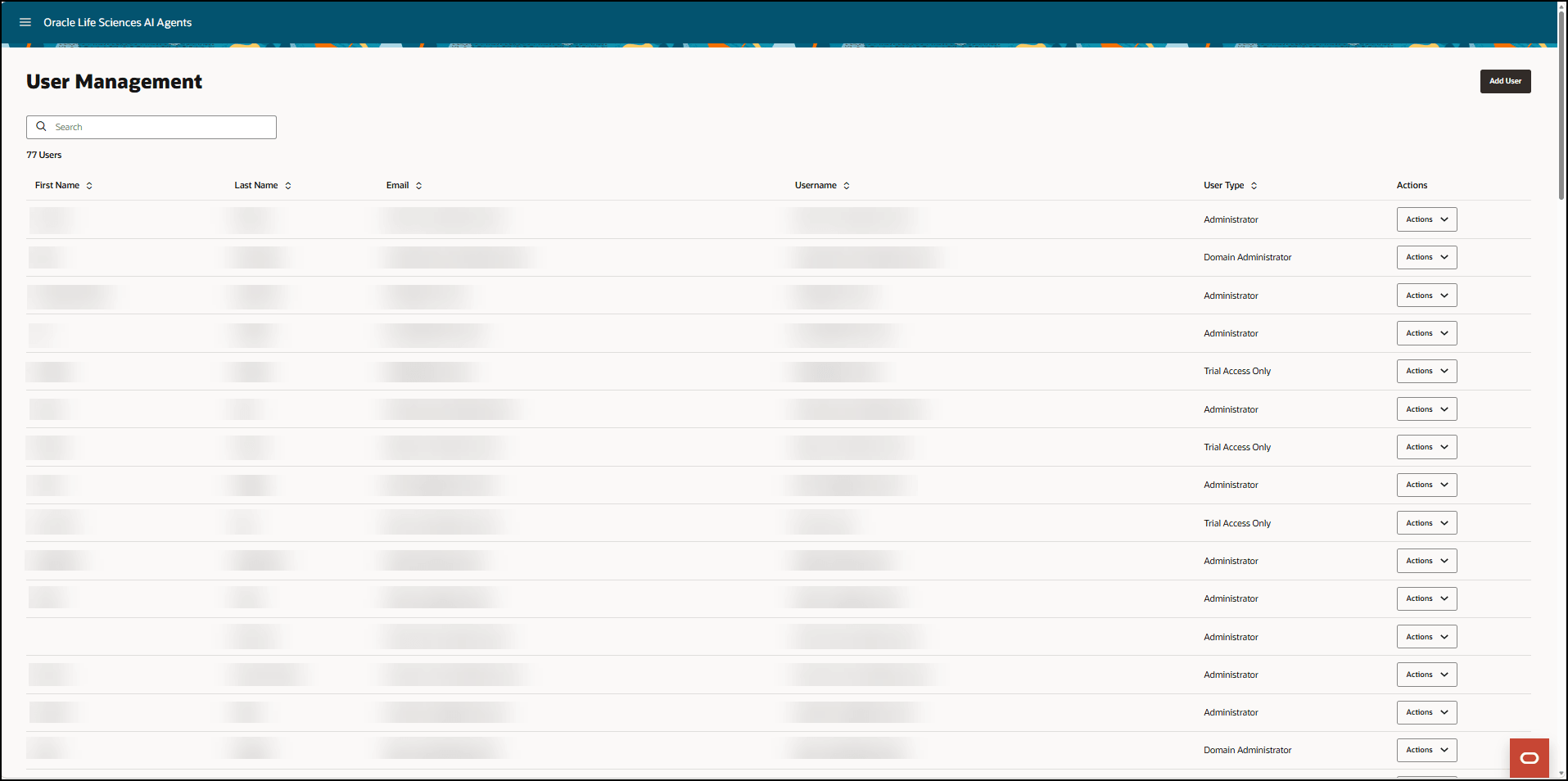
User Management interface
The User Management interface allows you to manage user accounts, permissions, and trial access. This interface is only available to you if you are a Life Sciences AI Agents administrator.
There are two ways to open the User Management interface.
- If you are an administrator without access to trial data, the User Management interface opens after you sign in to Life Sciences AI Agents.
- If you are an administrator with trial access, select the Oracle icon
 at the bottom of any page in the Trials interface and then select the User Management option from the Roles drop-down menu.
Depending on your permissions, you can switch between the Trials interface and User Management interface as often as you like.
Parent topic: Life Sciences AI Agents interface