View all alerts from the Portfolio Health overview
If there are six or more portfolio alerts, you can open the Alerts list directly from the Portfolio Health overview so that you can view all the alerts for the trials you can access.
To view all the alerts for the trials you can access from the Portfolio Health overview:
- At the bottom left of the Alerts section, select View All.
Note:
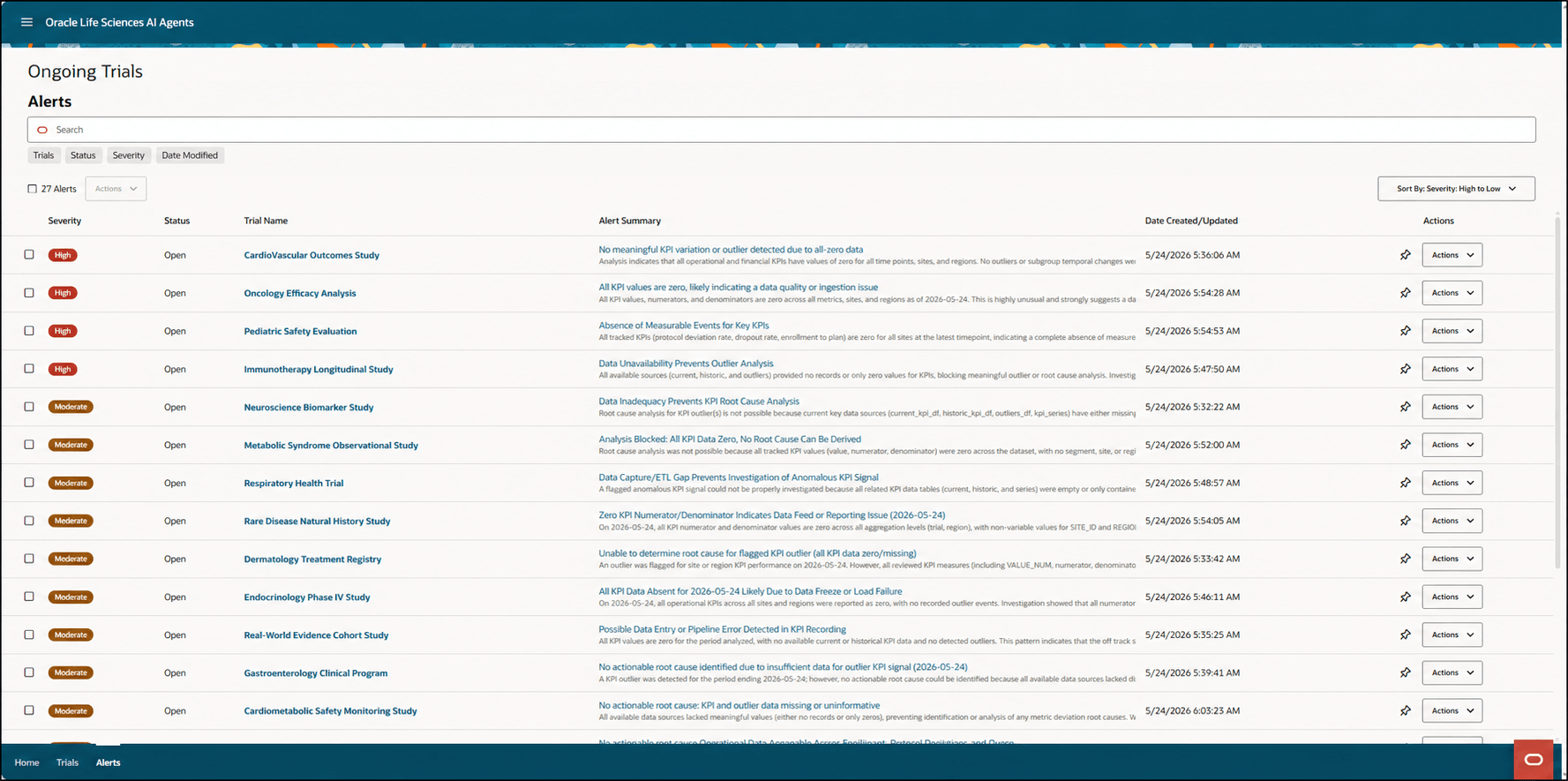
The View All link appears only if there are six or more portfolio alerts.The Alerts list opens. For example:
Parent topic: View the portfolio alerts