Navigation
Home with Ask Oracle
After you sign in to Oracle Payment Cloud Service, the Home with Ask Oracle page appears. It helps you open the areas of the application that you are allowed to use, such as Business Management, Reports, Locations, and User Management.
What you see depends on your permissions (See Users and Access in Oracle Payment Cloud Service ) and on whether your organization has started onboarding its first business.
Product Map
The Product Map is the tile view normally shown when you first sign in. If this is the first time anyone is setting up a business in your organization, the Product Map shows only the first tasks you need: Onboard a new Business, Locations, and User Management, even if you have full access.
After the first business is started, other options appear based on your permissions. To continue setting up an existing business or create another business, go to Business Management.
The following image shows an example Product Map.
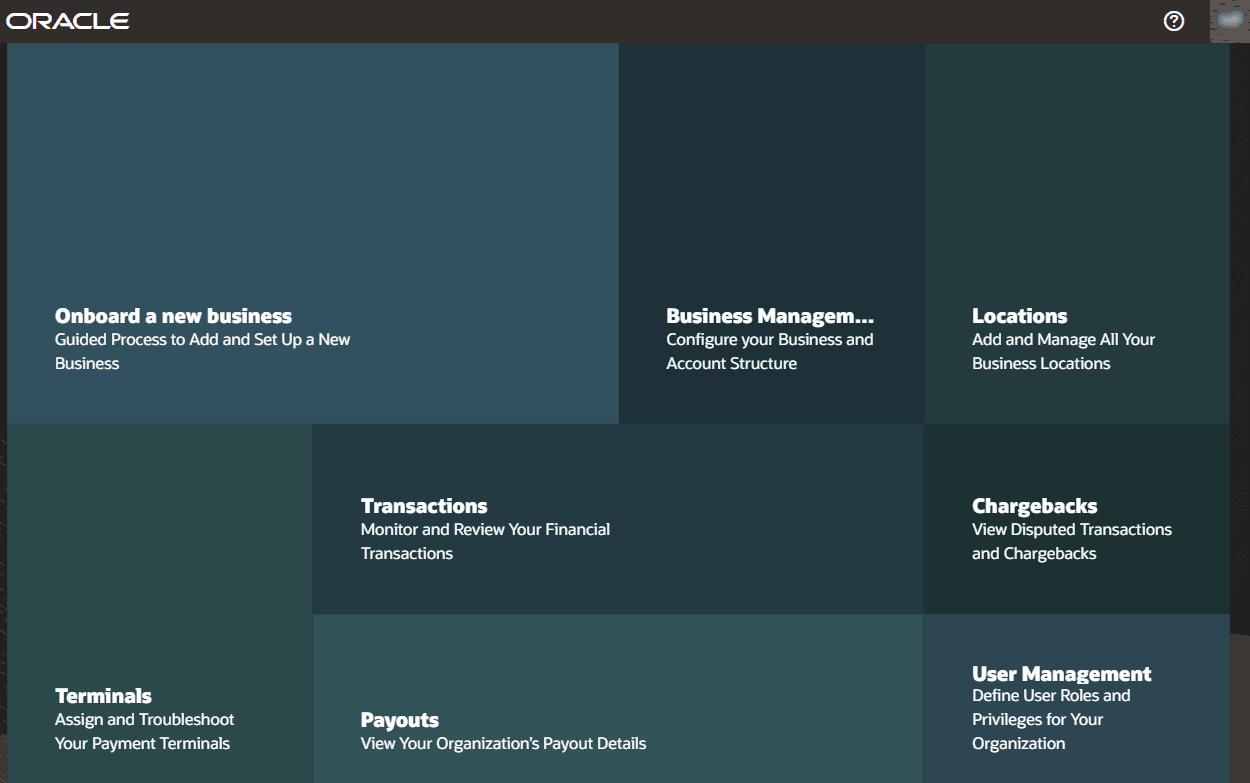
Description of the illustration onboard.png
Suggestion List
The Suggestion List is another way to view the same areas. It currently mirrors the Product Map content, so the options listed are still driven by your permissions.
If you need to navigate back to Home with Ask Oracle, click the home icon
 in the bottom right
corner of the screen. From here, you can use the toggle switch
in the bottom right
corner of the screen. From here, you can use the toggle switch  to move
between the Product Map and the Suggestion List.
to move
between the Product Map and the Suggestion List.
The following image shows an example Suggestion List.
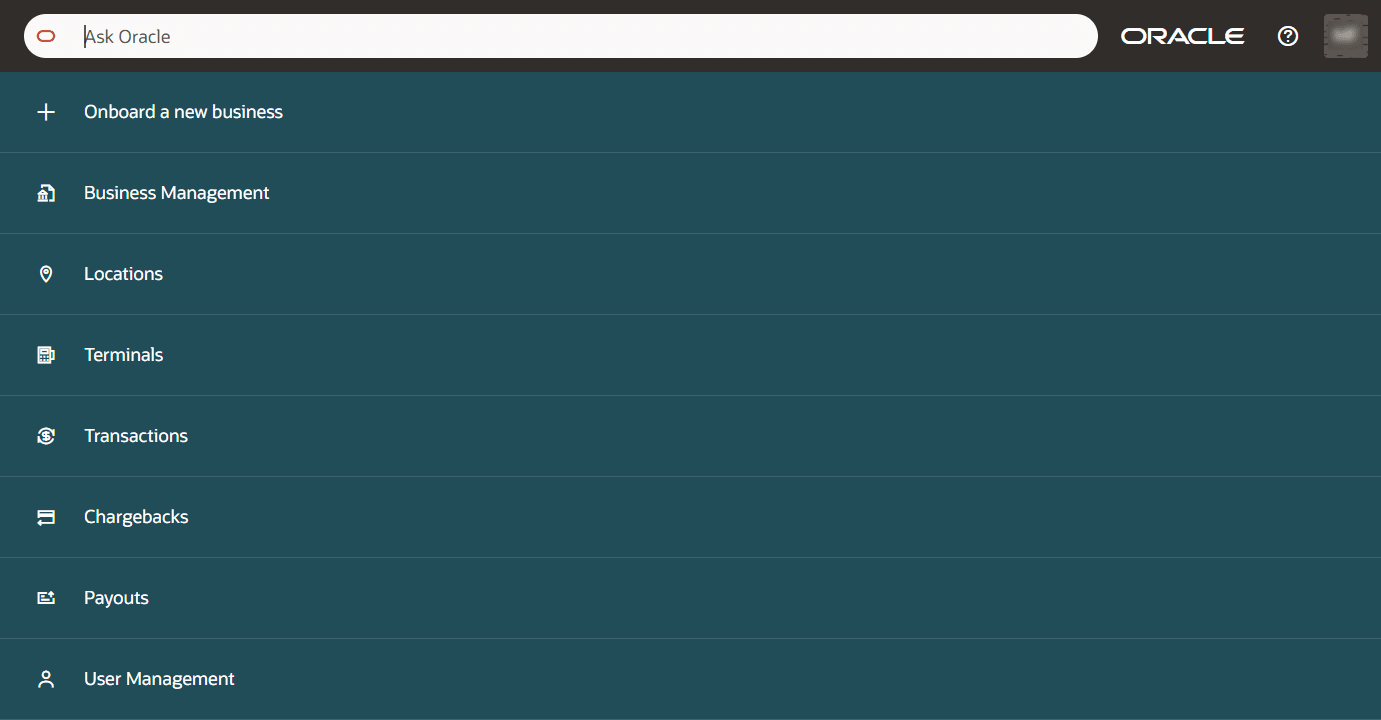
Description of the illustration ask_oracle.png
Notifications
On some sign-ins, Home with Ask Oracle opens with a notification panel. Notifications tell you when something needs your attention. When the notification panel is shown, you see the Suggestion List with the notification panel on the right. The Product Map is not shown in this view.
For example, you might see a Data Review notification when a business needs its verification information reviewed. Select the notification action, such as Update Verification, to open the page where you can review the information and make any needed updates. For more information, see Data Reviews.
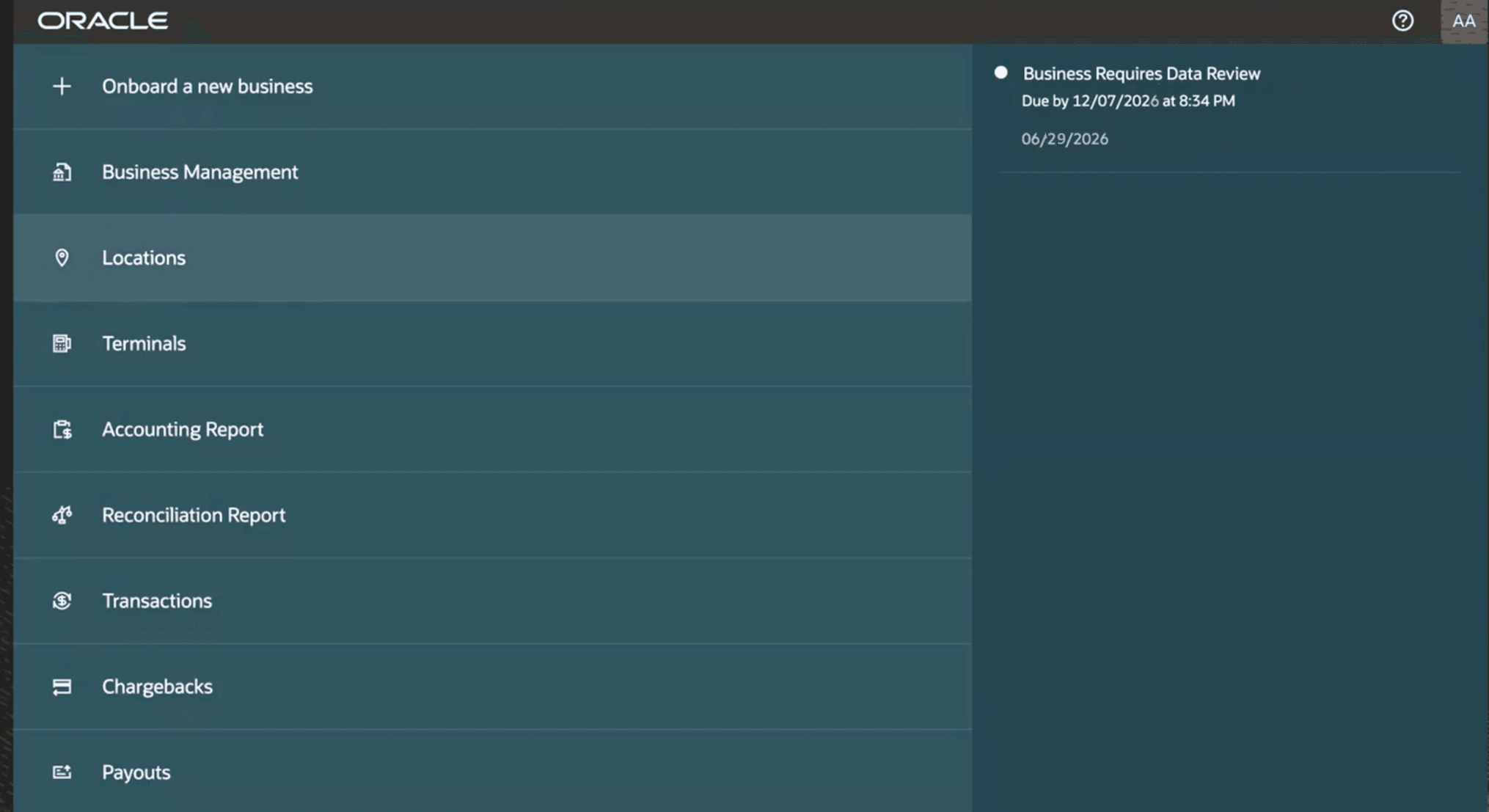
Description of the illustration notifications.png
User Profile and Help
Open your user profile to change how dates and times appear in Oracle Payment Cloud Service. You can also sign out of Oracle Payment Cloud Service from your profile.
Select the ? icon when you need help. It opens these help pages from within the application.
Parent topic: Getting Started