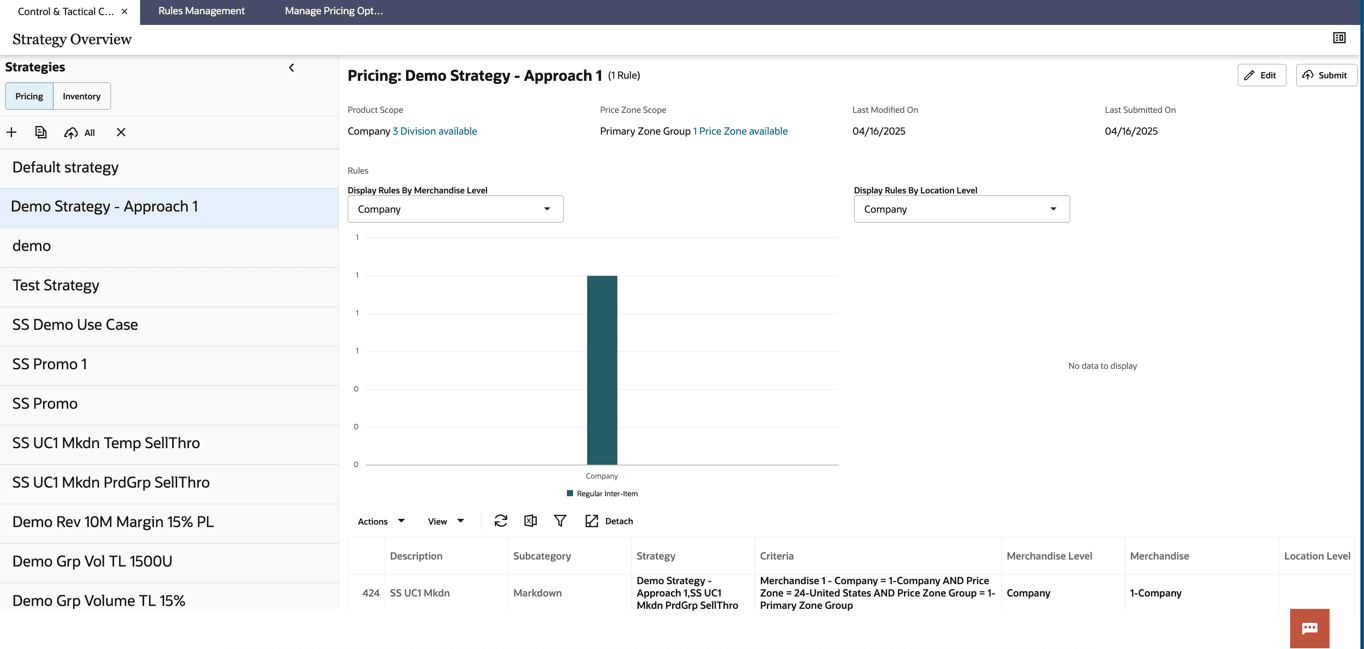
Approach 1: Creating a New Strategy and Attaching Rules
This approach allows the user to create a new strategy and attach existing rules to it on the fly.
Example Use Case: End-of-season markdown for Women's Activewear in the United States Zone with: Maximum first markdown of 40% and Subsequent markdown of 25%.
Follow these steps for Approach 1:
- Create a rule for the use case from the Rules Management screen. Refer to the section “Rules Management - Creating a New Rule - Approach 1: Quick Create.”
- In the Strategy Overview page, click the New icon ( + ) to create a new strategy.
- In the Scope page, select the required criteria (Name, Price Zone, and Products) and click Next.
- Select the Markdown Rule Category, and the rule created in Step 2 and click Add Rules. The rule is now added to the new strategy.
- After adding all the required rules, click Next. Review all the added rules and submit the strategy.
Figure 11-28 New Strategy - Adding a Scope
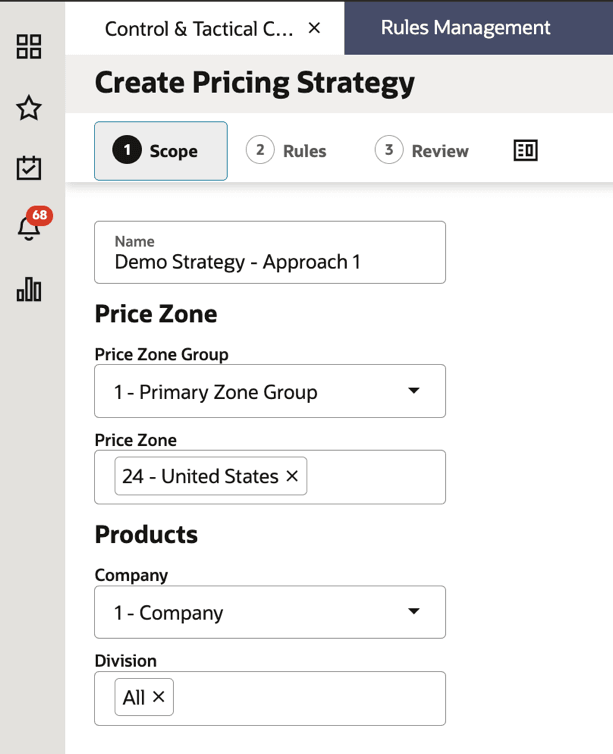
Figure 11-29 New Strategy - Adding an Existing Rule to Strategy
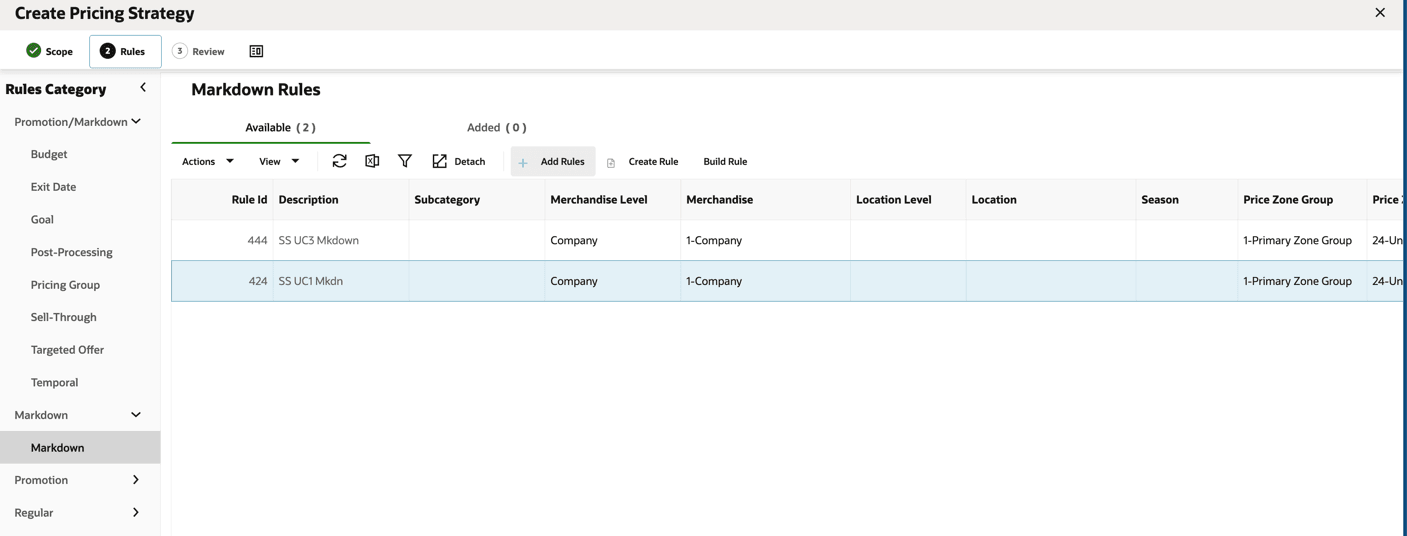
Figure 11-30 New Strategy - Review the Strategy and Rules
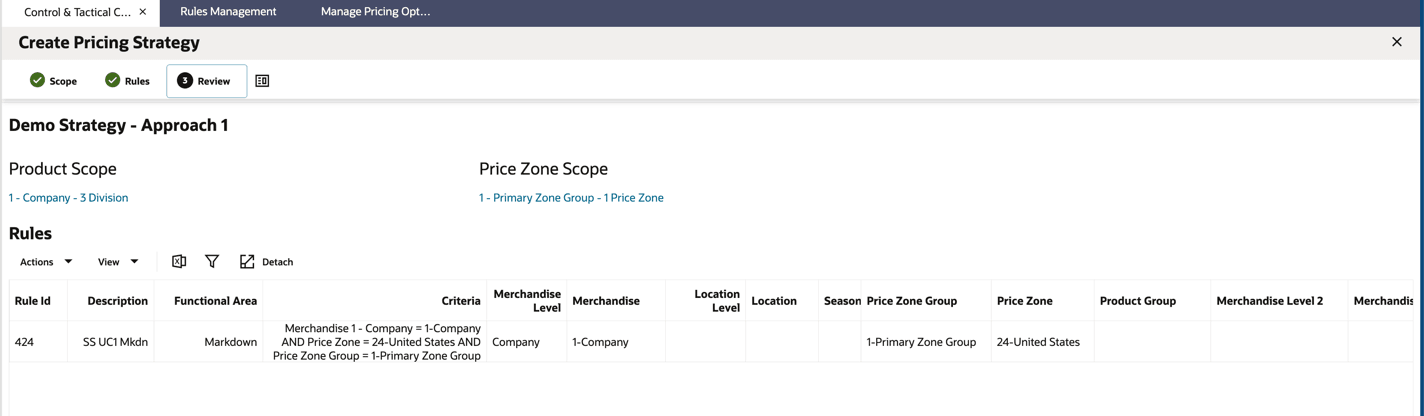
Figure 11-31 New Strategy is Submitted