6 Favorites
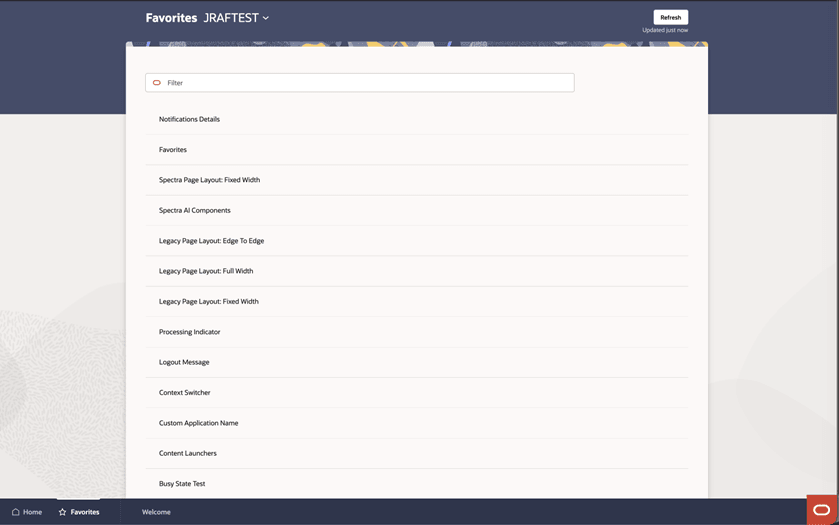
The Favorites screen displays the items (tasks, reports, and so on) that have been marked as a favorite by the user within the target application. The user can click a favorite item to launch it on the target application within a separate browser window.
You can access the Favorites Menu at any time using:
- Legacy UI: the Favorites Menu.
- HWAO: the Favorites tab in the bottom navigation bar or Ask Oracle menu.
Figure 6-1 Favorites - Legacy UI
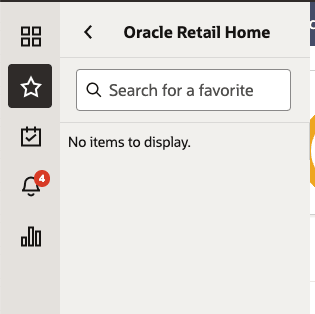
Figure 6-2 Favorites - HWAO