Ask Oracle Search
At the top of the Home Experience page is an Ask Oracle Search bar. You can use this to find a desired task or action you wish to perform by keying in the part of the name of the task.
Figure 1-6 Home Experience – Ask Oracle Search Bar

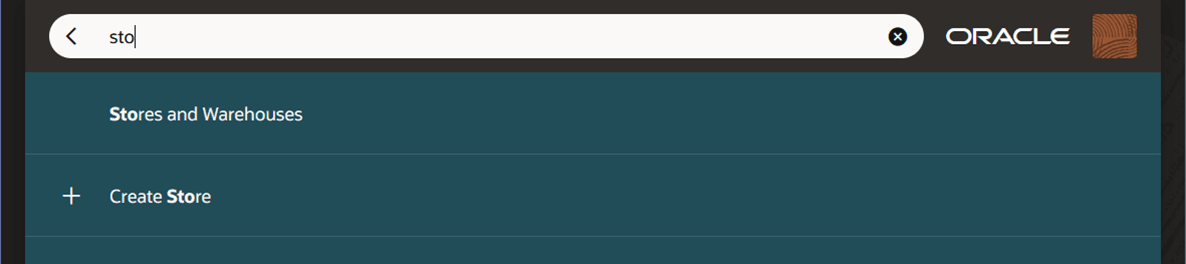
As you key in a value, matching tasks will display on the screen. For example, if you were to key in sto, any task name that contains the characters ‘sto’, such as Stores and Warehouses and Create Store, displays with the matching characters displayed in bold font.
Figure 1-7 Home Experience – Ask Oracle Search Results
When you see your desired task, click it to open the associated task flow. Or, if you did not find what you were looking for, you can clear the search bar and try typing another value.