User Menu
The User menu within the Home Experience provides access to several functions:
- Preferences
- Default Home View
- Help
- About
- Sign Out
The User Menu is accessed by clicking the avatar image in the upper right corner of the Home Experience page.
Figure 1-8 Home Experience – User Menu
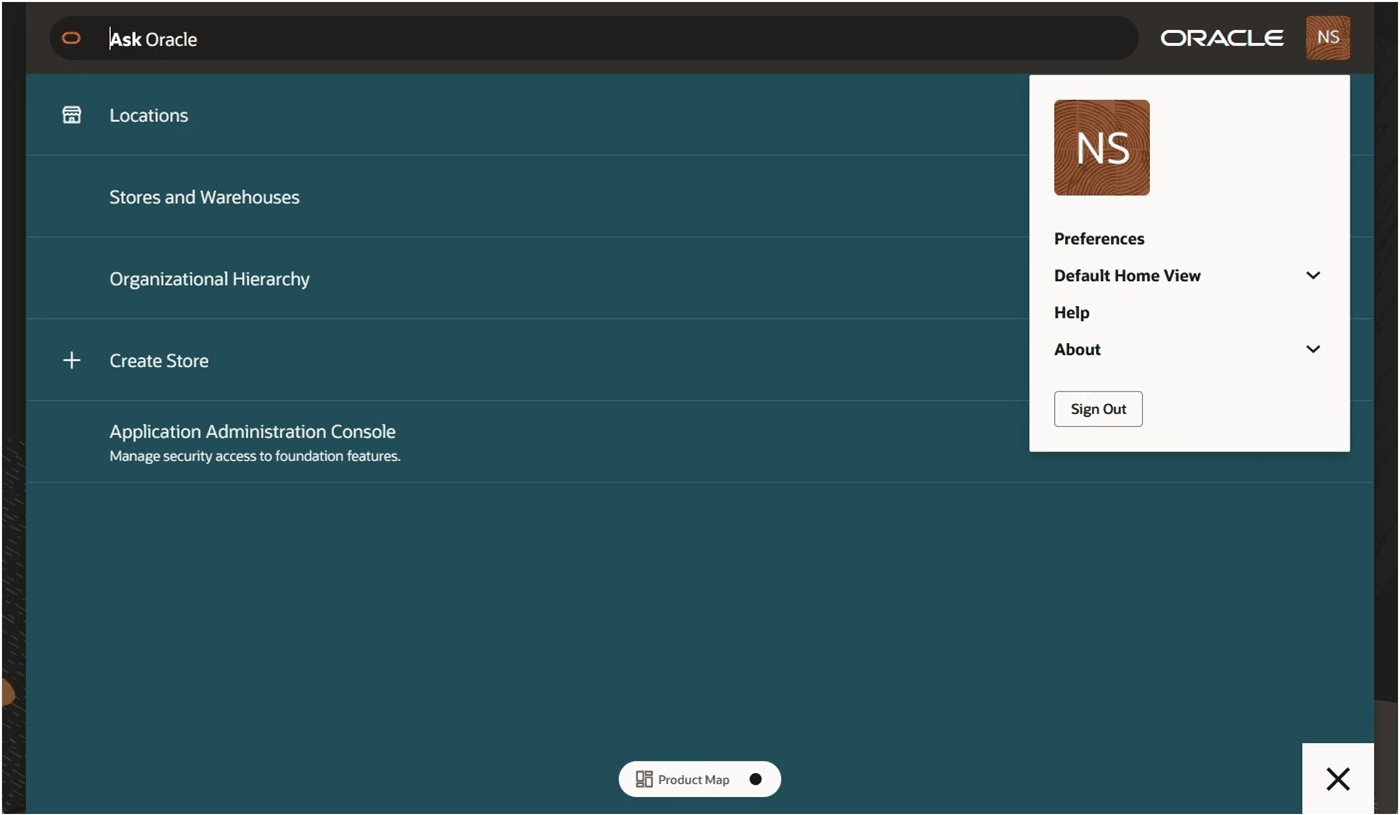
In the User Menu are two collapsed options: Default Home View and About. Each can be expanded by clicking the down arrow next to the option.
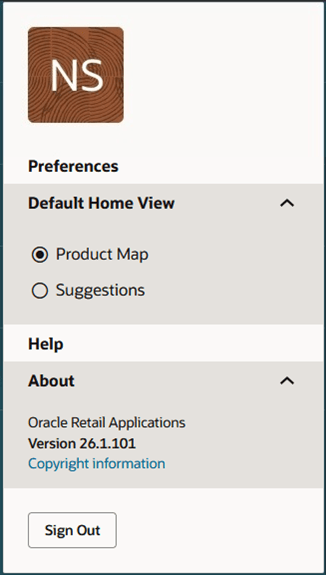
The following options are available in the User Menu: